Engineering via SICAM WEB
SICAM RTUs, User Manual SICAM CMIC 133
DC8-001-2.09, Edition 08.2016
5.1.1 Start and Terminate Session
5.1.1.1 Logon
Prerequisite: the device is in operation and reachable via its IP address.
This is how to establish a connection to the Web server of the device:
• Open your browser
• In the URL field of your browser, enter the IP address of the device
• Confirm with the Enter key
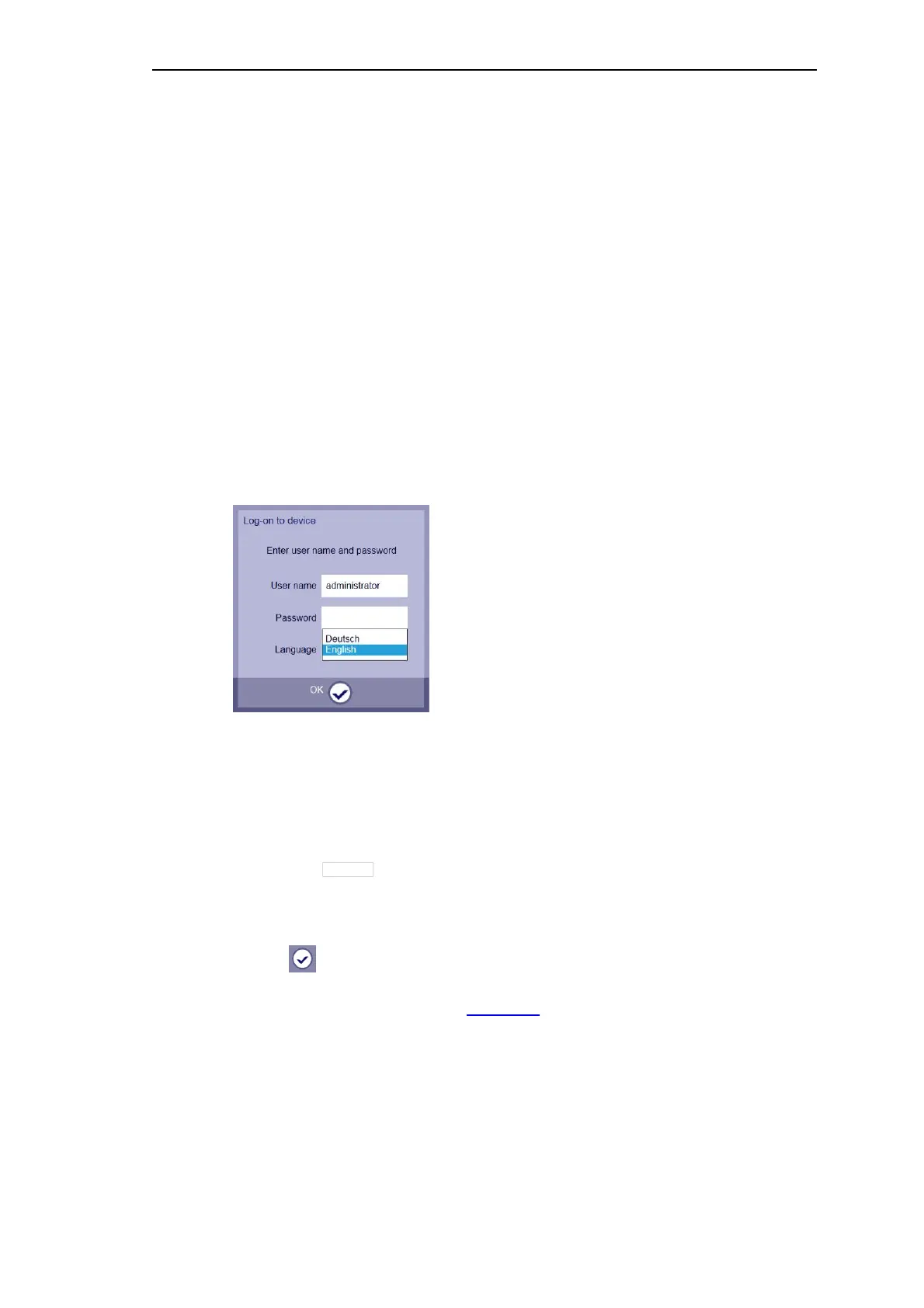
After connection establishment the Logon dialog appears.
The language of the Logon dialog corresponds to the language settings of your brows-
er/operating system.
For the entrance into a target device, the following entries are required:
• Input field User name (entry user name)
─ administrator
─ guest
• Input field Password (entry of a password)
─ preset:
• Dropdown list Language (selection of the language)
─ English
─ Deutsch
• Click
If a connection via GPRS is used, the Dashboard will appear at the latest after 20 seconds.
The session with the web server of the target device has started.
As user name administrator you can begin now with the parameter-setting.



 To Next Page
 Loading...









