Preparing the Engineering
SICAM RTUs, User Manual SICAM CMIC 79
DC8-001-2.09, Edition 08.2016
3.7.2 SICAM WEB
Before SICAM CMIC can be parameterized via SICAM WEB, the following steps must be per-
formed:
• Insert a suitable SD card with the current firmware codes into the target device (if not pre-
sent)
• Switch on the target device
• Set up physical connection with the target device
• Establish communication with the target device
─ Set up IP configuration on the engineering PC
─ Set up dial-up connection on the engineering PC (if necessary)
─ Install security certificate on the engineering PC (if necessary)
─ Connect with the target device via web browser
3.7.2.1 Physical Connection with the Target Device
The following connection options are available:
• Point-to-point connection via serial interface
• Point-to-point connection via Ethernet interface
• LAN/WAN connection via Ethernet interface
The access to the web server takes place via the IP address of the respective target device.
3.7.2.1.1 Point-to-Point Connection via Serial Interface
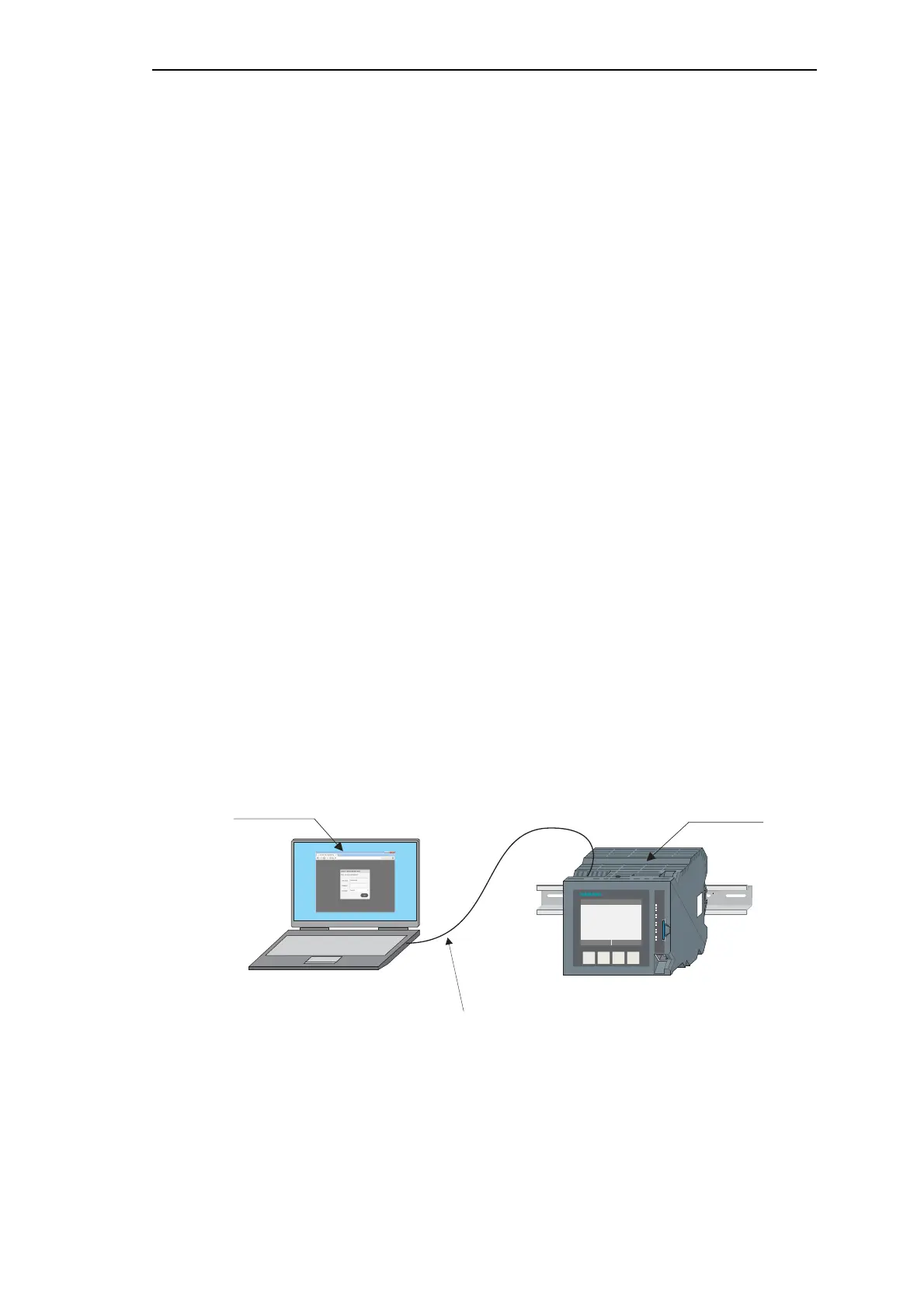
PC and target device are connected with a direct cable via the serial interface (DSUB9 con-
nector, male).
SI C A M C MI C
F4F3F2F1
SI C A M C MI C
POK
RY
ER
ETH
LK1
PK1
RS-232
OH2
RTX2
RS-485
OH3
RTX3
ETH
LK4
PK4
SD
X4
Direct cable connection
2xDB9F (TF5-204--)



 To Next Page
 Loading...









