Set Up Dial-Up Connection via PPP
340 SICAM RTUs, User Manual SICAM CMIC
DC8-001-2.09, Edition 08.2016
D.2.2 Network Configuration
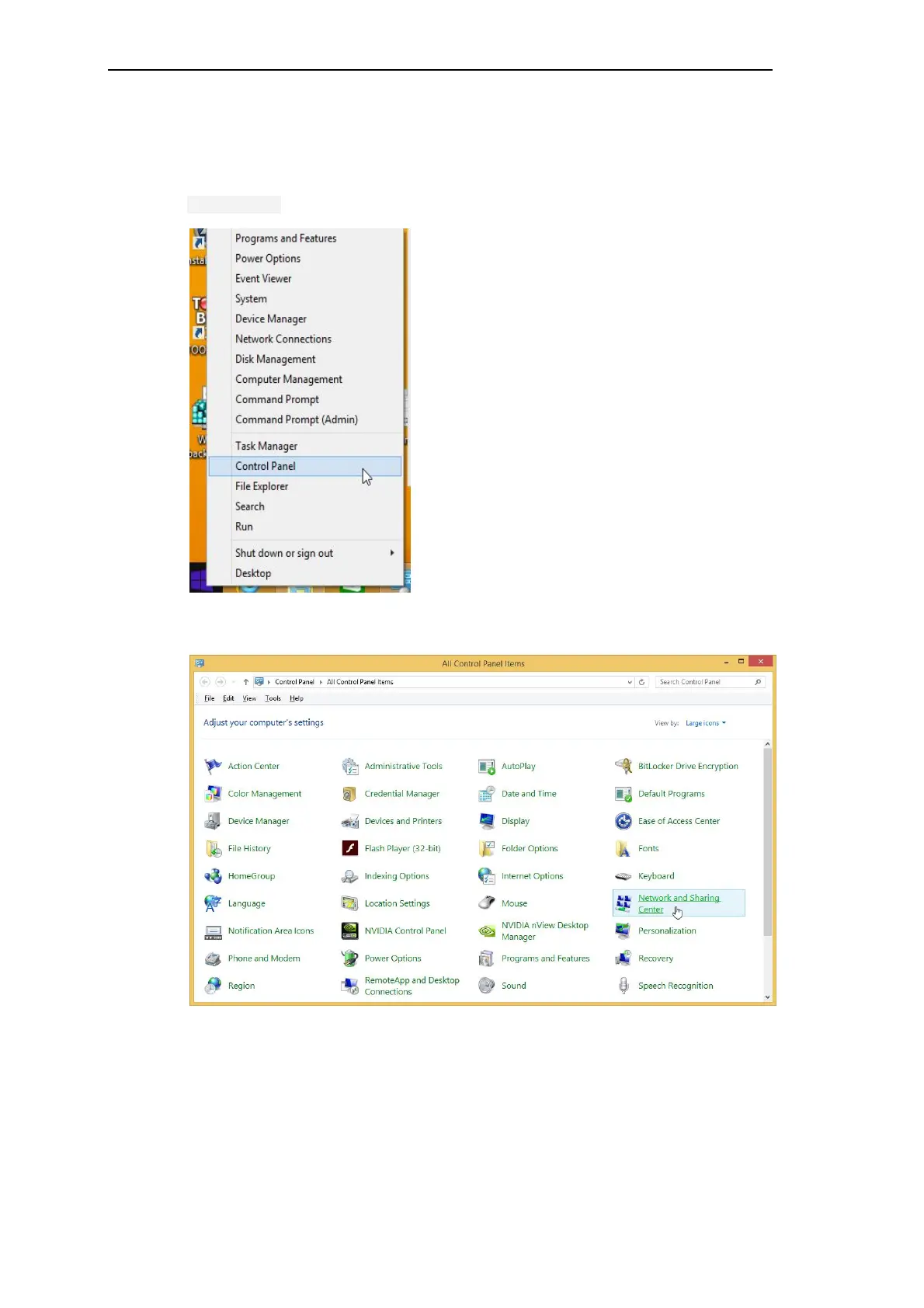
To establish a new data-communication connection, open via the start menu the menu item
Control Panel.
Double-click on the symbol Network and Sharing Center.



 To Next Page
 Loading...









