Engineering via SICAM WEB
SICAM RTUs, User Manual SICAM CMIC 265
DC8-001-2.09, Edition 08.2016
5.3.3.1 Loading Engineering Data Offline
For the duplication of an already existing parameterization, you can write the data also without
target device (offline) on a SD card with the program WEBcmic.
Thereto a backup file created with the function Save device settings via SICAM WEB must
exist (file type .cmc). Further you need a read/write device for SD cards connected on the en-
gineering PC, a corresponding driver installed on the PC (if needed), as well as a suitable SD
card.
• Insert the SD card into the read/write device
• Start the program WEBcmic per double click
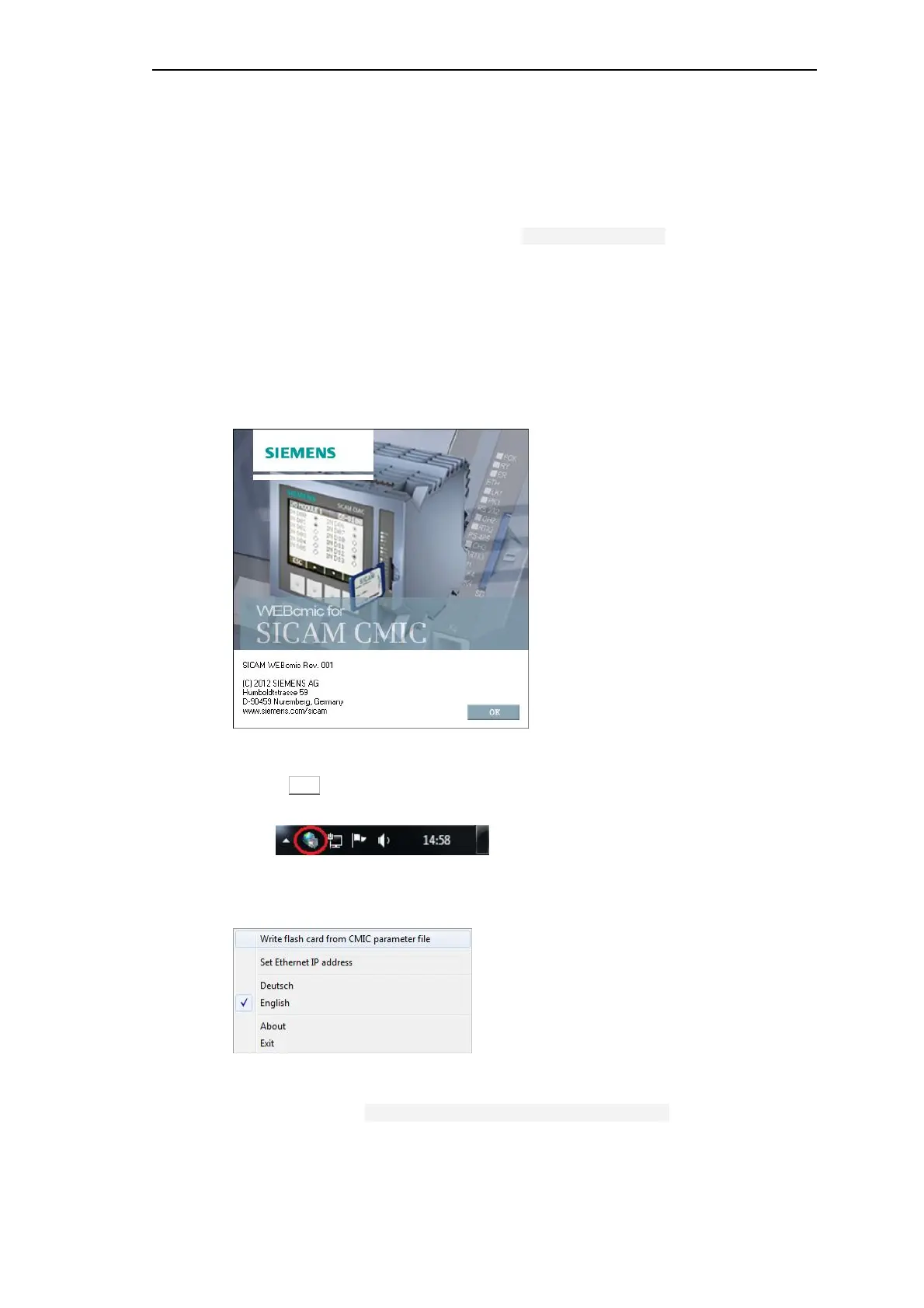
The WEBcmic splash screen is opened, and the WEBcmic symbol appears in the notification
area of the taskbar:
• Click OK to close the splash screen
• Click then with the right mouse button on the WEBcmic symbol
The context menu of WEBcmic is opened:
• Change the language if needed and open the context menu again
• After that click on Write flash card from CMIC parameter file



 To Next Page
 Loading...









