Engineering via SICAM WEB
188 SICAM RTUs, User Manual SICAM CMIC
DC8-001-2.09, Edition 08.2016
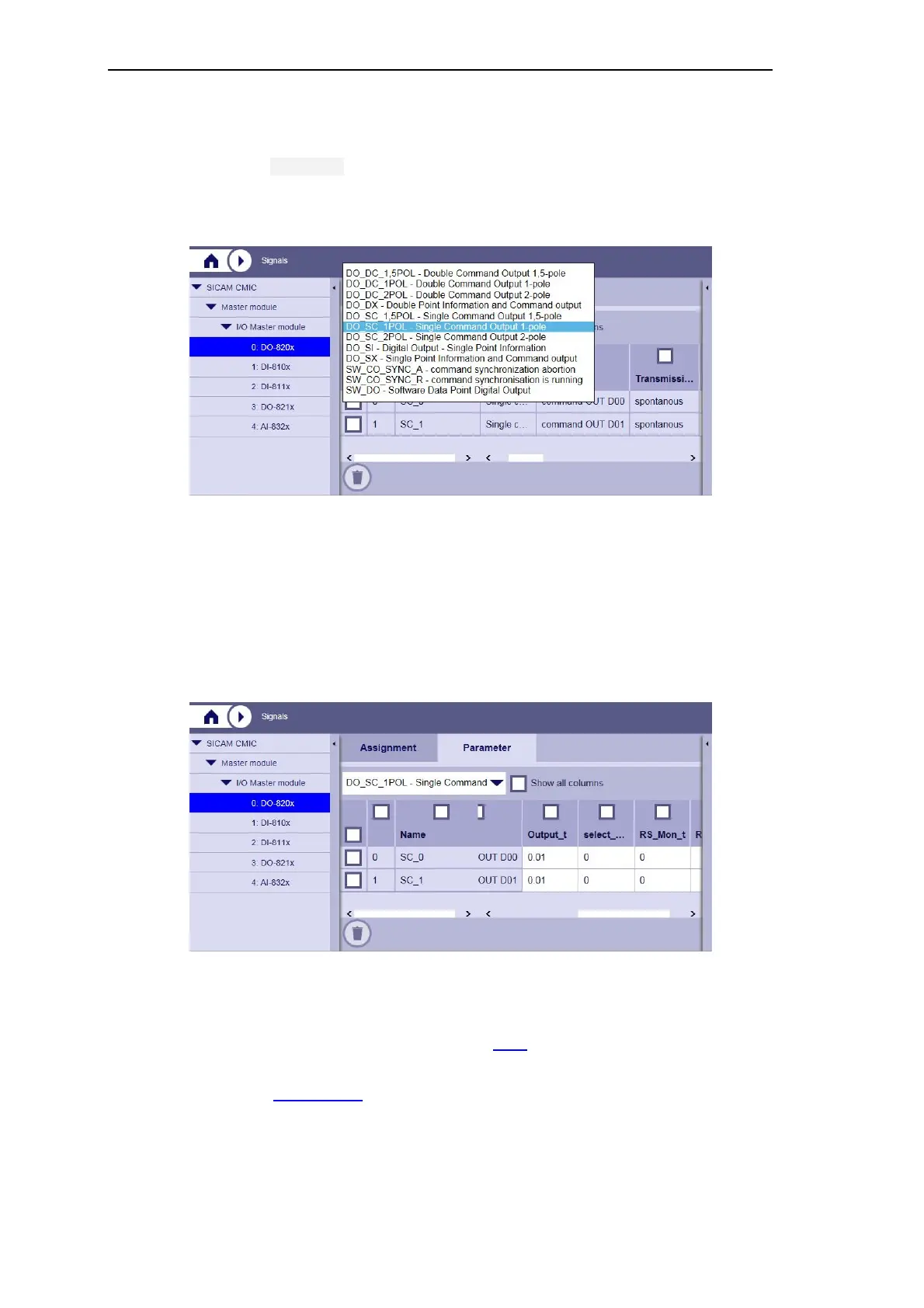
This is how to parameterize the assigned signals:
• Open the Parameter tab
• In the dropdown list, select the previously defined processing type for the newly assigned
signal
All signals of the selected category (on the selected system element) are displayed listed in
the table. Thereby, the signal name, the message address and the type identification are tak-
en over from the work area for the signal generation.
The processing types offered on the peripheral element are dependent on the configured
firmware for the peripheral element.
After selection of the processing type, you can now parameterize the relevant signals process-
technically.
• Activate the checkbox Show all parameters if you want to edit expert parameters
• Save your changes from time to time, refer to Apply
Further steps:Restart device.



 To Next Page
 Loading...









