Preparing the Engineering
94 SICAM RTUs, User Manual SICAM CMIC
DC8-001-2.09, Edition 08.2016
This is how to enlarge the work area:
• For hiding the tree, and therefore enlarging the work area, click on the grey bar left to the
work area
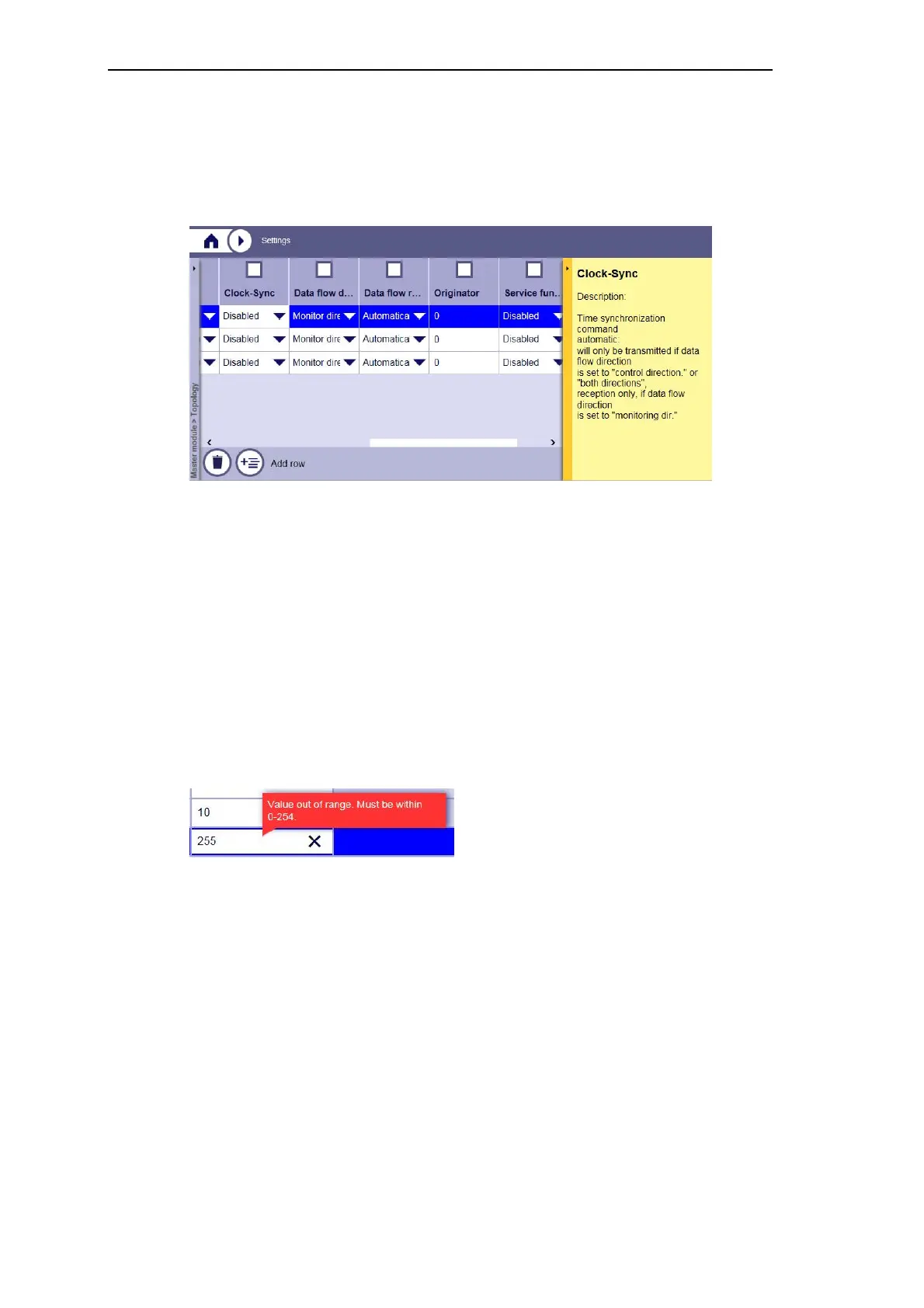
This is how to edit parameters:
Depending on the parameter, different options for the parameter entry exist:
• Click on a parameter in the table and modify the value (in the input field)
• Select a predefined value in the drop down list
Each entered value has a specific validity range. Immediately after entering a value, a value
range check will be carried out.
Only valid values will be accepted. When entering an invalid value, a red highlighted notifica-
tion about the valid value range appears and the focus remains in the input field.
• Enter a new valid value
• Press ESC key if you want to restore the previous valid value
In case of table parameters, there is the possibility to define new rows with parameters. The
procedure for that is described subsequently.



 To Next Page
 Loading...









