219Basic Procedure for Wipe Settings
Chapter 5 Wipes
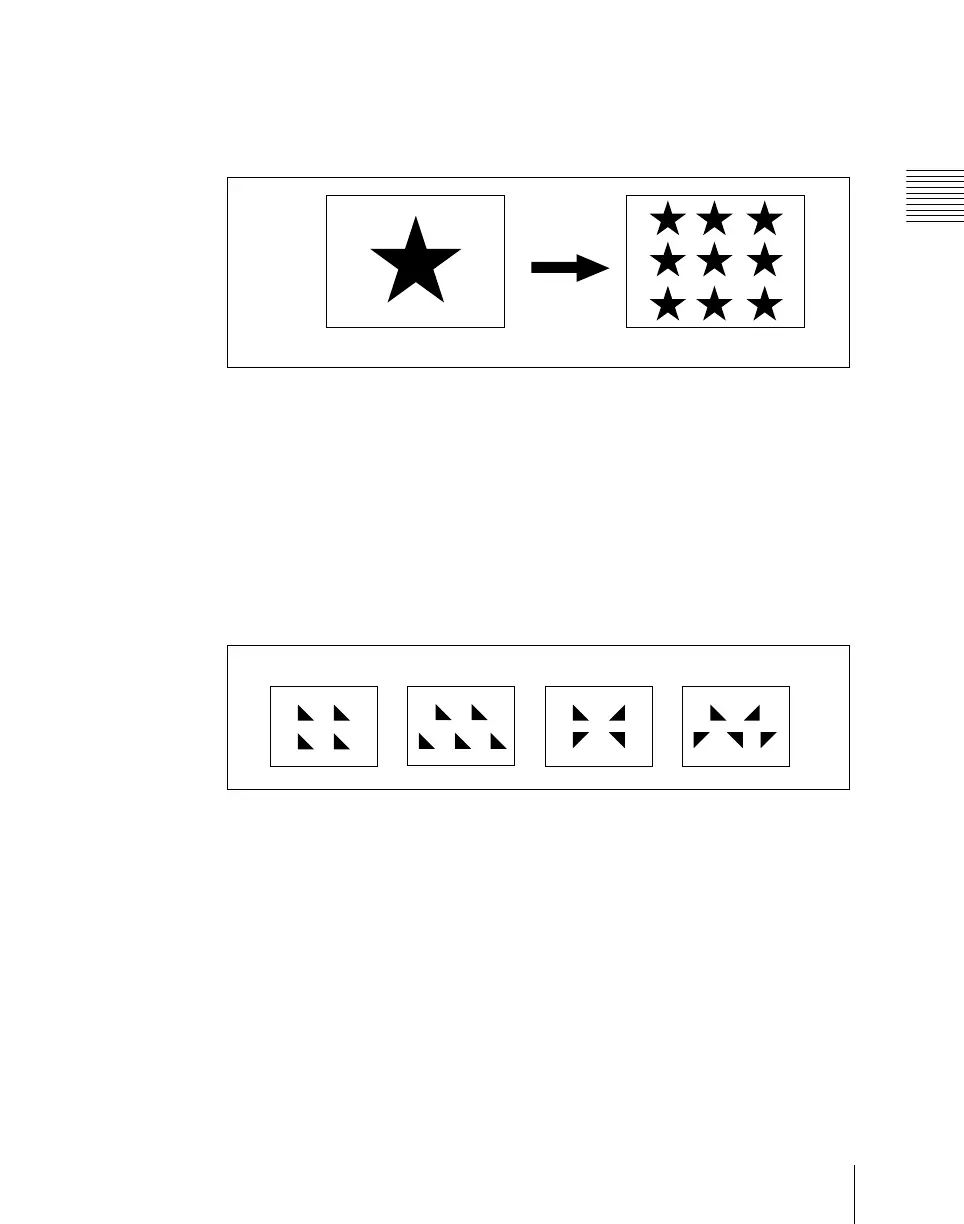
Setting the wipe pattern replication (Multi)
The same pattern can be repeated horizontally and vertically or both, up to 63
times. You can also change the orientation of alternate copies, or change the
position.
• The parameter H Multi determines the number of pattern replications
horizontally, and the parameter V Multi determines the number of pattern
replications vertically.
• The parameter Shift determines the manner of replication.
At a value of –100.00, the pattern of the adjacent odd-numbered column on
the left lines up with the central coordinate horizontally.
At a value of +100.00, the pattern of the adjacent odd-numbered column on
the right lines up with the central coordinate horizontally.
For an independent key transition wipe, you can use the “Invert Type”
parameter to select from the following four types of replication pattern.
1: All replications in the same orientation
2: Even-numbered rows staggered
3: Even-numbered columns and rows inverted
4: Even-numbered columns and rows inverted, and even-numbered rows
staggered
You can set pattern replication independently for the main pattern and sub
pattern.
1
In the M/E-1 >Wipe menu, select HF5 ‘Main Modify.’
The Main Modify menu appears.
“Multi” off
“Multi” on
1234













 To Next Page