220
Basic Procedure for Wipe Settings
Chapter 5 Wipes
2
Press the [Multi] button, turning it on.
3
Set the following parameters.
4
To make more adjustments, press the [Multi Adjust] button.
The Multi Adjust menu appears.
5
Make the following settings, as required.
H Invert: When this is on, alternate tiles are inverted left-to-right.
V Invert: When this is on, alternate tiles are inverted top-to-bottom.
Non-Mask: When this is on, even if the positioner function is used to
move the pattern position, the pattern is always present on the screen.
Position: By adjusting the following parameters, move the pattern position
within the divisions determined in step 3.
a) See page 214.
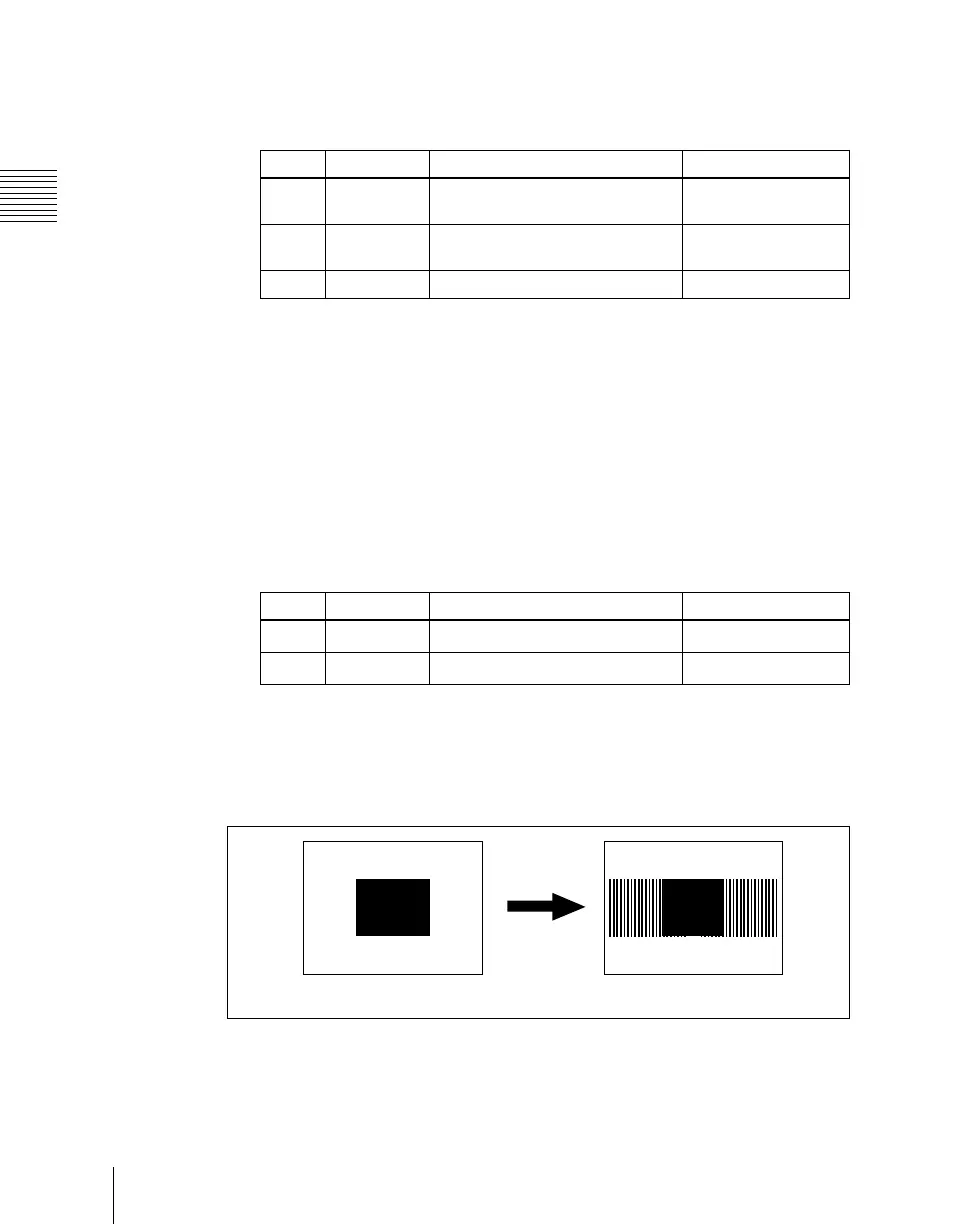
Making a wipe pattern like a Venetian blind (Pairing)
This slits the pattern into multiple strips, making it like a venetian blind.
H: Create slits in the horizontal direction.
V: Create slits in the vertical direction.
• The parameter Width determines the width of the slits.
Knob Parameter Adjustment Setting values
1 H Multi Number of repetitions of pattern
horizontally
1 to 63
2 V Multi Number of repetitions of pattern
vertically
1 to 63
3 Shift Replication layout –100.00 to +100.00
Knob Parameter Adjustment Setting values
1 Position H Horizontal position of pattern
–200.00 to +200.00
a)
2 Position V Vertical position of pattern
–200.00 to +200.00
a)
Pairing off
Pairing on













 To Next Page