345Color Corrector Functions
Chapter 9 Color Corrector
4
Depending on the selection in step 3, adjust the following parameters.
• When Box is selected
• When Pattern is selected
For the pattern selection, you can also press [Mask Ptn Select] in the
Mask1 Adjust menu, then use the Mask Ptn Select menu.
Press any of the displayed patterns (standard wipe patterns 1 to 24) to
select it, then you can adjust the following parameters.
5
When selecting the pattern as a mask source, set the pattern modifiers as
required.
• When turning [Position] on and setting the pattern position
a) See “Setting the wipe position (Positioner)” (page 214).
• When turning [Multi] on and replicating the same pattern
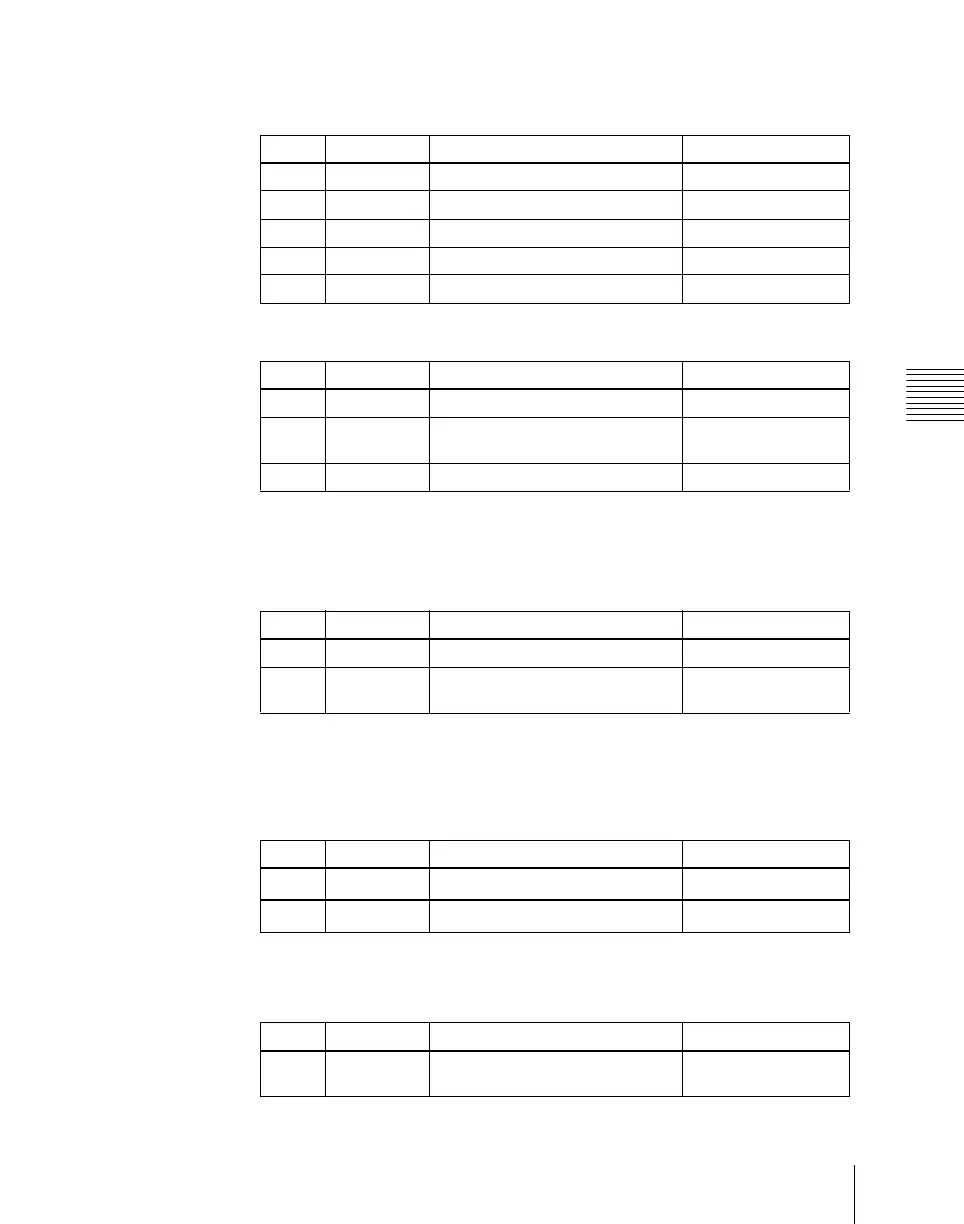
Knob Parameter Adjustment Setting values
1 Top Top position –100.00 to +100.00
2 Left Left position –100.00 to +100.00
3 Right Right position –100.00 to +100.00
4 Bottom Bottom position –100.00 to +100.00
5 Soft Degree of softness of box 0.00 to 100.00
Knob Parameter Adjustment Setting values
1 Size Pattern size 0.00 to 100.00
2 Soft Degree of softness of pattern
edge
0.00 to 100.00
5 Pattern Pattern number 1 to 24
Knob Parameter Adjustment Setting values
1 Size Pattern size 0.00 to 100.00
2 Soft Degree of softness of pattern
edge
0.00 to 100.00
Knob Parameter Adjustment Setting values
1 Position H Horizontal position
–200.00 to +200.00
a)
2 Position V Vertical position
–200.00 to +200.00
a)
Knob Parameter Adjustment Setting values
1 H Multi Number of repetitions of pattern
horizontally
1 to 63













 To Next Page