Chapter 11 DME Operations
566
Global Effect Operations
Procedure for combine operation when using an SDI interface
Use the following procedure only when the DME being used is the MVE-
8000A or MVE-9000 with an SDI interface.
Note
It is not possible to select MVE-8000A or MVE-9000 channels with buttons in
the key control block.
In the following, the example given is that channels 2 and 3 are combined, then
channels 1+2 and channels 3+4 are combined, but other combinations are also
possible.
1
In the Global Effect menu, select VF1 ‘Ch1-Ch4’ and HF7 ‘Combine Gp
Select.’
The Combine Gp Select menu appears.
2
In the <Combine Gp Select> group, select the channel combination.
• To combine channels 2 and 3, press [Ch2+Ch3], turning it on.
• To combine the previously combined combinations of channels 1 and 2,
and channels 3 and 4, press [Ch1+Ch2] and [Ch3+Ch4], turning them
on.
Note
The only two buttons that can be selected simultaneously are the
combination of [Ch1+Ch2] and [Ch3+Ch4].
The selected channels are combined.
To cancel a combine
When for example [Ch2+Ch3] is on, pressing [Ch2+Ch3] once more turns it
off. Alternatively, pressing a different combination button to select it cancels
the combine selection for the current combination.
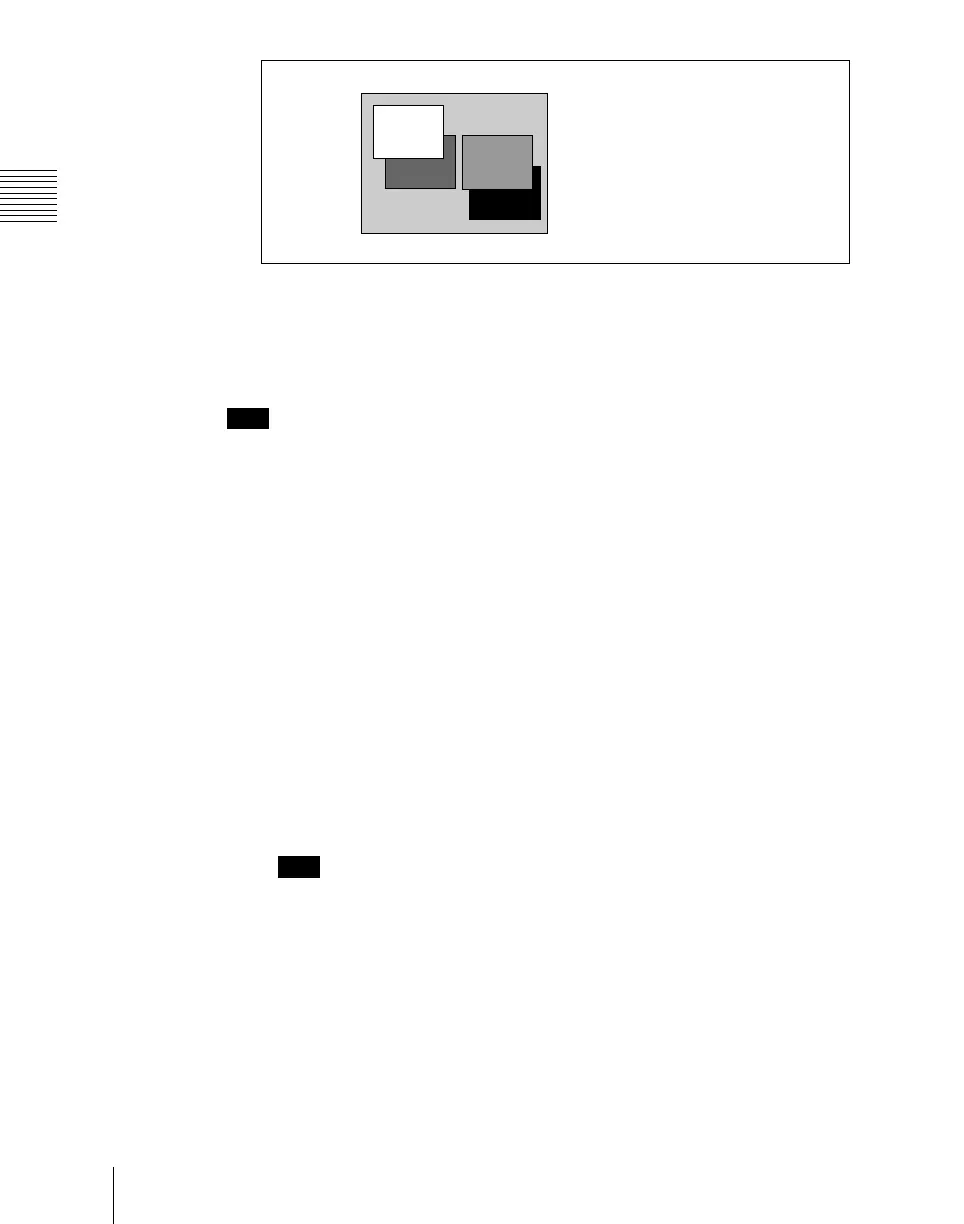
Combiner1 Priority1: Ch1
Combiner1 Priority2: Ch2
Combiner2 Priority1: Ch4
Combiner2 Priority2: Ch3
Ch2
Ch1
Ch3
Ch4













 To Next Page