567Global Effect Operations
Chapter 11 DME Operations
Mixing the images of up to four consecutive channels
1
In the Combiner Priority menu, press [Mix], turning it on.
2
Adjust the following parameters.
For case “Ch1+Ch2”
a) See “Mixing Ch1 and Ch2” (page 563).
For case “Ch1+Ch2+Ch3”
a) See “Mixing Ch1, Ch2, and Ch3” (page 563).
For case “Ch1+Ch2+Ch3+Ch4”
Knobs 1 and 2 set the same parameters as “For case ‘Ch1+Ch2+Ch3’,”
respectively. Knob 3 is additionally effective, which sets the parameter
Mix3 (in the same setting value range as with knobs 1 and 2).
Mixing pairwise the images of channels 1 and 2, and channels 3
and 4
1
In the Combiner Priority menu, press [Combiner1 Mix], turning it on.
2
Adjust the following parameter.
a) See “Pairwise mixing of Ch1 and Ch2, and Ch3 and Ch4” (page 564).
3
Press [Combiner2 Mix], turning it on.
4
Adjust the following parameter.
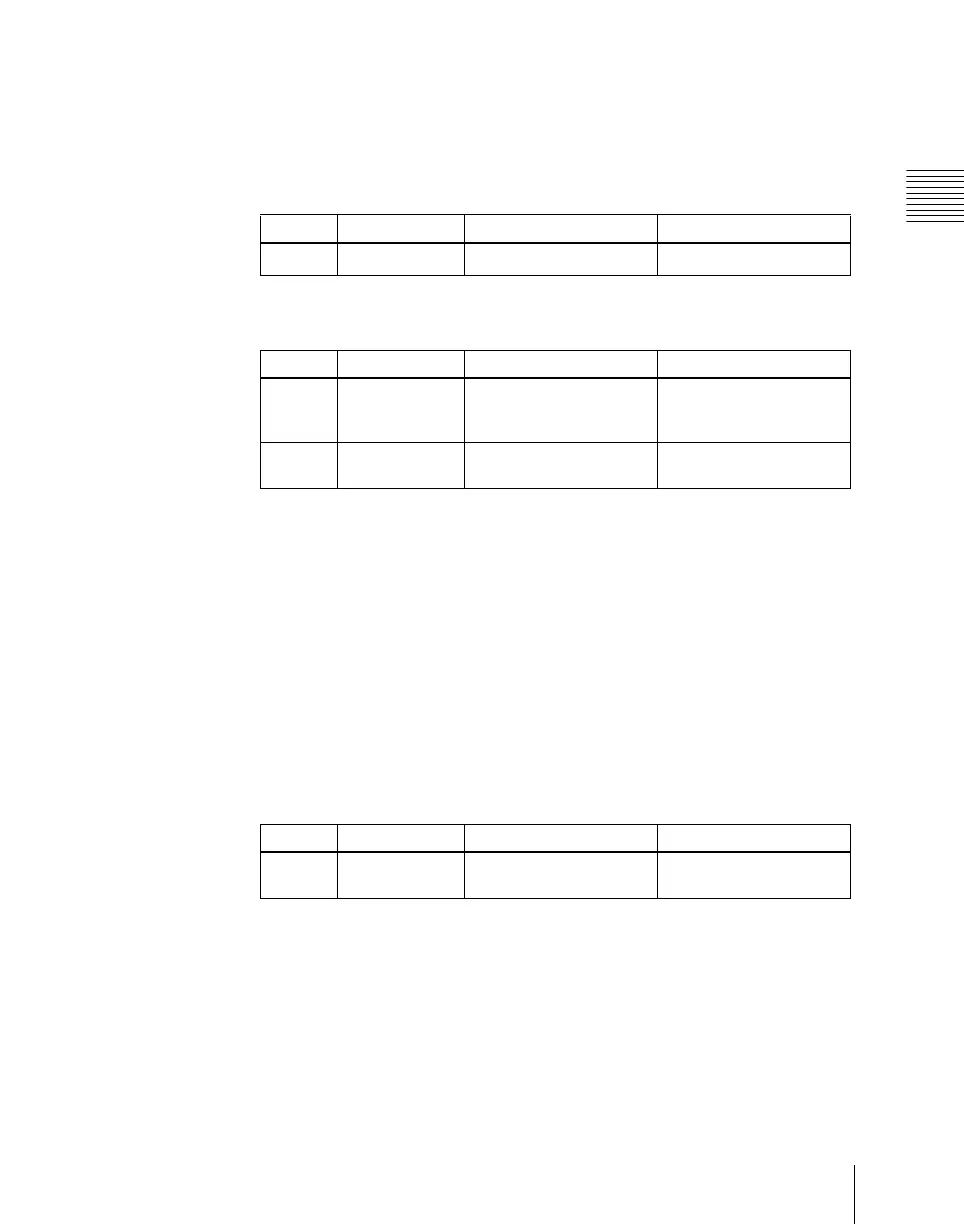
Knob Parameter Adjustment Setting values
1 Mix Mix degree
0.00 to 100.00
a)
Knob Parameter Adjustment Setting values
1 Mix1 Mix degree for mix of
channel 1 with result of
Mix2
0.00 to 100.00
a)
2 Mix2 Mix degree for channels
2 and 3
0.00 to 100.00
a)
Knob Parameter Adjustment Setting values
1 Mix1 Mix degree for channels
1 and 2
0.00 to 100.00
a)













 To Next Page