5 Operation
Commissioning
BQ_023_en_V2
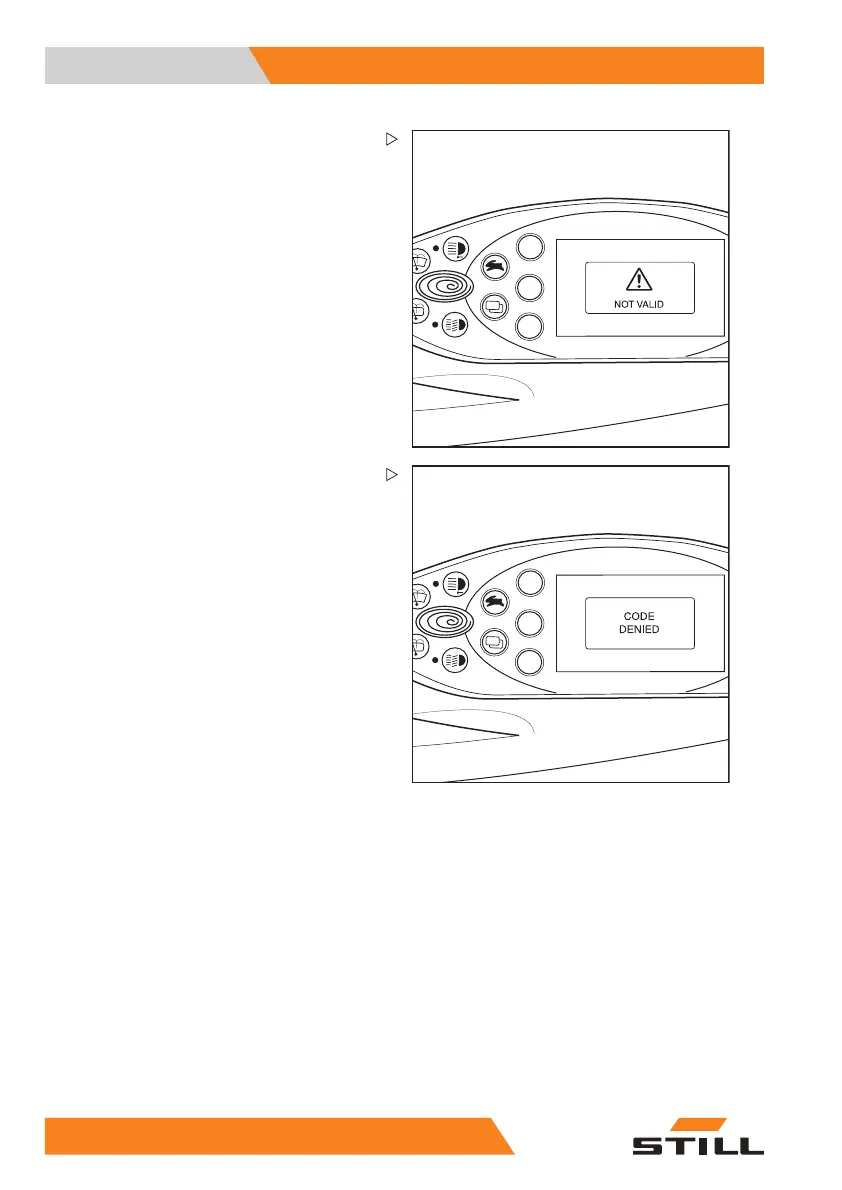
If the driver PIN entered in the CONFIRM sub-
menu does not match the driver PIN entered
previously in the
NEW CODE submenu, the
message
INVALID will appear.
The message will then disappear after a short
time. The new driver PIN can be entered in
the
CONFIRM submenu for further confirma-
tion.
BQ_024_en_V2
After three incorrect entries, the CODE DE-
NIED
message appears.
The display switches back to the
ACCESS
CODE
menu. The desired driver PIN must be
re-defined.
92
55048011501 EN - 12/2015



 To Next Page