Operation 5
Commissioning
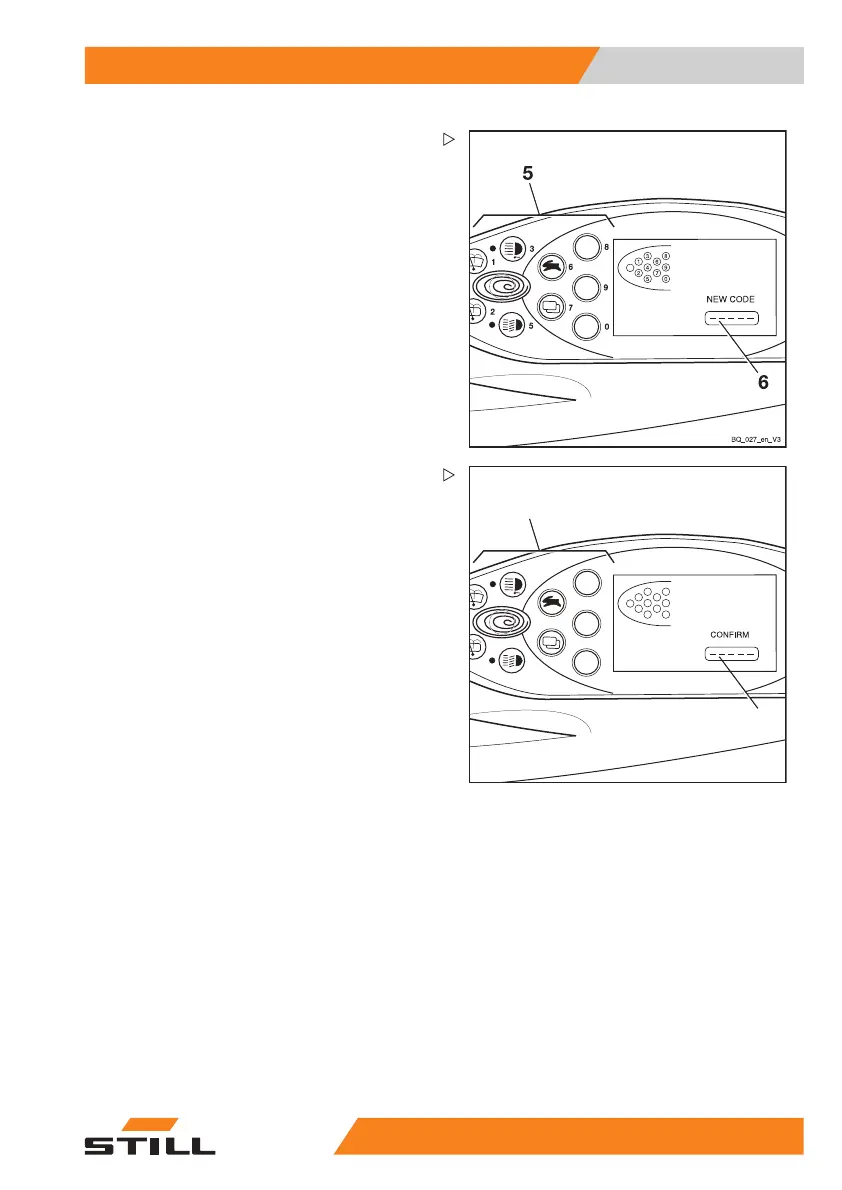
NEW CODE appears in the display.
– Enter the desired driver PIN using the
buttons (5).
The digits entered do not appea
r in the display.
Instead they are represented b
ycirclesinthe
NEW CODE field (6).
7
8
1
2
6
7
3
4
5
8
9
0
BQ_026_en
CONFIRM appears in the display.
The
CONFIRM submen
uisusedtoconfirm
the new driver PIN.
– Enter the new driver PIN for a second time
in the
CONFIRM field (8) using the buttons
(7).
If the entry matches the new driver PIN
previously entered, the system will accept
the new driver PIN once the last digit has
been entered. The display switches back to
the
ACCESS CODE menu.
Another driver P
IN can be defined here.
55
048011501 EN - 12/2015 91



 To Next Page