5 Operation
Commissioning
1
2
3
BQ_032_en
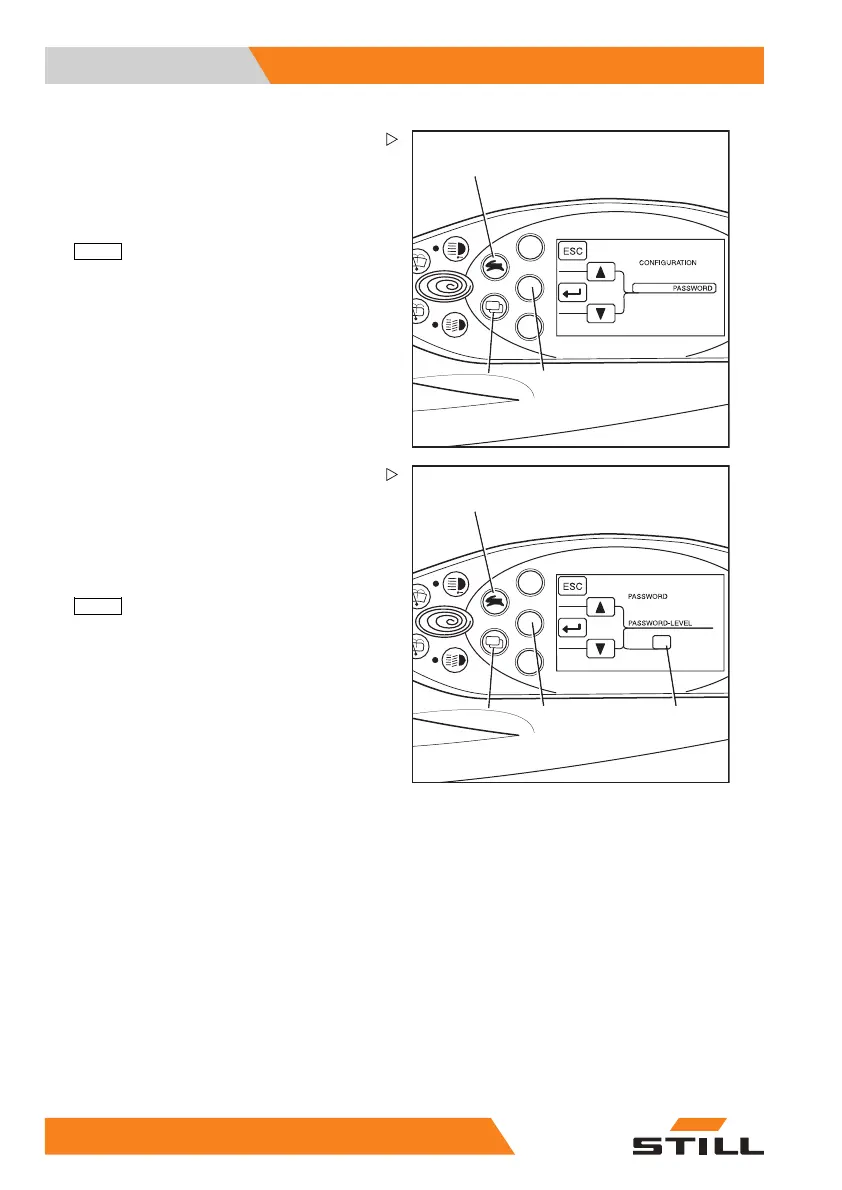
CONFIGURATION appears in the display.
– Use the drive program selection button (1)
and the menu change button (3) to select
the
PASSWORD menu.
– Confirm your selection by press
ing the
ENTER
button (2).
1
3
4
BQ_033_en
2
1
PASSWORD/PASSWORD LEVEL appears in
the display.
– Use the drive progr
am selection button (1)
and the menu change
button (4) to select
the desired
PASSWO
RD LEVEL
(2).
– Confirm your selection by pressing the
ENTER
button (3).
94
55048011501 EN - 12/2015



 To Next Page