5 Operation
Handling the battery
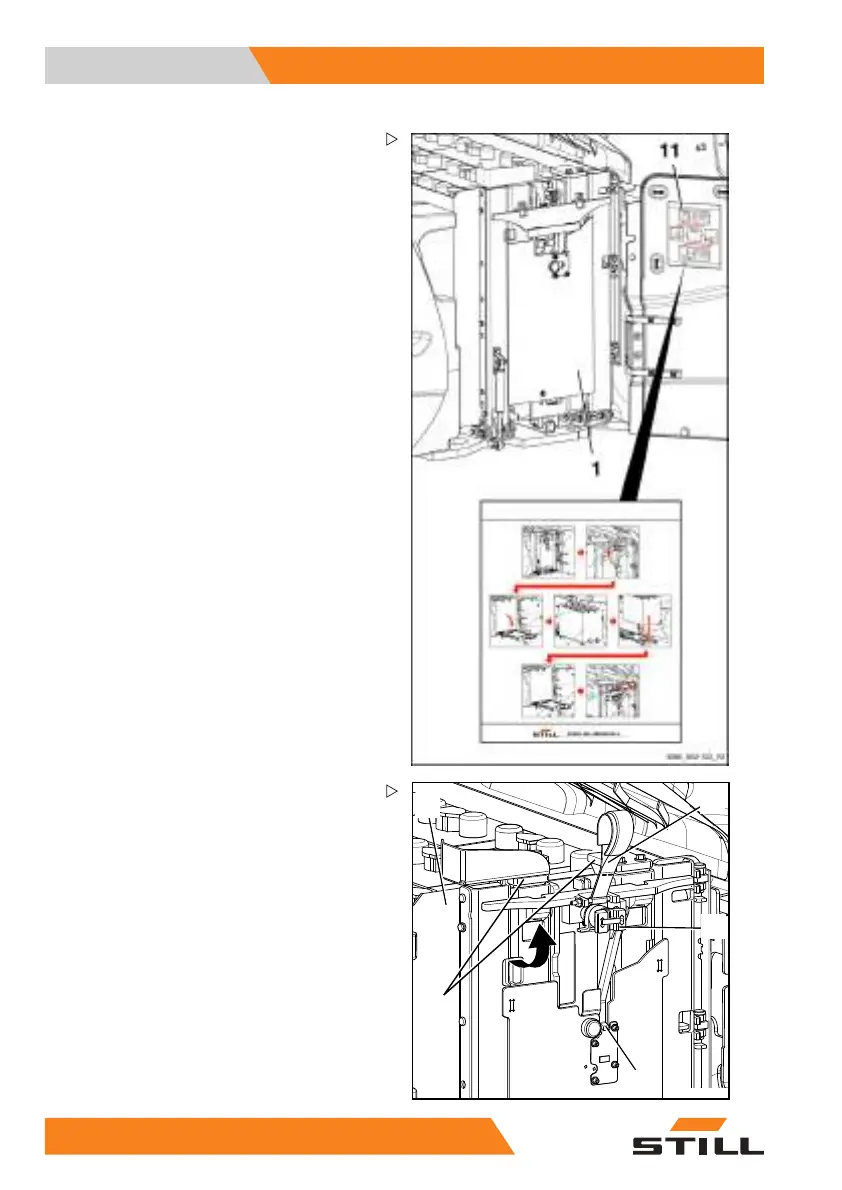
The bridge (1) is now freely accessible and
should be folded down for removing the
battery.
– Observe decal information (11) for the indi-
vidual procedures for battery replacement
shown on the inside of the battery door.
5
6
2
3
4
5060_003-124_V3
– Raise the bridge support (3) at the red web
belt (2) until the lock (4) audibly engages.
– Ensure that the battery stop (5) is clear of
the edge of the battery tray (6).
26
4 55048011501 EN - 12/2015



 To Next Page