Performing the commissioning
Parameter manual b maXX BM3000
Document no.: 5.12001.07 Baumüller Nürnberg GmbH
40
of 820
2.7
Searching for the
notch position
Searching for the notch position is not required at a newly delivered device. It was carried
out already.
Please check whether the measured value corresponds to the expected value
(With Baumüller motors: resolver: 330° + 5°, sine-cosine: 240° ± 5°).
If the values do not correspond to the expected values, please proceed as follows:
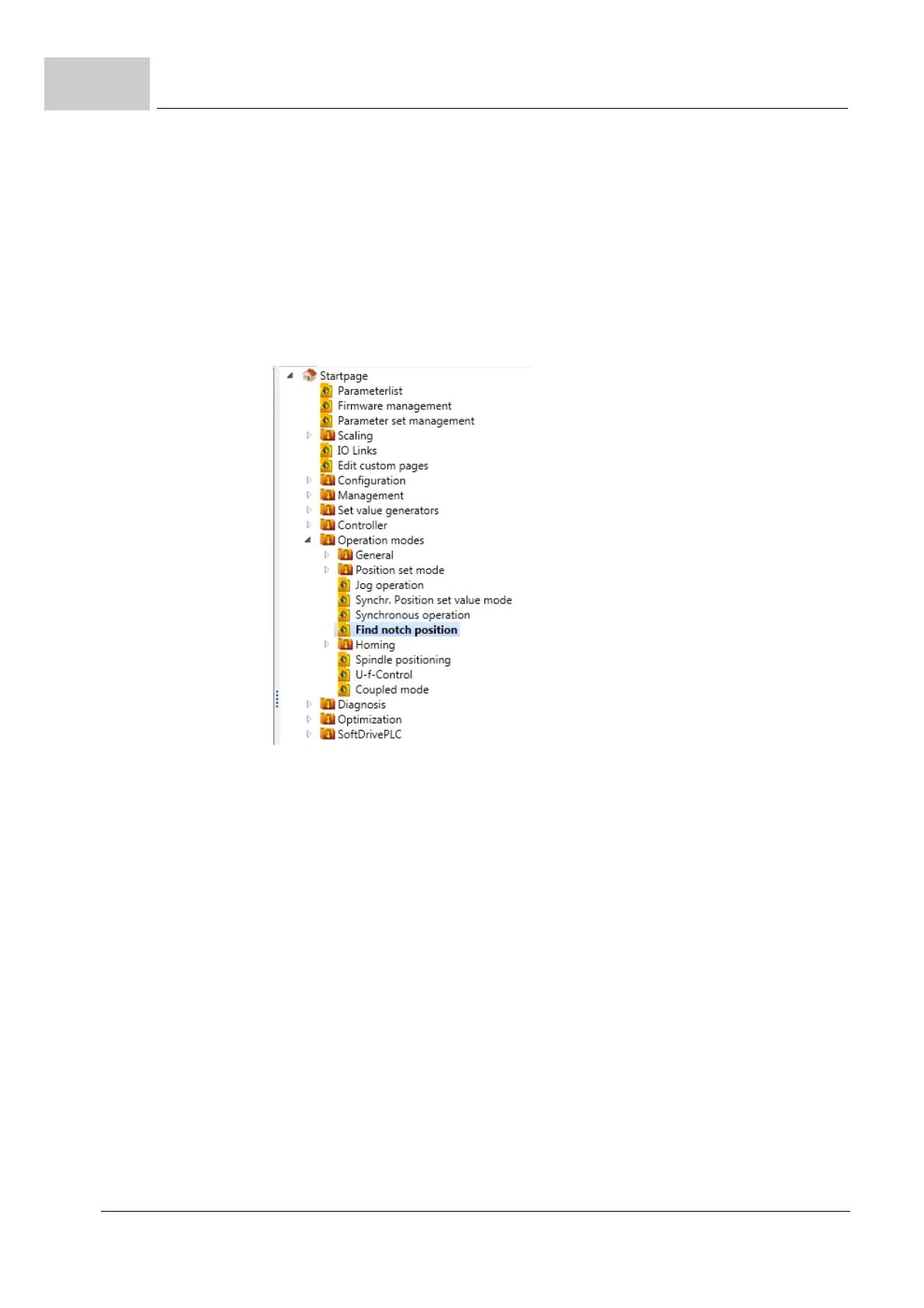
35 Go to the navigation and click on "Operating modes", then click on "Find notch posi-
tion".
Figure 26: ProDrive Navigation - Find notch position
36 Click on the "Drive Manager" icon.


 To Next Page