37
Software
C
C
2.4 End of Measurement
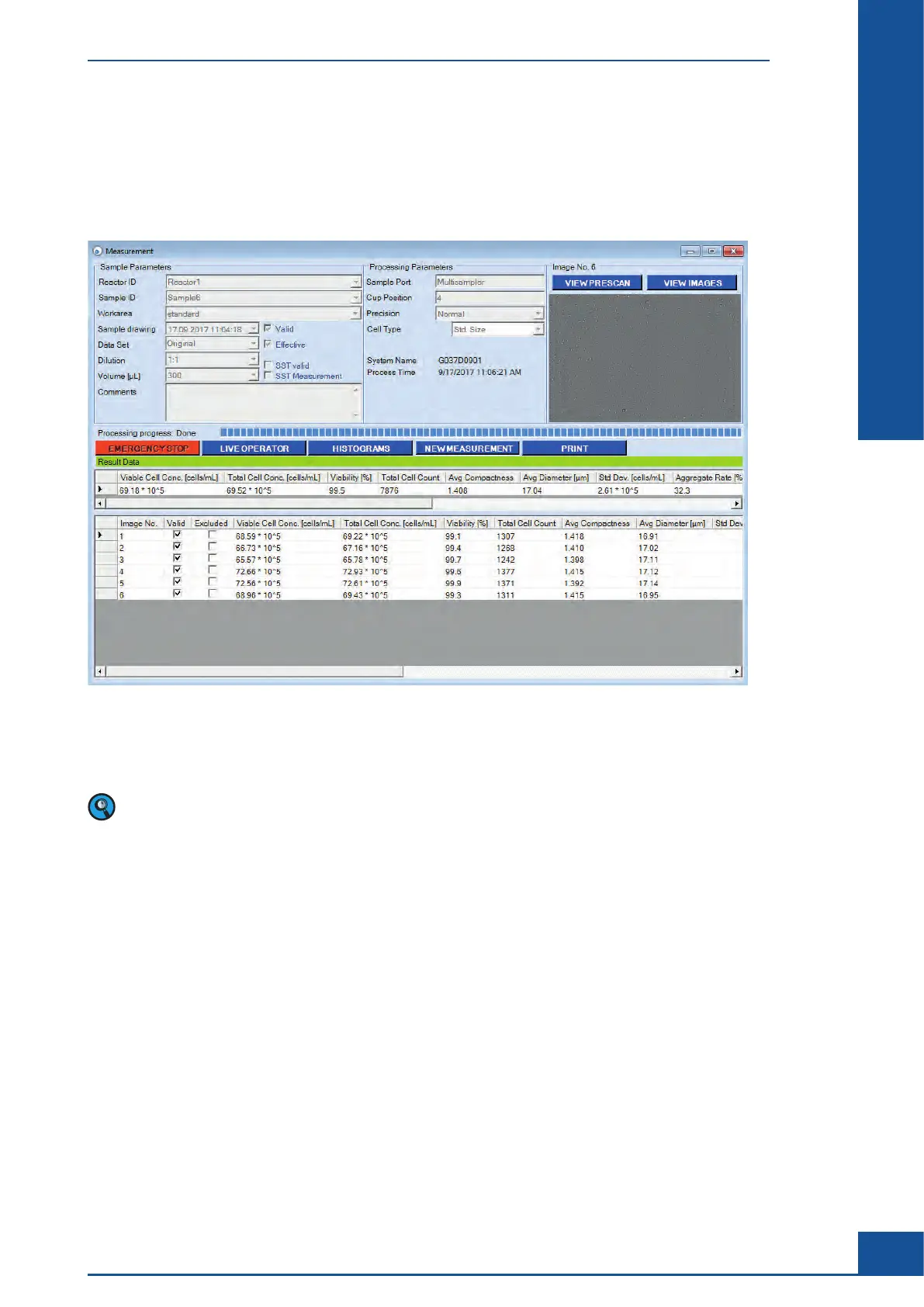
A cleaning procedure automatically begins immediately after the scanning ends. The entire Liquid Management
system is rinsed during this procedure (Ultra Fast Clean). Once this procedure is complete, a green bar appears
in the Measurement dialog box, and the message “Process finished EndEvent (Measurement)” appears in the Event
window on the Cedex Control Center.
Figure 7
To set up a new measurement, click on the NEW MEASUREMENT button. A suggested Reactor ID and Sample
ID will be automatically entered into the Sample ID area by the analysis Software. If a different Reactor ID or
Sample ID is desired, type in the new Reactor ID or Sample ID manually.
In the case of single measurements run via the Measurement dialog box on a Cedex HiRes Analyzer with a
Multi Sampler attached, the Software will automatically and incrementally increase the sample cup position
number with each new measurement. The cup position can also be fixed (see “Turning off Automatic
Incrementation of Sample Cup Position”).
When the final measurement in a set of samples is complete, or if there is a longer pause before the next
measurement, perform a Standard Clean of the Liquid Management system (see “Cleaning Options”).
Ensure that Cedex Sample Cup from the last measurement remains in the Multi Sample Tray in the DefaultCup
position during the complete cleaning procedure, or attached to the single sample port. Only remove the cup
when a new Cedex Sample Cup is placed in Default Cup position on the Multi Sample Tray.
Before shutting down the Cedex HiRes Analyzer, and at the end of the day, perform an LM Shutdown procedure
(see “The Hardware Management Dialog Box”).
The Measurement Dialog Box
End of Measurement



 To Next Page