31
Software
C
C
C Software
1 Overview of the Cedex Control Center
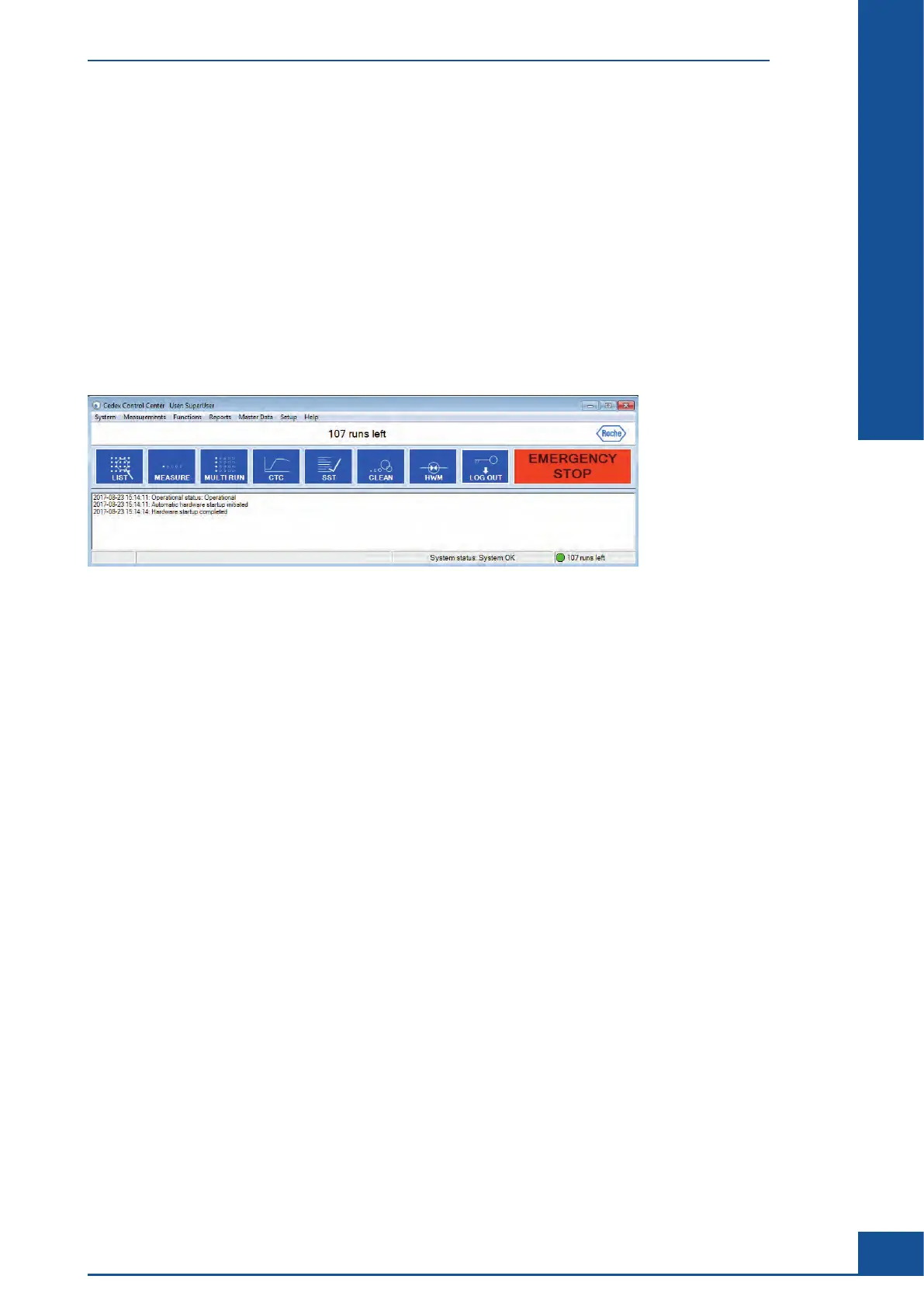
The Cedex Control Center is divided into three elements:
c Menu bar
c Shortcuts area
c Event window detailing status of events carried out by the Analyzer
A description of the individual areas is provided below:
Figure 5: The Cedex Control Center
1.1 Menu Bar
The menu bar at the top of the Cedex Control Center has 7 menu items:
c System menu
c Measurements menu
c Functions menu
c Reports menu
c Master Data menu
c Setup menu
c Help menu
1.2 System Menu
The menu items have the following functions:
c Exit: Exits the Cedex Control Center.
c Logout: For logging out of the Cedex Control Center.
c Change own password: For changing the password of a user who is logged in.
c Lock – Unlock System: For manually locking and unlocking of the system with regard to running measure-
ments.
Overview of the Cedex Control Center
Menu Bar



 To Next Page