132
Cedex HiRes Analyzer Operator’s Guide
D
D
12.3.2. Tracking SST Checkpoints Without Measurements
To see results from SST checkpoints without measurements over time, do the following:
1
Select the SST checkpoint to be monitored by clicking on the field to the left of the appropriate line to
highlight the whole line.
2
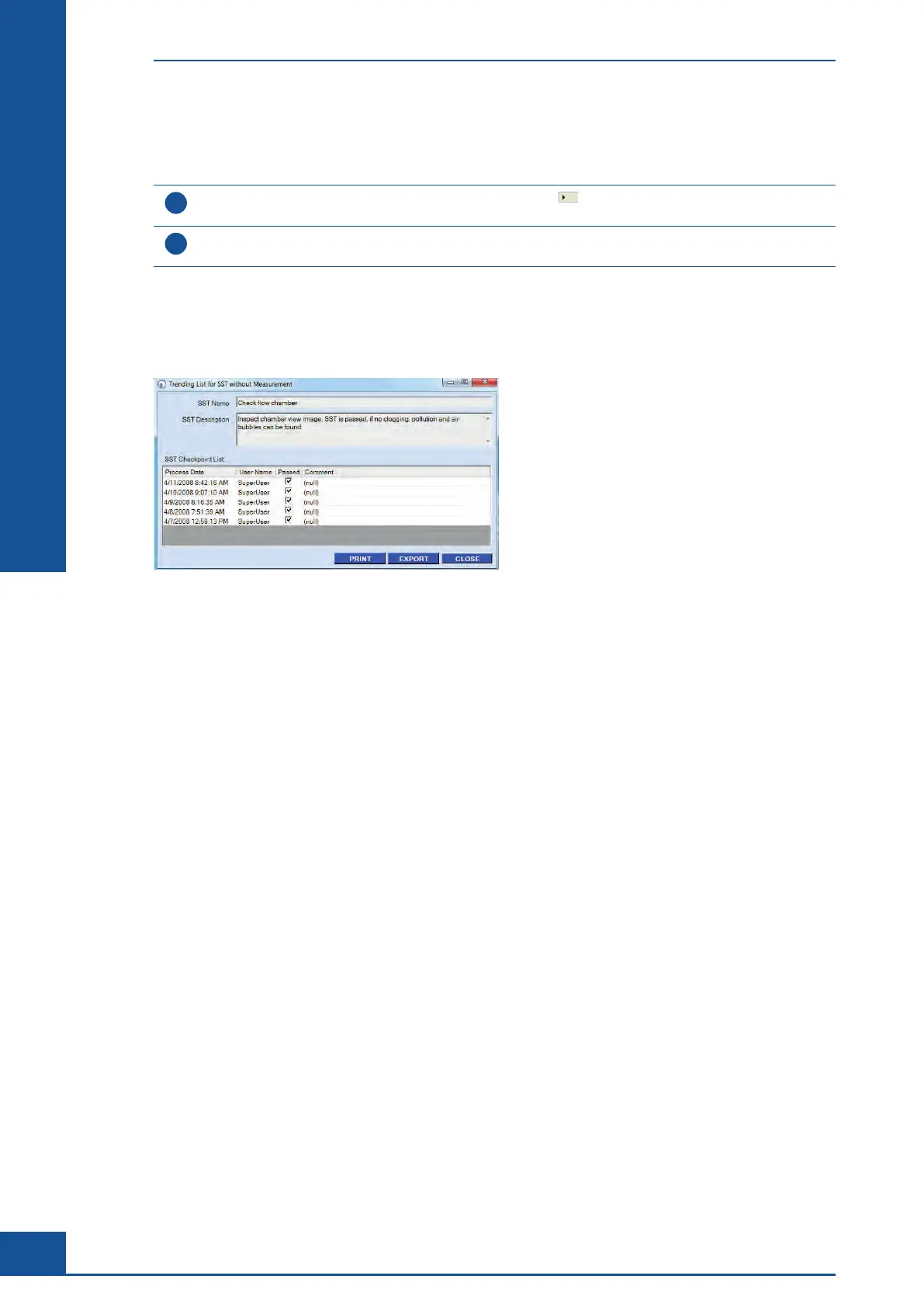
Click on the SST TRENDING button to open the Trending List for SST without Measurement dialog box
(see Figure 46). All of the measurements for the selected SST checkpoint are listed in this dialog box.
■
The Trending List for SST without Measurement dialog box shows all comments given for each SST check that
was performed and indicates whether the checkpoints passed or not. The list can be printed out via the PRINT
button or exported in either a CSV or XLS format via the EXPORT button.
Figure 46: Trending List for SST without Measurement dialog box
The System Suitability Test (SST)
Tracking Trends in SST Results Over Time



 To Next Page