60
Cedex HiRes Analyzer Operator’s Guide
C
C
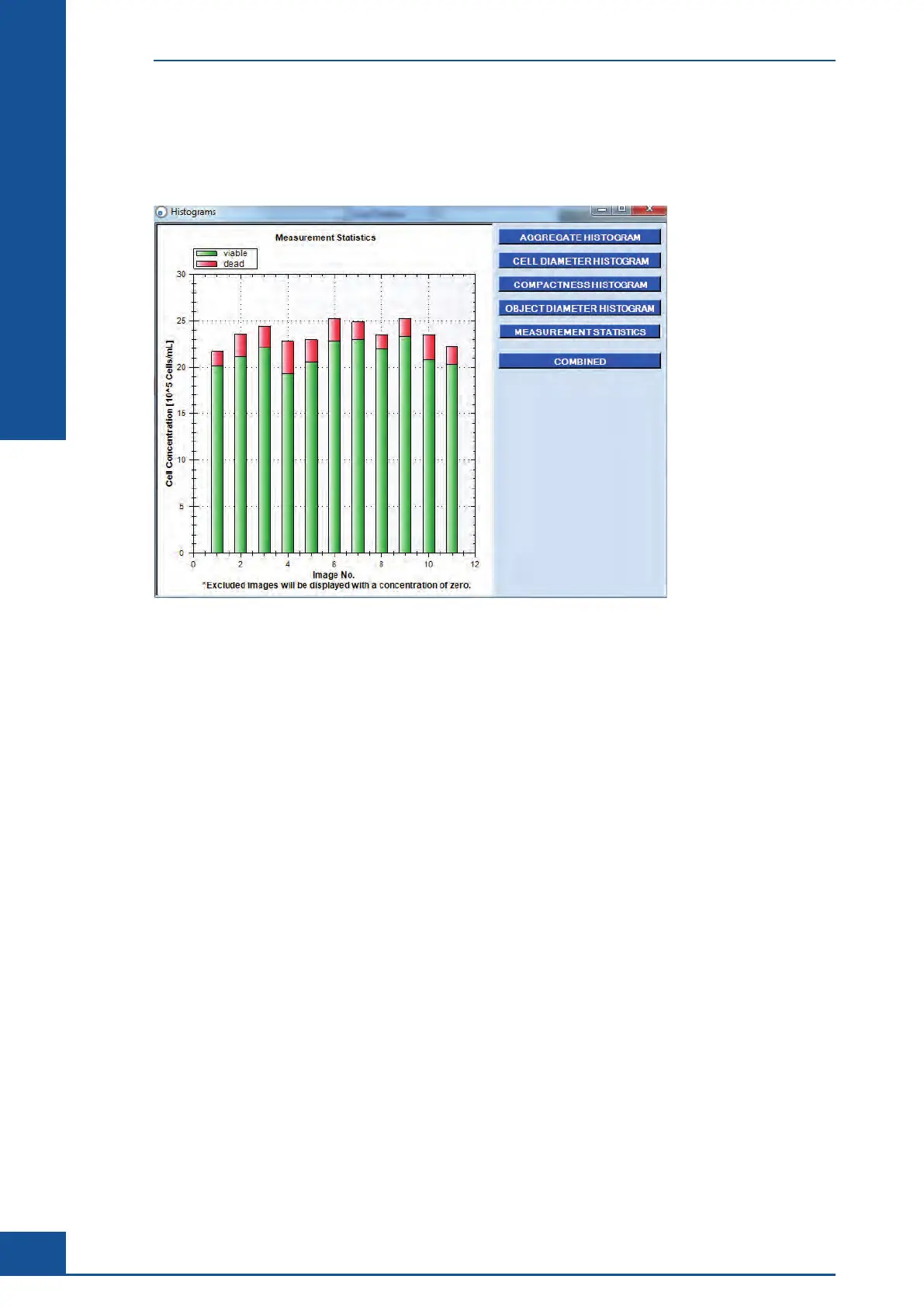
7.7 Measurement Statistics Histogram
Click on the MEASUREMENT STATISTICS button to display a column diagram showing the total number of
viable cells (green columns) and dead cells (red columns) found in the images analyzed.
Figure 24: Measurement Statistics Histogram
In the bar diagram, the number of living cells is represented in green bars and the number of dead cells in
red bars on top of the green bars. The COMBINE button, which appears when the Measurement Statistics
Histogram is open, can be used to combine several images to give a better overview of the whole sample.
Conspicuous bars can thus be immediately identified, and the user can then view and assess the relevant images
(see “Image Area”). The results of each individual image can be seen again by clicking on the SINGLE button. If
an image has been excluded, the corresponding position in the diagram will be empty.
Graphical Display of the Analysis Results
Measurement Statistics Histogram



 To Next Page