66
Cedex HiRes Analyzer Operator’s Guide
C
C
8.2.4. Variable Axis Calibration
The buttons lin and log are used to determine whether the y-axis should display in a linear (lin) or logarithmic
(log) scaling for cell concentration data. The default value is linear.
The x-axis units can be displayed as either days [d] or hours [h]. Click on the Time[d] below the x-axis to switch
to hours. The x-axis calibration and division will be automatically adjusted.
8.2.5. The Cultivation Time Chart – Exponential Regression Dialog box
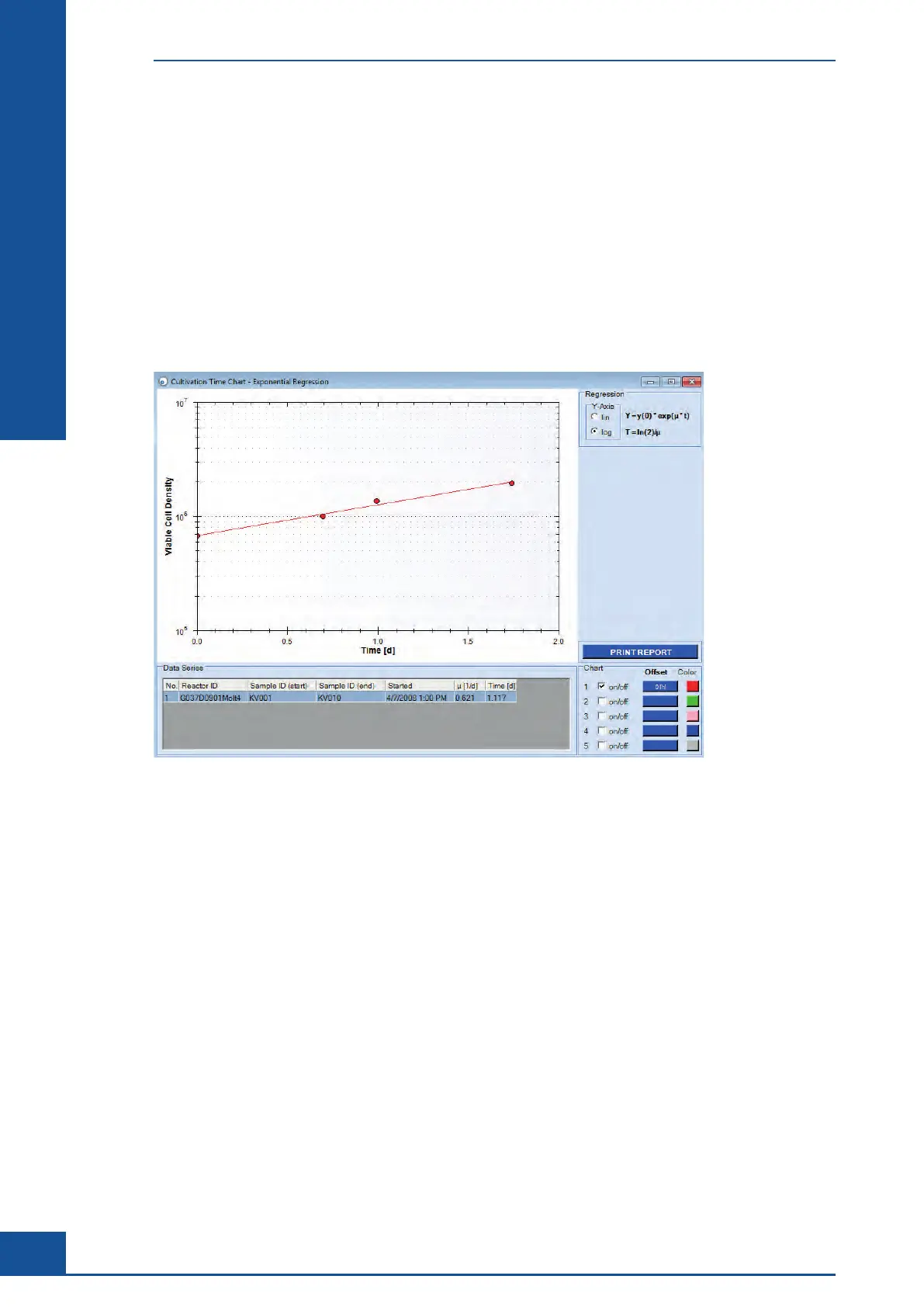
Using the EXPONENTIAL REGRESSION button in the View section of the CTC Views dialog box, cell culture
growth patterns can be displayed with their
Specific Growth Rate [μ] and Doubling Time [T]. The corresponding
values appear in the Data Series list (see Figure 30).
Figure 30: A view of the Exponential Regression dialog box
Only viable cell concentration will be shown in this graph. The measurement parameters Specific Growth
Rate [μ] and Doubling Time [T] of the culture are computed by means of the differential curve. Additional
information regarding the determination of the specific growth rate and the doubling time of cell cultures is
provided in Section C, Chapter 1, “Monitoring Growth of Cells Over Time” of the Cedex HiRes Analyzer User
Training Guide.
As with the Cultivation Time Chart dialog box, the Cultivation Time Chart - Exponential Regression dialog box
also offers the possibility to shift the measurement series offset using the button in the Chart area and the
options lin and log in the Regression area to define the y-axis scaling. Printing of the Cultivation Time Chart –
Exponential Regression is enabled by the PRINT REPORT button.
Cultivation Time Chart
The Cultivation Time Chart Dialog Box



 To Next Page