129
Maintenance and Care
D
D
12.2.2. Performing an SST Without Measurements
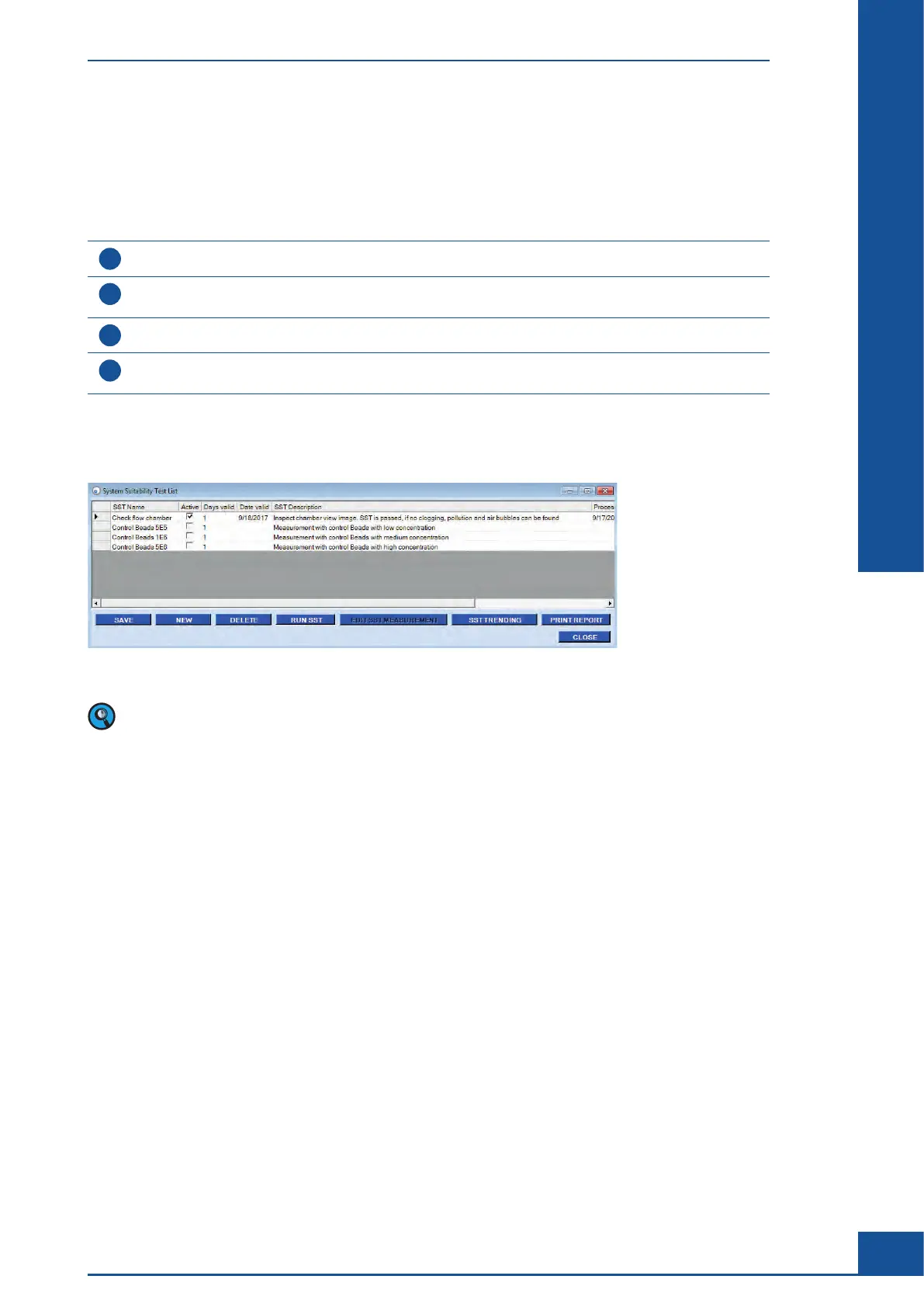
For SST procedures that don’t require any measurements, clicking on the RUN SST button will open the System
Suitability Test Run dialog box. The SST Name and/or Description should provide information regarding the
nature of the manual check or the maintenance step that needs to be taken. Once the System Suitability Test Run
dialog box has been opened, do the following:
1
Perform the required inspection or maintenance routine.
2
Click on the Valid checkbox in the middle of the System Suitability Test Run dialog box if inspection or
maintenance procedure was successful.
3
Add a comment in the Comment box (optional).
4
Click on the SAVE button to confirm the completion of the SST check and return to the System Suitability Test
List dialog box.
■
If the valid checkbox has been activated, the checkpoint will automatically be displayed in black in the System
Suitability Test List dialog box.
Figure 43: System Suitability Test List dialog box
An inactive list of proposed SST checkpoints is automatically provided in the System Suitability Test List
dialog box. Check with the Administrator to see if these SST checkpoints should be activated.
The System Suitability Test (SST)
Performing an SST



 To Next Page