5•Service
Doc. 065051-03 1/08 163
4. Click Connect to Timebase on the Control menu. Connect to the timebase in
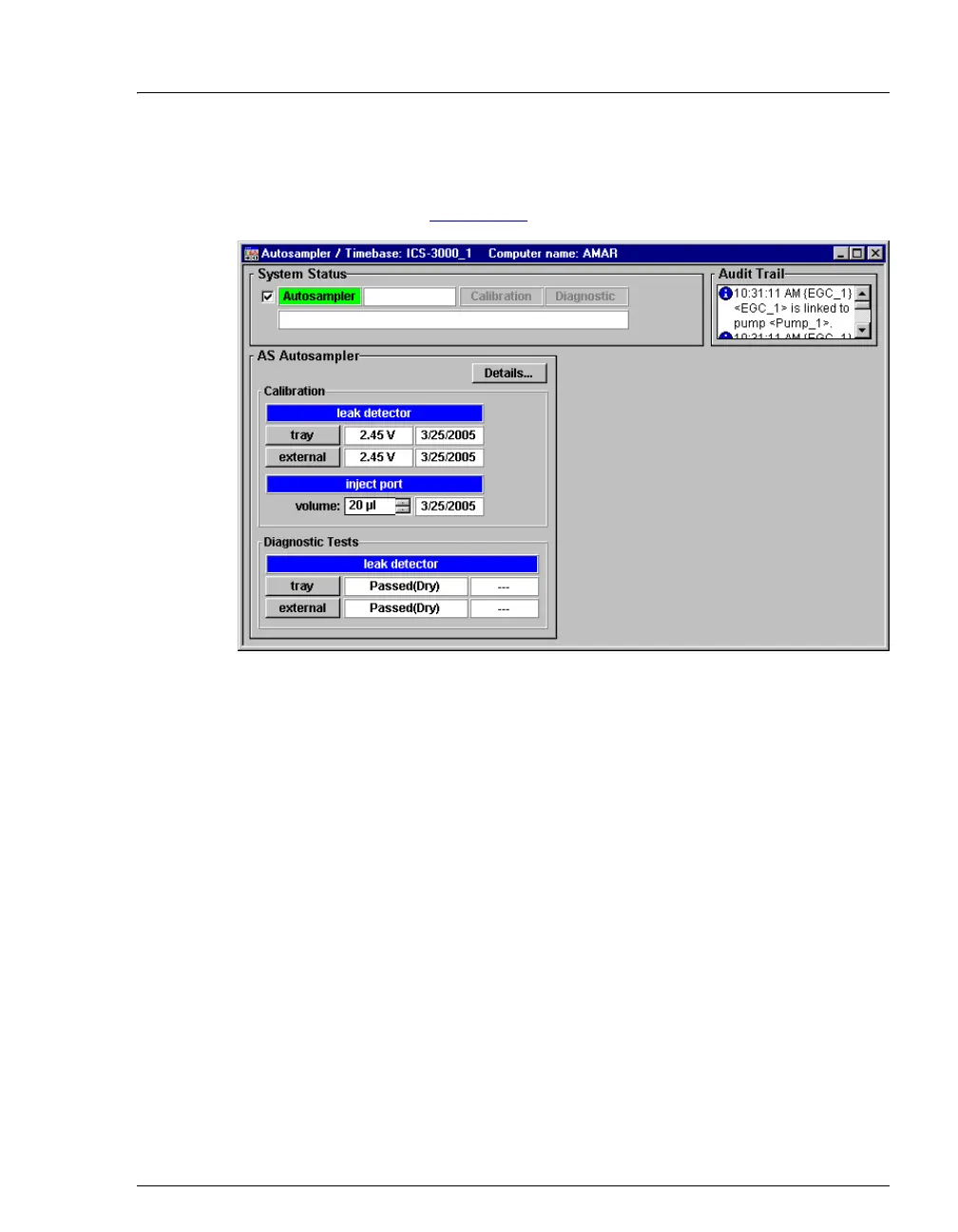
which the AS is configured. When connected, the controls on the Wellness
panel are enabled (see Figure 5-30
).
5. Under
Calibration: leak detector, click tray.
The AS calibrates the sensor and then uploads the new value to Chromeleon.
Chromeleon stores the new calibration value as the current value.
6. To test the leak sensor, click
tray under Diagnostic Tests: leak detector.
Figure 5-30. Dionex Autosampler Wellness Panel



 To Next Page