AS Autosampler Operator’s Manual
204 Doc. 065051-03 1/08
Chromatography System Installation Instructions
(Document No. 065032). The manual contains
information about USB compatibility issues with
ICS-3000 systems.
1. Locate the USB cable (P/N 960777) in the AS Ship Kit (P/N 062380
or P/N 062381).
2. Plug the “B” connector of the USB cable into the USB receptacle on
the rear panel of the AS.
3. Plug the “A” connector of the cable into the USB port on one of the
following locations: a module with a built-in USB hub (see
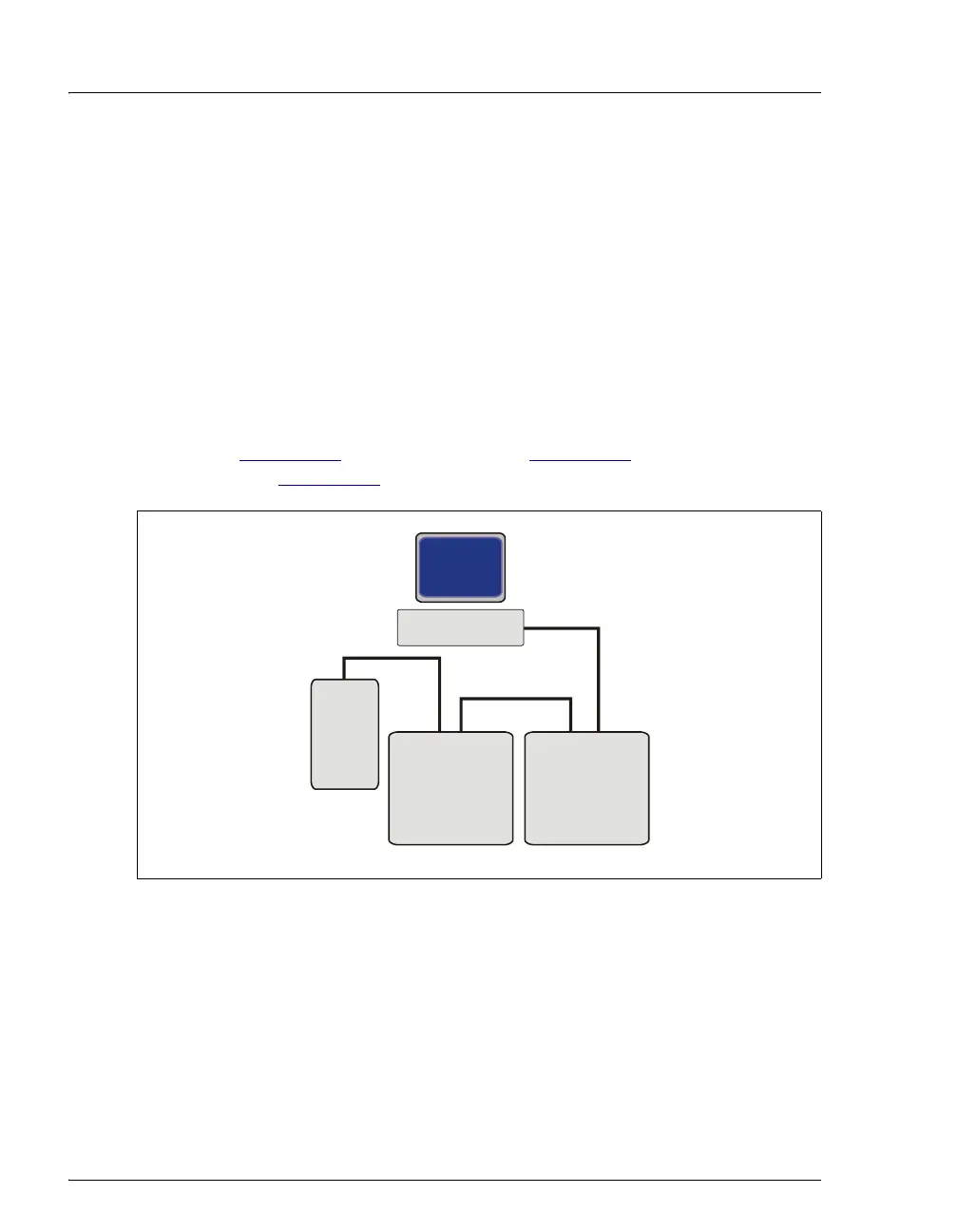
Figure B-38
), an external hub (see Figure B-39), or directly to the PC
(see Figure B-40
).
Figure B-38. Example USB Connections:
Connecting the AS to an Internal Hub on Another Device
A
A
B
B
USB Cables
BA
Module with
Internal
USB Hub
AS
PC
Module with
Internal
USB Hub



 To Next Page