EasyManua.ls Logo

Dionex As - Page 217

Dionex As
356 pages
Print Icon
To Next Page IconTo Next Page
To Previous Page IconTo Previous Page
Loading...
B Installation
Doc. 065051-03 1/08 205
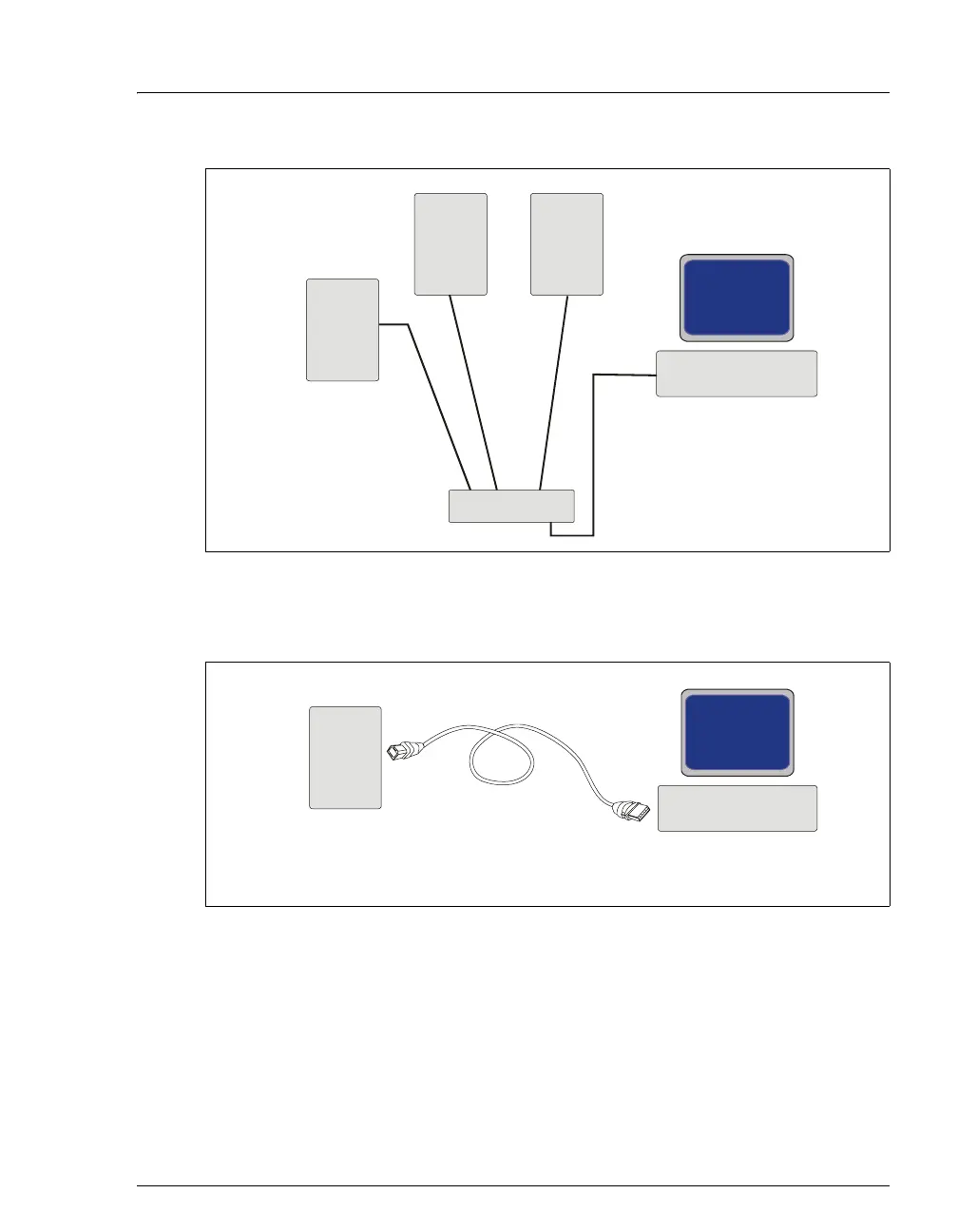
Figure B-39. Example USB Connections:
Connecting the AS to an External USB Hub
Figure B-40. Example USB Connections: Connecting the AS Directly to the PC
AS
USB Cables
A
B
Plug a “B”
into the USB
receptacle on the AS.
Plug the “A” connector
into an “A” port on the
USB hub.
USB cable’s
connector
Plug a “A”
into a USB
port on the PC. Plug the
“B” connector into the “B”
receptacle on the USB hub.
USB cable’s
connector
PC
USB Hub
Other
USB
Device
AA A
B
BB
Other
USB
Device
AS
USB Cable
A
B
Plug the “B”
into the USB
receptacle on the AS
rear panel.
USB cable’s
connector
Plug the “A
into USB
p
ort on the PC.
USB cable’s
connector the
PC

Table of Contents

Related product manuals