B • Installation
Doc. 065051-03 1/08 211
NOTE The upper limit for the loop size depends on the
volume of the sample syringe installed: 500 μL
(if the syringe volume is ≤1 mL), 4,000 μL (if the
syringe volume is 5 mL), and 8,000 μL (if the
syringe volume is 10 mL).
5. For the simultaneous or sequential mode, move the cursor to the
LOOP SIZE V2 field and enter the size of the sample loop installed on
the second injection valve.
Select the Wait Operation (for Front Panel Operation Only)
NOTE Do not complete this section if the AS will be
controlled by Chromeleon or Chromeleon
Xpress. The software enables the wait function
automatically and ignores the setting on the
SYSTEM PARAMETERS screen.
1. Go to the MODULE SETUP MENU and press 5 to go the SYSTEM
PARAMETERS
screen.
2. Move the cursor to the
WAIT field and press Select Δ or Select ∇ to
select either
ENABLED or DISABLED.
• If the AS will be controlled by another instrument through TTL
or relay connections, set the
WAIT field to ENABLED.
• If the AS will control other modules (system master) through
TTL or relay connections, set the
WAIT field to DISABLED
3. Press Enter.
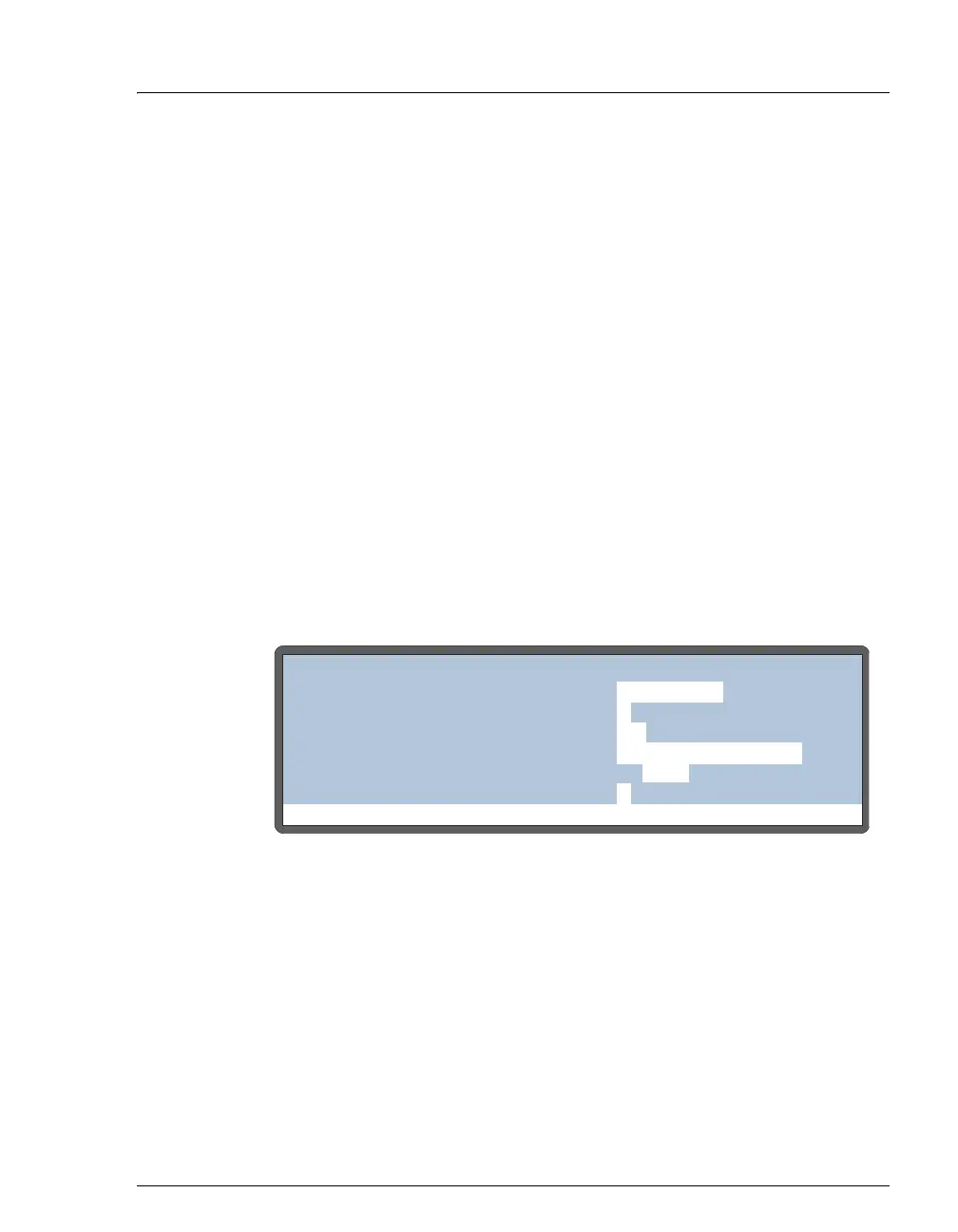
Figure B-45. System Parameters Screen
Help Prompt
SYSTEM PARAMETERS
WAIT:
ENABLED
METHOD SYRINGE SPEED:
CUT SEGMENT VOLUME:
INJECT PORT VOLUME:
uL
uL
10
S1 43
3
SAMPLE MODE:
NORMAL
FLUSH SYRINGE SPEED:
4
uLS2



 To Next Page