AS Autosampler Operator’s Manual
210 Doc. 065051-03 1/08
Select the Method and Flush Syringe Speeds
Refer to the tables in Section 3.8 to select the correct method and flush
syringe speeds to ensure the backpressure generated does not exceed
690 kPa (100 psi).
• If the AS is under Chromeleon or Chromeleon Xpress control, set the
syringe speeds on the Control panel or in a program. See Section 3.7
for details.
• If the AS is always under front panel control (it is never connected to
Chromeleon or Chromeleon Xpress), set the syringe speeds on the
SYSTEM PARAMETERS screen. See Section D.7 for details.
Select Plumbing Configuration Options
1. On the MODULE SETUP MENU, press 3 to go to the PLUMBING
CONFIGURATION
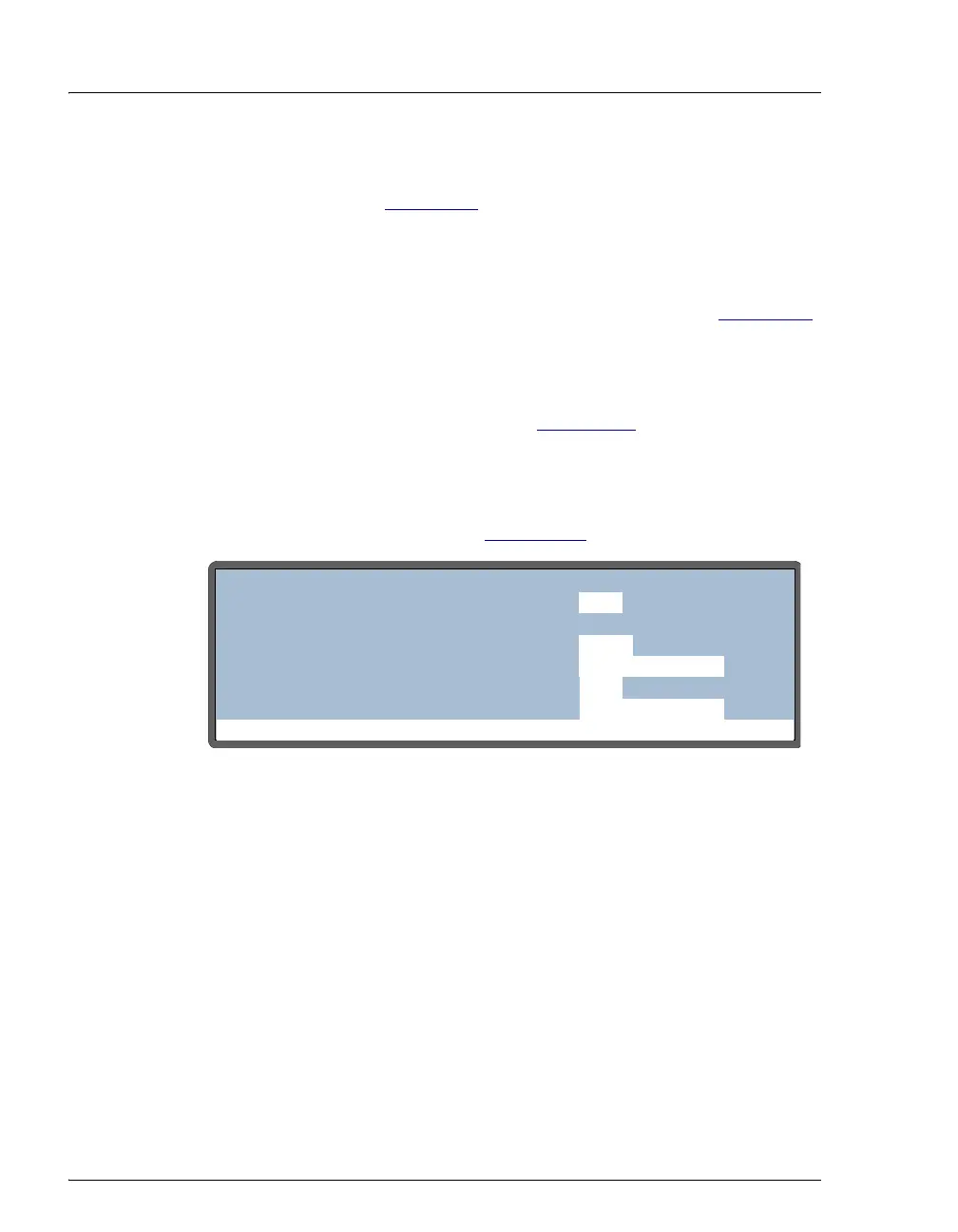
screen (see Figure B-44).
2. Move the cursor to the
SAMPLE SYRINGE VOLUME field and select
the volume of the sample syringe installed.
NOTE For the simultaneous option, the sample syringe
size must be either 5,000 or 10,000 μL.
3. If the sample preparation option is installed, move the cursor to the
PREP SYRINGE VOLUME field and select the volume of the prep
syringe.
4. Move the cursor to the
LOOP SIZE V1 field and enter the size of the
sample loop installed on the injection valve.
Figure B-44. Plumbing Configuration Screen Example
Help Prompt
PLUMBING CONFIGURATION
LOOP SIZE V1:
SAMPLE SYRINGE VOLUME:
PREP SYRINGE VOLUME:
SAMPLE SYRINGE CONFIG:
5
25
250
READY
uL
uL
mL
PREP SYRINGE CONFIG:
READY
uL
LOOP SIZE V2:



 To Next Page