AS Autosampler Operator’s Manual
284 Doc. 065051-03 1/08
Section 2.7.2). When the wait is the first sample prep step, samples are
run sequentially (see Section 2.7.3
).
Changing the Position of the Wait Operation in the Sample Prep
Phase
• To insert a step above the wait line, position the cursor on the wait
line and press the
Insert button.
• To insert a step below the wait line, position the cursor on the blank
line below wait and press the
Insert button.
Enabling and Disabling the Wait Operation
1. If you are editing a method, save the current settings (see
Section D.5.2
).
2. Go to the
MODULE SETUP menu and press 5 to go to the SYSTEM
PARAMETERS
screen.
3. Position the cursor in the
WAIT field and press Select Δ or Select ∇ to
select
ENABLED or DISABLED.
4. Press
Enter.
Specifying a Delay Between Prep Steps
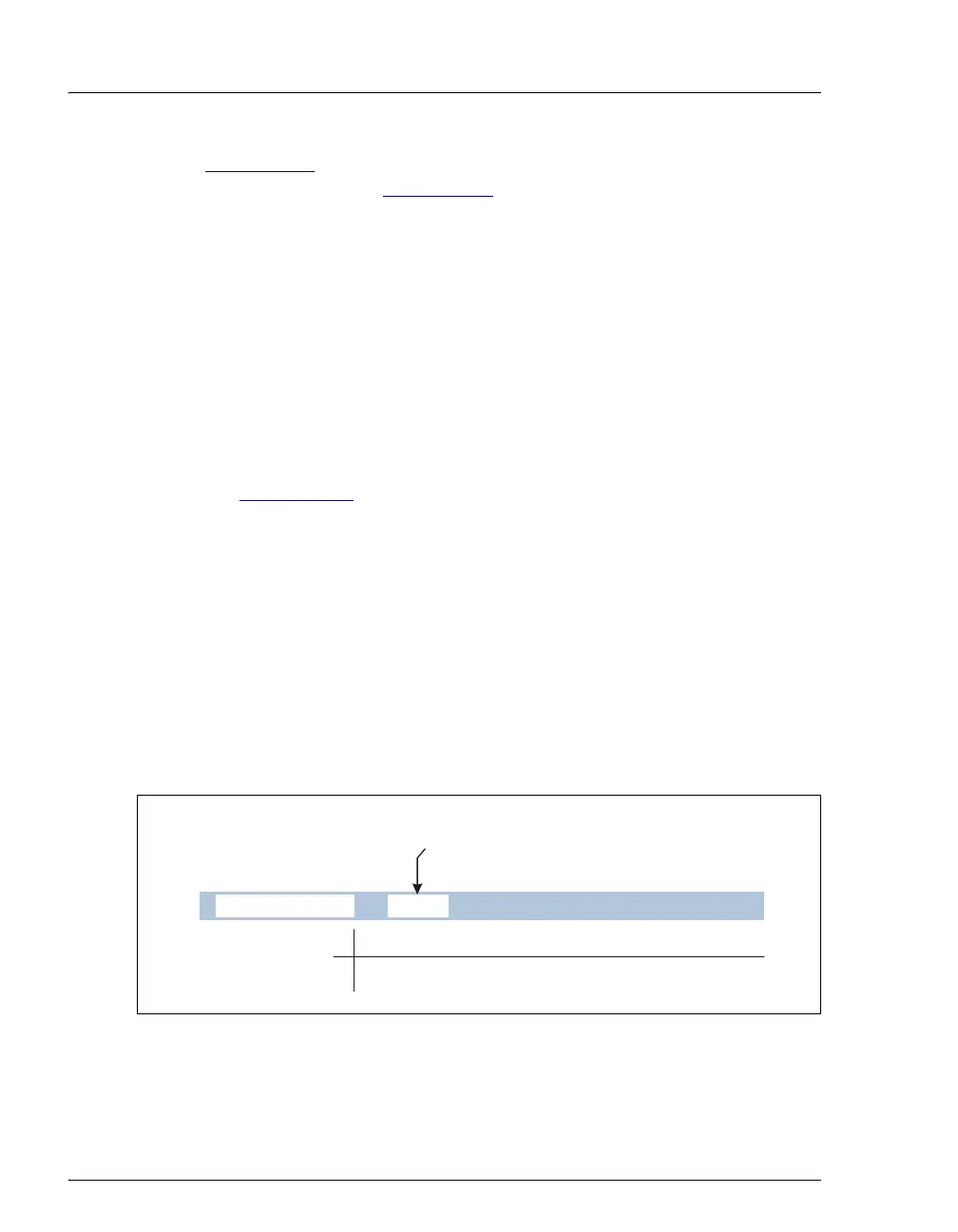
The DELAY operation specifies the number of minutes the AS waits before
proceeding to the next step in the sample prep phase.
Number of Minutes to Delay
Before Performing Next Step
min
DELAY
0.0
Delay Time
0.0 to 999.9 min



 To Next Page