AS Autosampler Operator’s Manual
316 Doc. 065051-03 1/08
40. Press 5 twice to go to the SYSTEM PARAMETERS screen.
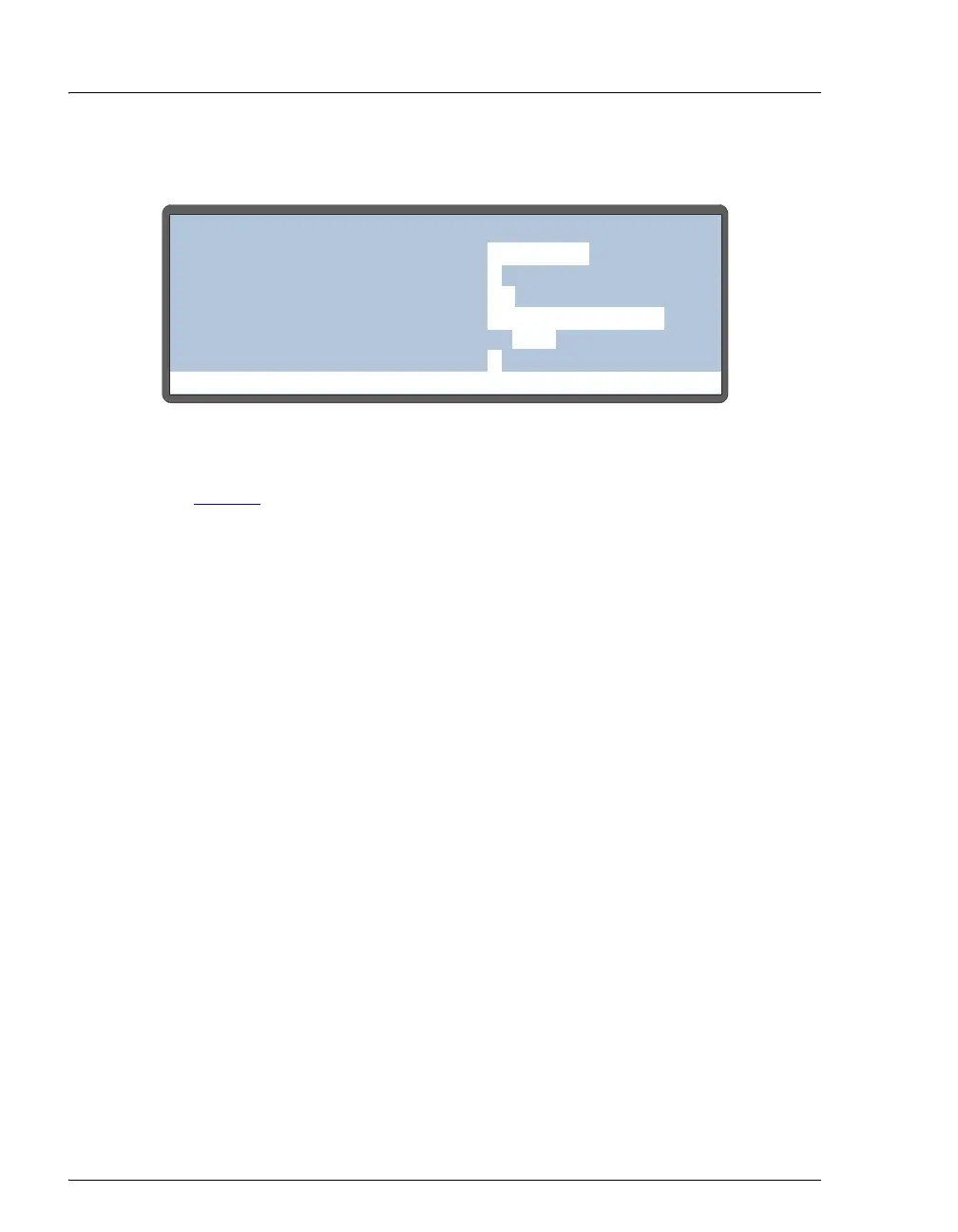
Figure D-20. System Parameters Screen
41. In the INJECT PORT VOLUME field, enter the volume (microliters) recorded
in Step 21
. For sequential mode, enter the volume recorded for system 1
in the
S1 field and the volume for system 2 in the S2 field.
42. Press
Enter.
43. Factory calibration settings are recorded on a label on the inside of the
autosampler compartment door. Record the new inject port volume on the
label.
44. If you are performing this procedure after replacing the needle seal assembly:
a. Slide the bolt and ferrule removed from the old needle seal line onto the
end of the new needle seal line, or install a new bolt and ferrule fitting.
b. Connect the needle seal line fitting to the injection valve. Tighten the
fitting fingertight and then tighten it an additional one-quarter turn using
the 5/16-in wrench.
Help Prompt
SYSTEM PARAMETERS
WAIT:
ENABLED
METHOD SYRINGE SPEED:
CUT SEGMENT VOLUME:
INJECT PORT VOLUME:
uL
uL
10
S1 43
3
SAMPLE MODE:
NORMAL
FLUSH SYRINGE SPEED:
4
uLS2



 To Next Page