AS Autosampler Operator’s Manual
32 Doc. 065051-03 1/08
• Display a warning message in the Chromeleon Audit Trail when a monitored
part is approaching its usage limit and when the limit is reached.
• Set the usage limits for monitored parts to suit your needs.
• Record when a part is serviced and reset the usage counter.
All Predictive Performance commands and parameters are available in the
Chromeleon Commands dialog box (press the F8 key or select Command on the
Control menu to open the Commands dialog box).
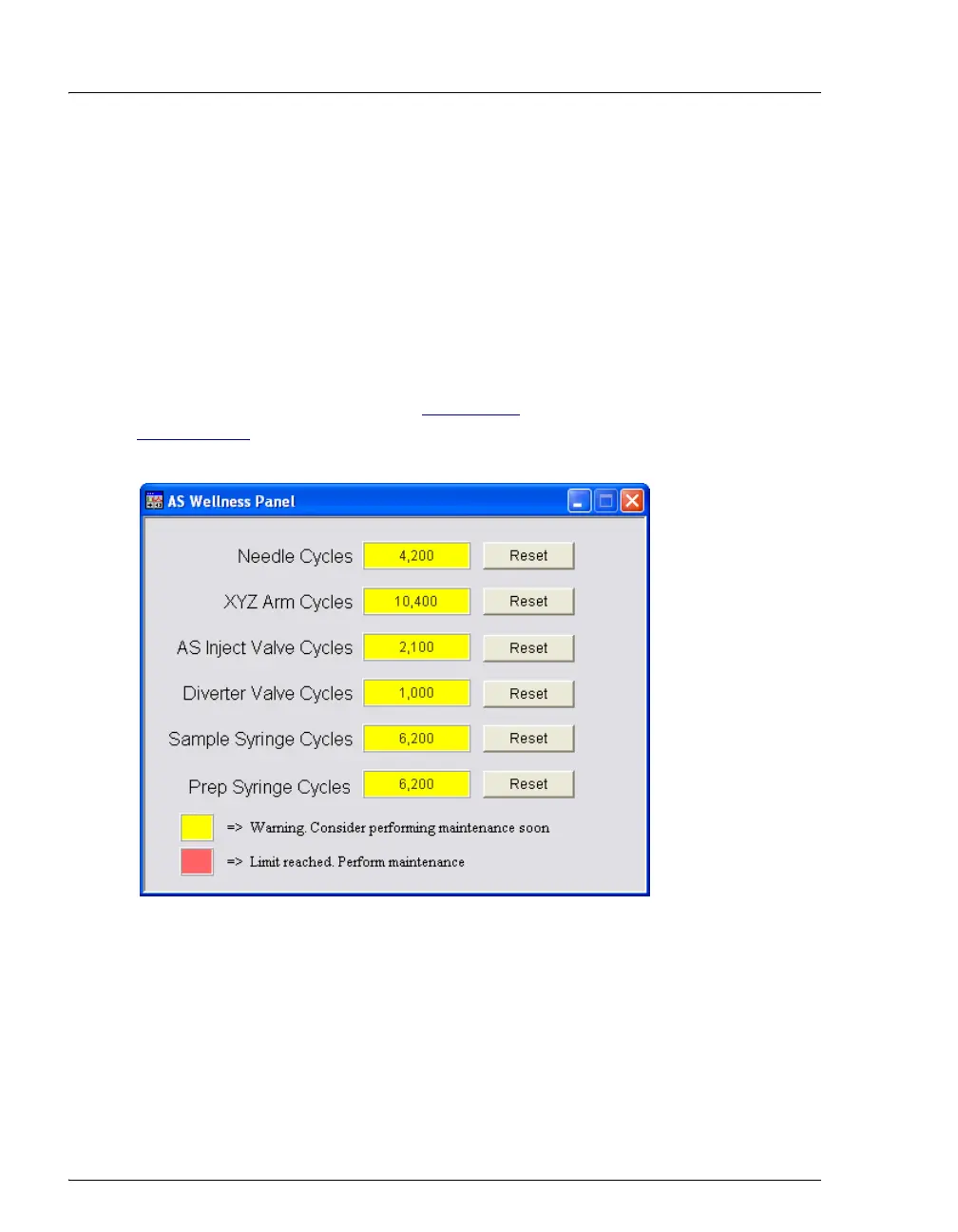
You can view and reset the usage counters for the various replaceable parts on
either the AS Wellness panel (see Figure 2-14
) or the USAGE LOG SCREEN (see
Section C.9.6
). The remaining Predictive Performance functions, described
above, are available only in Chromeleon.
Figure 2-14. Example AS Wellness Panel
(Default Warning Values for All Parameters Shown)



 To Next Page