3 • Operation and Maintenance
Doc. 065051-03 1/08 71
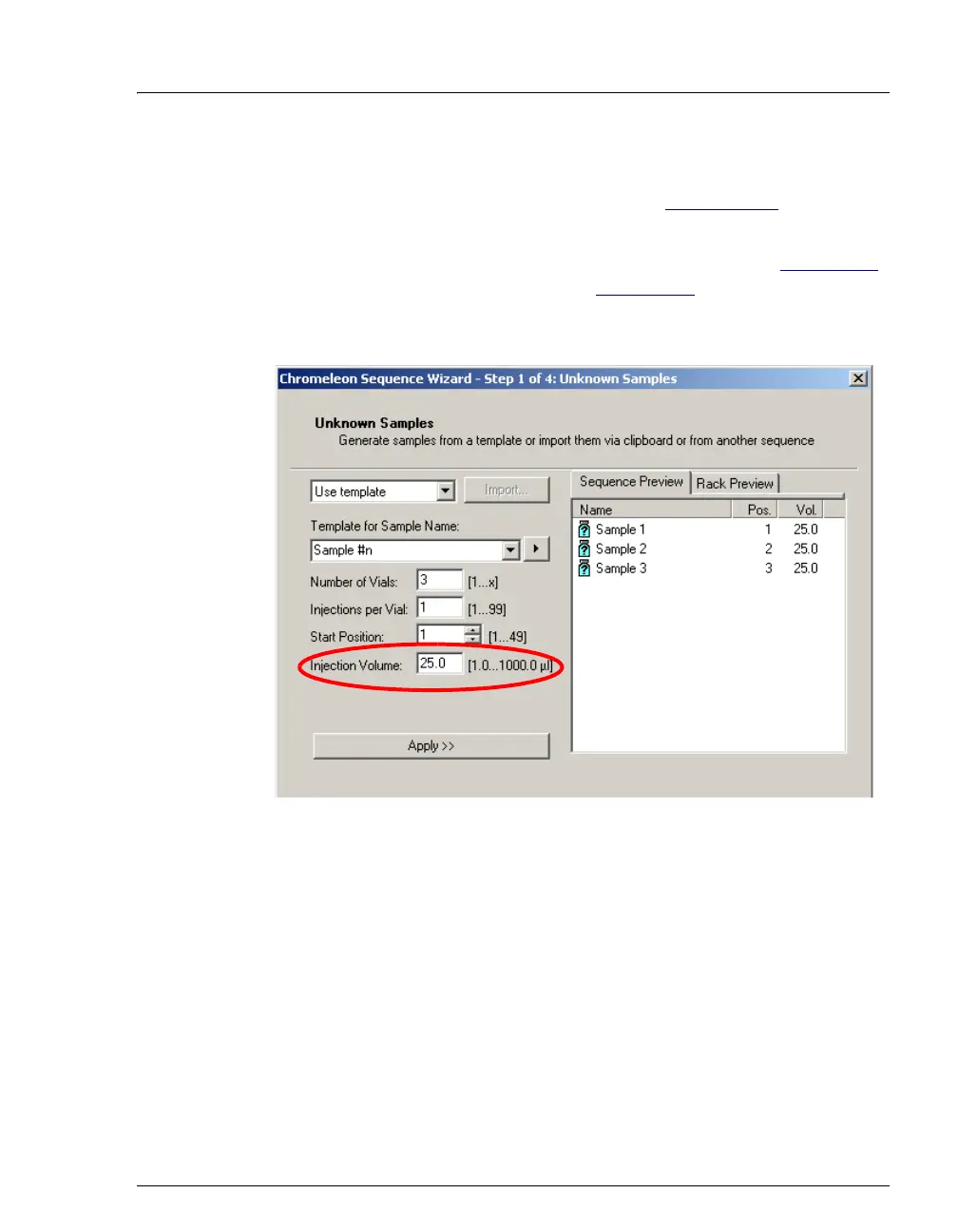
Setting Up a Full-Loop Injection
1. On the SYSTEM PARAMETERS screen (see Section C.6.5), select
NORMAL in the SAMPLE MODE field.
2. In the Chromeleon or Chromeleon Xpress sequence (see Figure 3-19
)
or in the front panel schedule (see Section D.3
), enter an injection
volume equal to or greater than the volume of the loop installed on
the injection valve.
Full-Loop Injection Notes
• Entering an injection volume equal to or greater than the sample loop
size sets up the AS for a full-loop injection. The actual volume of
sample injected equals the volume of the sample loop installed.
• If the entered injection volume is more than four times the loop size,
the entire injection volume is delivered during loading of the loop.
For example, if a 100
μL loop is installed and the injection volume is
600
μL, then 350 μL is flushed through the loop, 100 μL is loaded
into the loop, and 150
μL remains before the loop.
Figure 3-19. Sequence Wizard: Specifying the Injection Volume



 To Next Page