Programming and operating manual Model 1001 DFB
84 FICEP S.p.A.
The “machine program”
(canonic program) is
generated
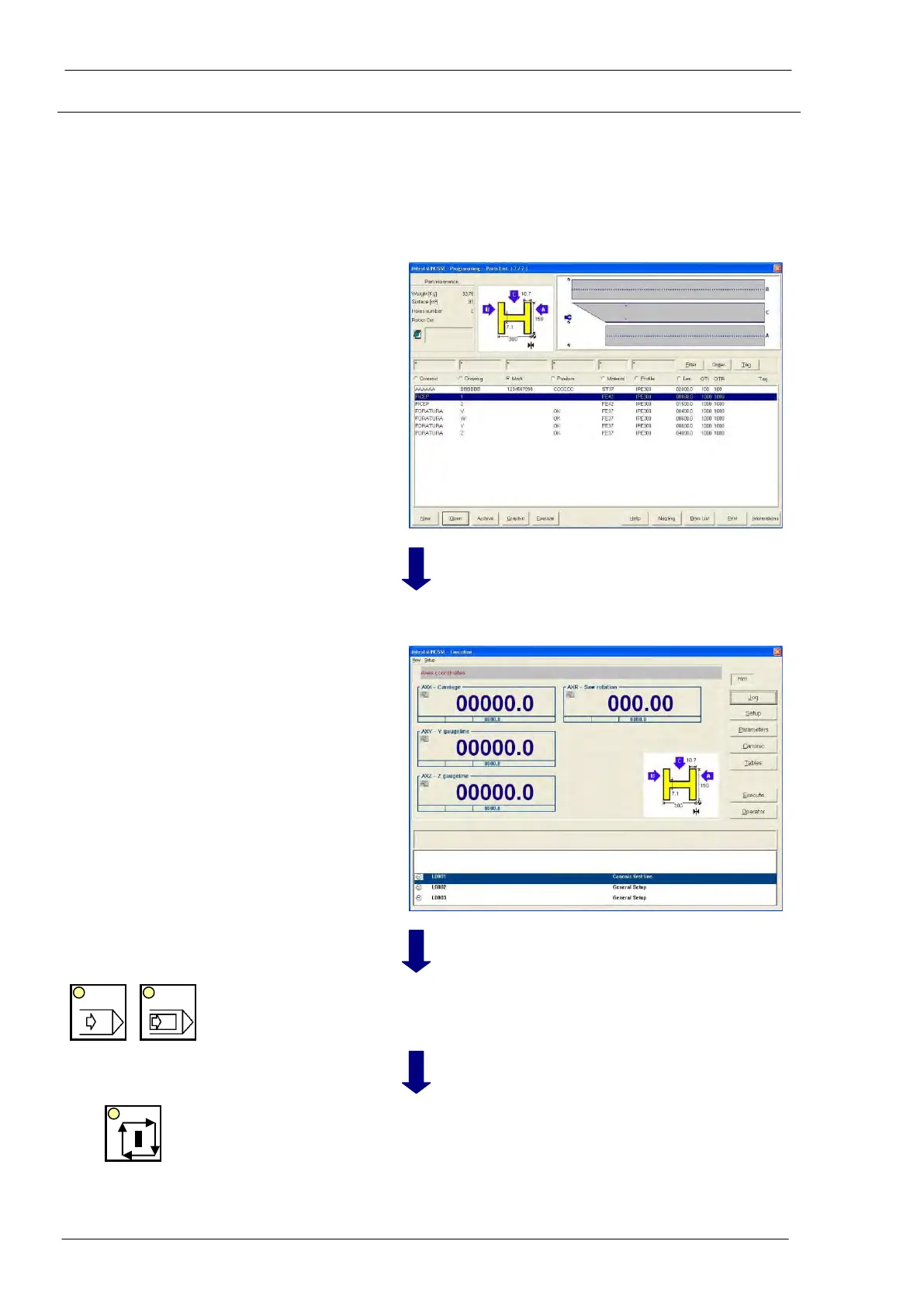
The operator can see for few seconds a service window
after which the previous window, with the pieces list is
shown again. It means that the canonic program has
been perfectly generated without errors.
If an error occurs (for instance, the program needs a tool
not present in the tool tables) an error message is dis-
played. The operator must remove the problem and, af-
ter, he must re-execute the program.
“ESC” of the PC
keyboard and,
then, graphic push-
button “Execution”
To supervise the execu-
tion of the program
The Execution window is displayed; the operator can
read dynamic information.
Selection of automatic
cycle
Choice of desired automatic cycle (continuous or step by
step)
The execution of the program is started. If the line setup
is suitable to the required setup, the pincher catches the
material, the LED into START push-button is ON and the
coordinates change dynamically; the line is working.
If the line setup is not the same as required, the CNC
stops the execution and automatically shows the setup



 To Next Page