Model 1001 DFB Programming and operating manual
FICEP S.p.A. 85
window. In this page correct tools have green back-
ground colour while incorrect tools have red background
colour.
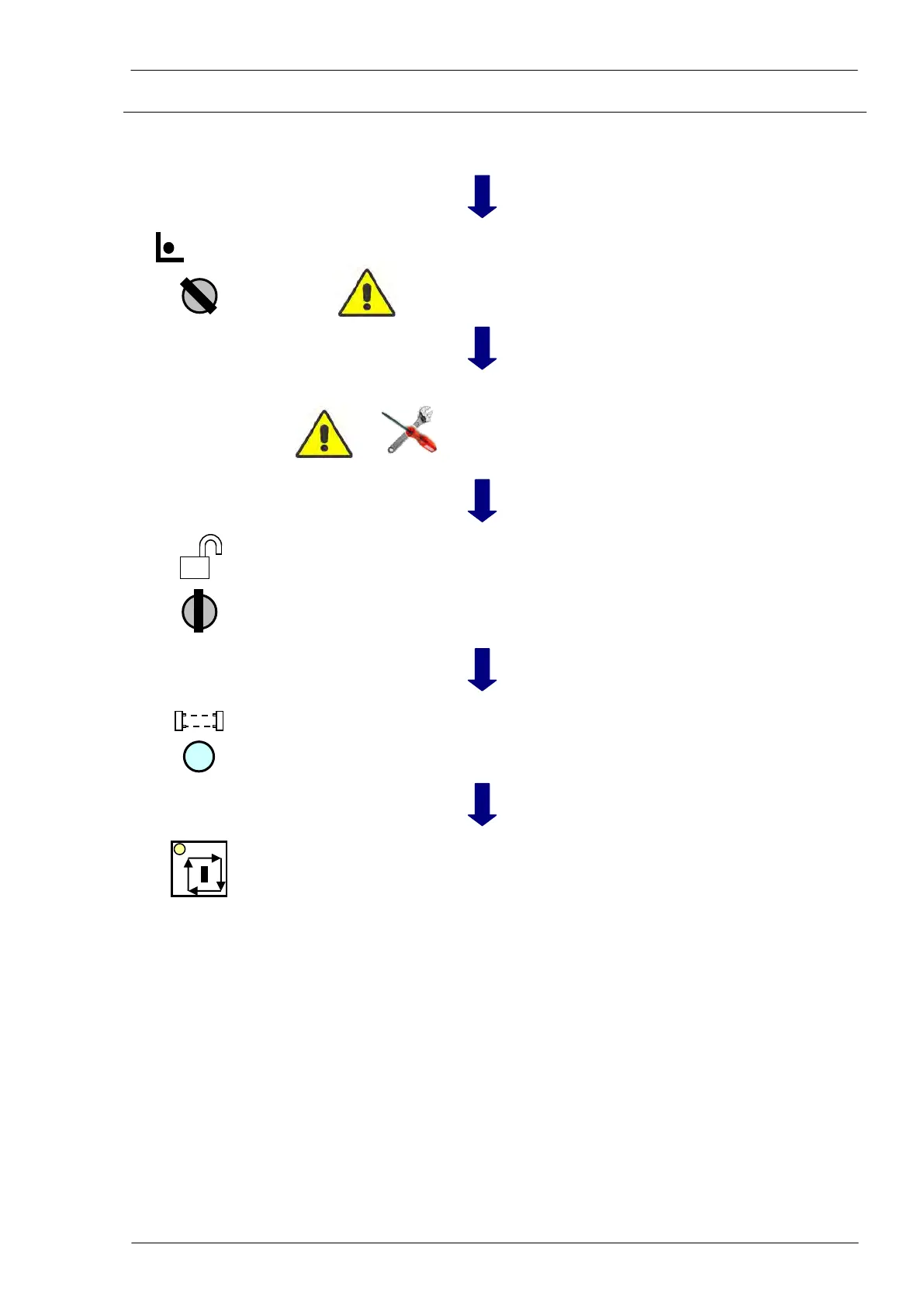
Setup mode to fit the
line
The operator must switch the line in setup mode rotating
the key selector in the control and safety push-button
panel and pulling out the key to avoid any undesirable
control by third person.
The operator executes all fitting operations carefully
checking type and position of all fitted tools: the new
physical setup must be exactly like requested from the
CNC At the end of operations the operator confirms
pressing “OK”.
The operator inserts the key into the selector and switch-
es the machine in working mode
The operator resets the system pressing the push-button
to clear the optical barrier alarm (if provided).
The operator starts again the execution of the program;
the pincher catches the material, the LED into START
push-button is ON and the coordinates change dynami-
cally; the line is working.



 To Next Page