1.3 Screen Configuration and Operation
14
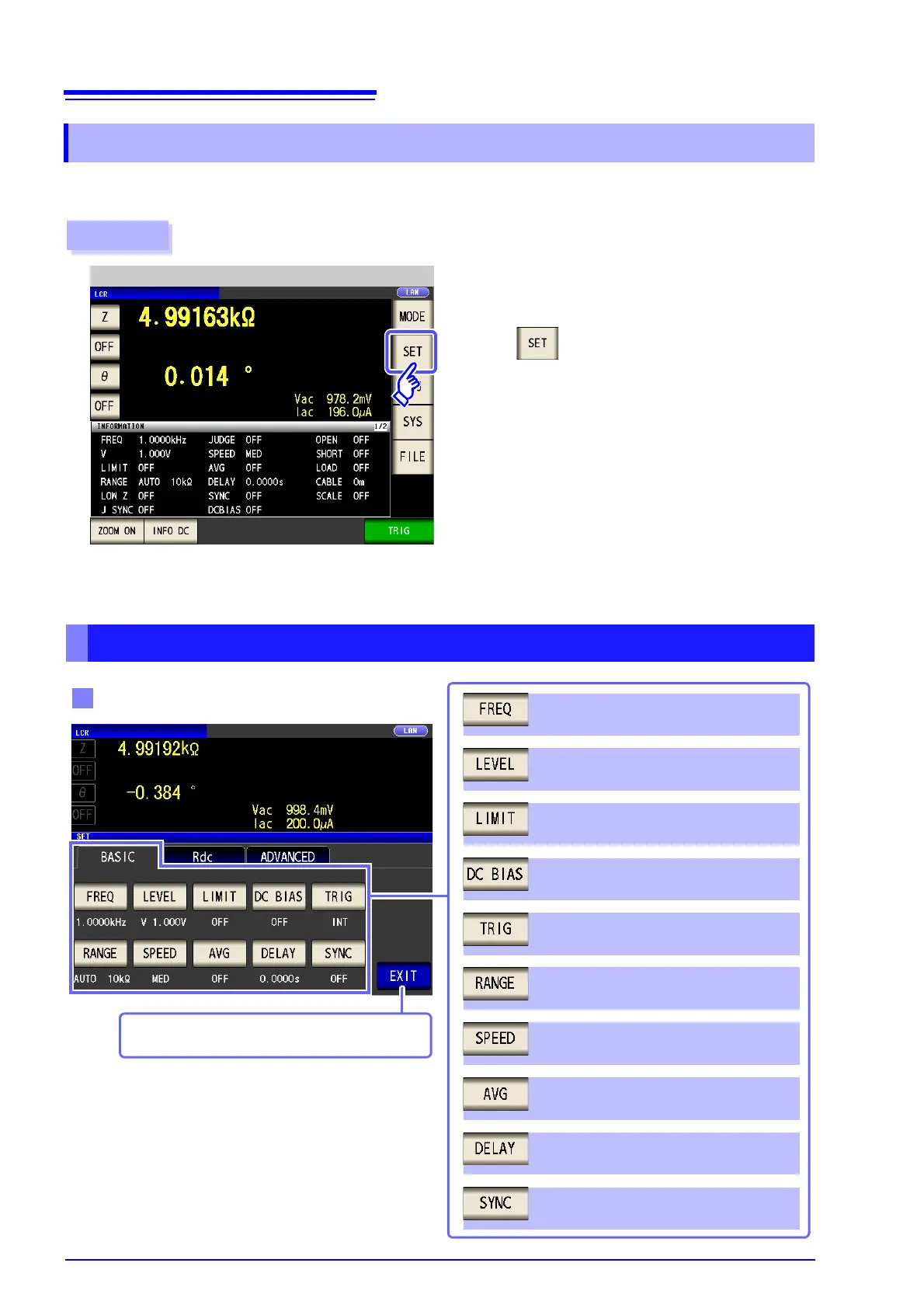
This screen is for configuring the measurement conditions you want to change and other advanced settings.
Select the measurement mode (p. 13) before configuring the advanced settings.
1.3.3 Advanced Settings Screen
1
Press .
2
Measurement Screen
Configure settings for LCR mode, TRANSFORMER mode, and CONTINUOUS measurement mode.
On the IM3533-01, you can also configure ANALYZER mode settings.
Procedure
LCR Mode
Basic setting
Trigger synchronous output function
setting (p. 77)
Measurement frequency setting (p. 50)
Measurement signal level setting (p. 52)
Voltage and current limit settings (p. 56)
DC bias setting (p. 58)
Trigger setting (p. 60)
Measurement range setting (p. 62)
Measurement speed setting (p. 73)
Average setting (p. 74)
Trigger delay setting (p. 76)
LCR mode measurement screen is displayed.



 To Next Page