11.7 File and Folder Operations
302
You can edit files and folders saved to the USB flash drive.
Perform this operation if the USB flash drive to be used is not formatted (initialized). Insert the USB flash drive
to be formatted into the USB port (on the front panel) (p. 274) and start the format.
The instrument formats drives in the FAT32 format.
11.7 File and Folder Operations
1
Formatting a USB Flash Drive
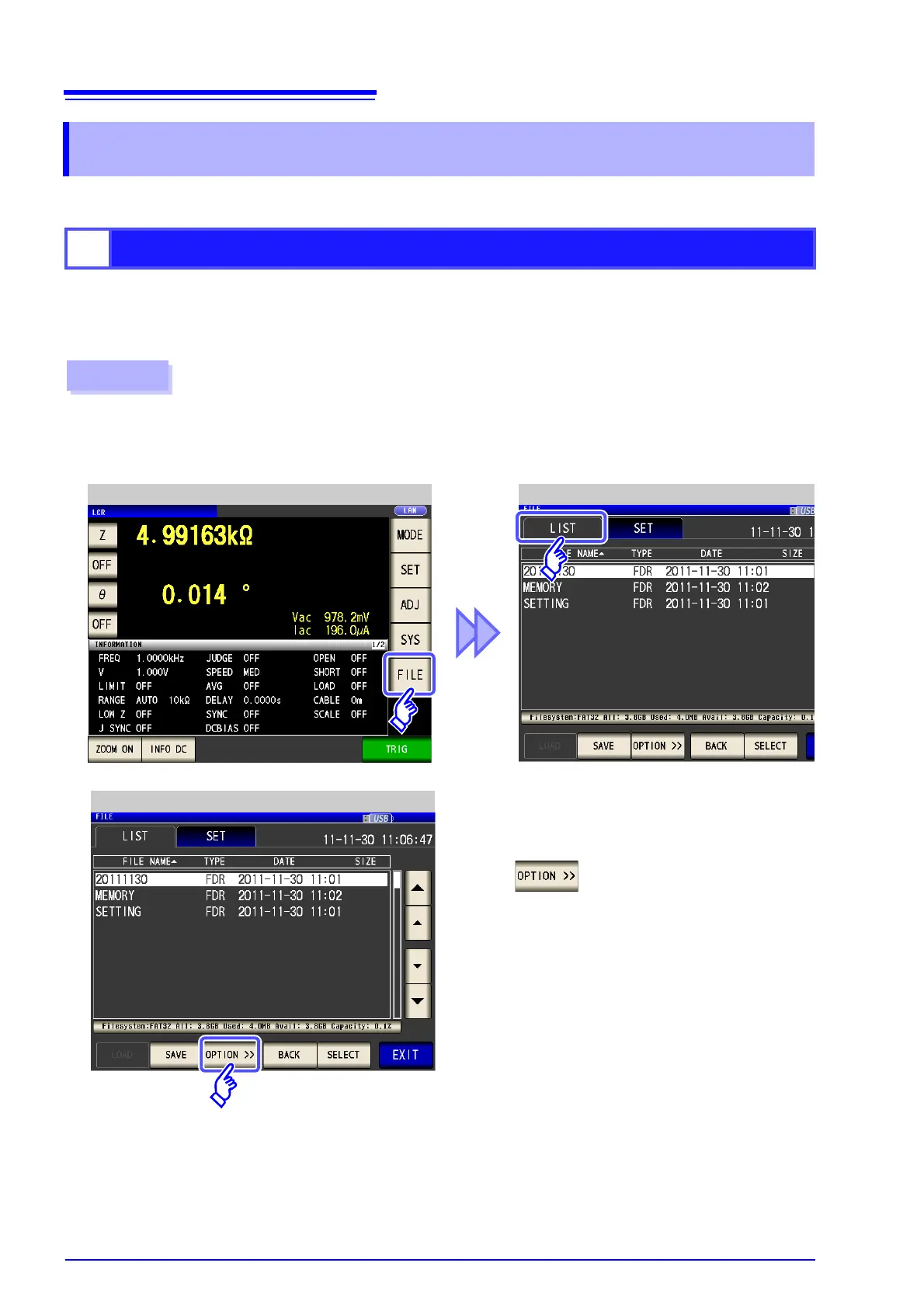
Procedure
Insert the USB flash drive into the USB port (front panel).
1
2
LCR Measurement Screen File List Screen



 To Next Page