9.1 Saving Measurement Conditions (Panel Save Function)
251
8
9
Chapter 9 Saving and Loading Panel Information
You can save the measurement condition and compensation value.
The numbers of conditions and values that can be set are as follows:
Although only one panel is saved when the save type is set to , that data counts as one measurement
condition and one compensation value.
(Example: When saving is performed with in mode, LCR is counted as one item, and the
compensation value as one item.)
9.1 Saving Measurement Conditions
(Panel Save Function)
LCR and TRANSFORMER
Measurement Condition
Total of up to 60 items
ANALYER Measurement Condition
(IM3533-01 only)
Up to 2 items
Compensation Value
Up to 128 items
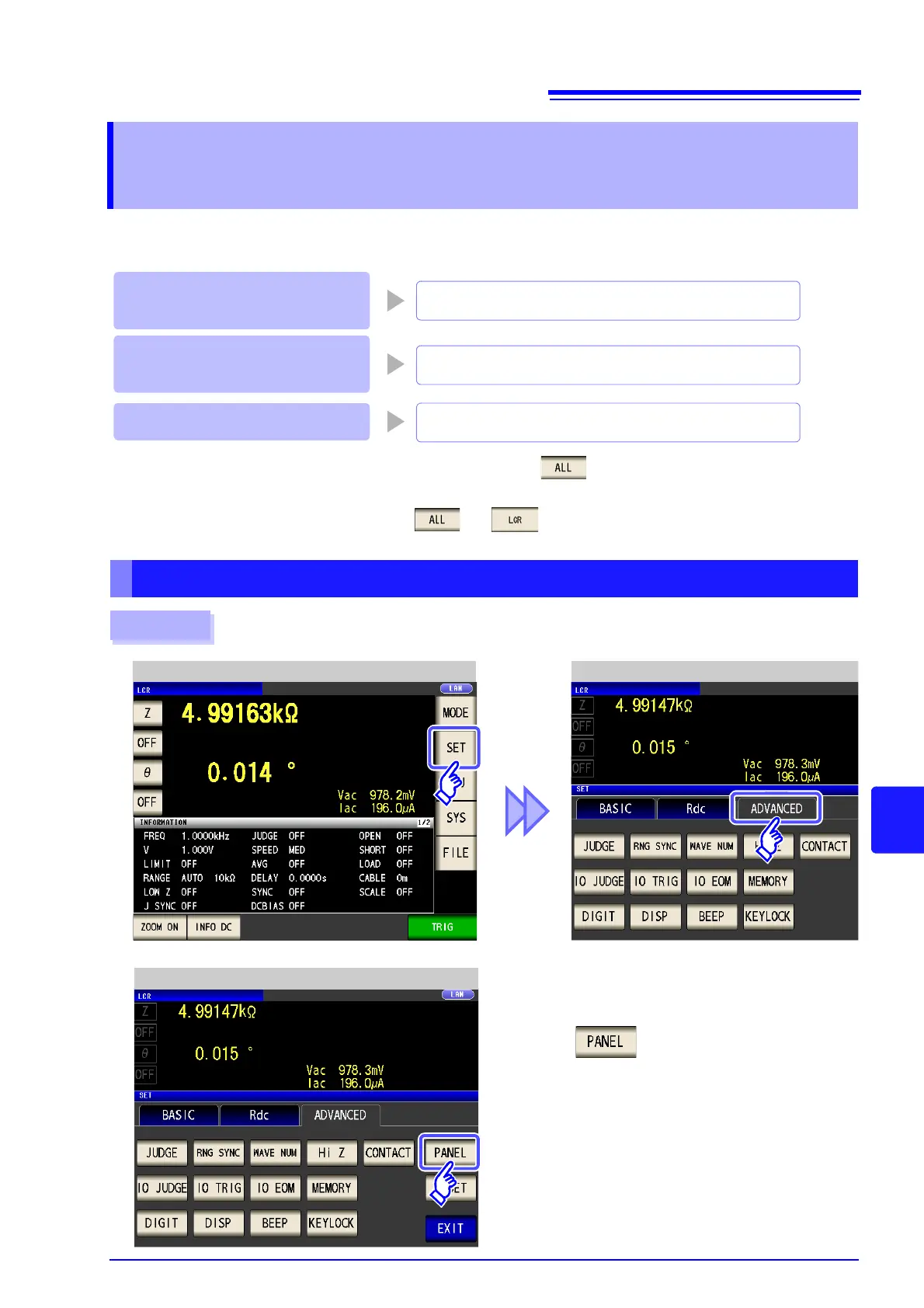
Setting the Type to Save
Procedure
1
LCR measurement Screen LCR Application Settings
Press .
2
LCR Application Settings



 To Next Page