ELECTRICAL SYSTEM / BILGE PUMP 6-45
CHANGE C2 ICON A5 / MAINTENANCE MANUAL
Line
Level of Certification
LSA-RM
Task Specific Training Required
No
Special Tools Required
None
Parts Required
TY528MX Cable Tie
Aircraft System and Number
03—Electrical Systems
Consumables
Sil-Poxy
®
Silicone Adhesive
1. Remove any adhesive residue from the bilge pump mounting flange.
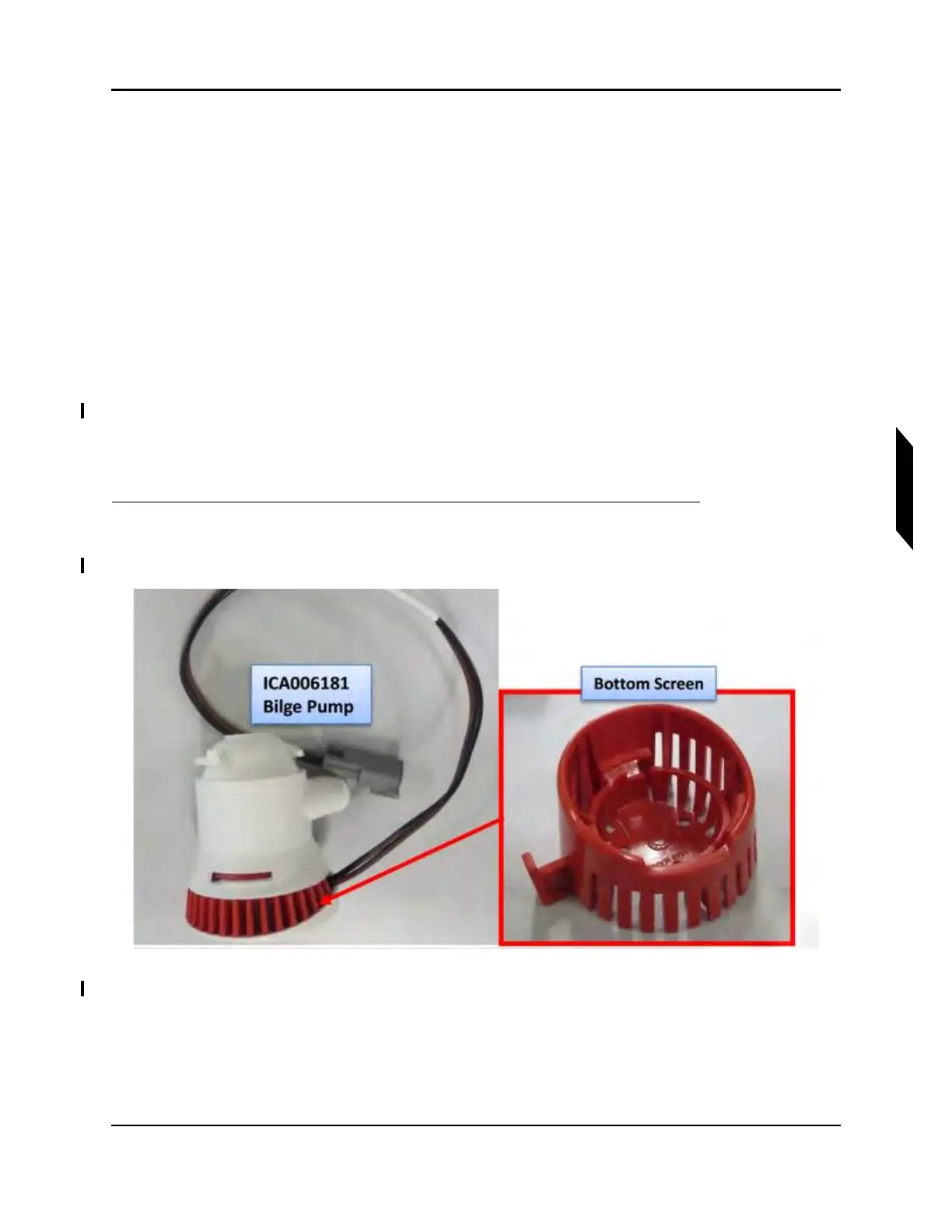
2. Remove bottom strainer from bilge pump. (See Figure 6-6.)
FIGURE 6-6
REMOVE BOTTOM SCREEN
3. Slide bottom strainer into place under the mounting flange.
4. Install the pump body onto the bottom strainer by aligning it and rotating clockwise until locked.
(See Figure 6-7.)



 To Next Page