EQUIPMENT AND FURNISHINGS / EQUIPMENT AND FURNISHINGS GENERAL MAINTENANCE 8-11
CHANGE C1 ICON A5 / MAINTENANCE MANUAL
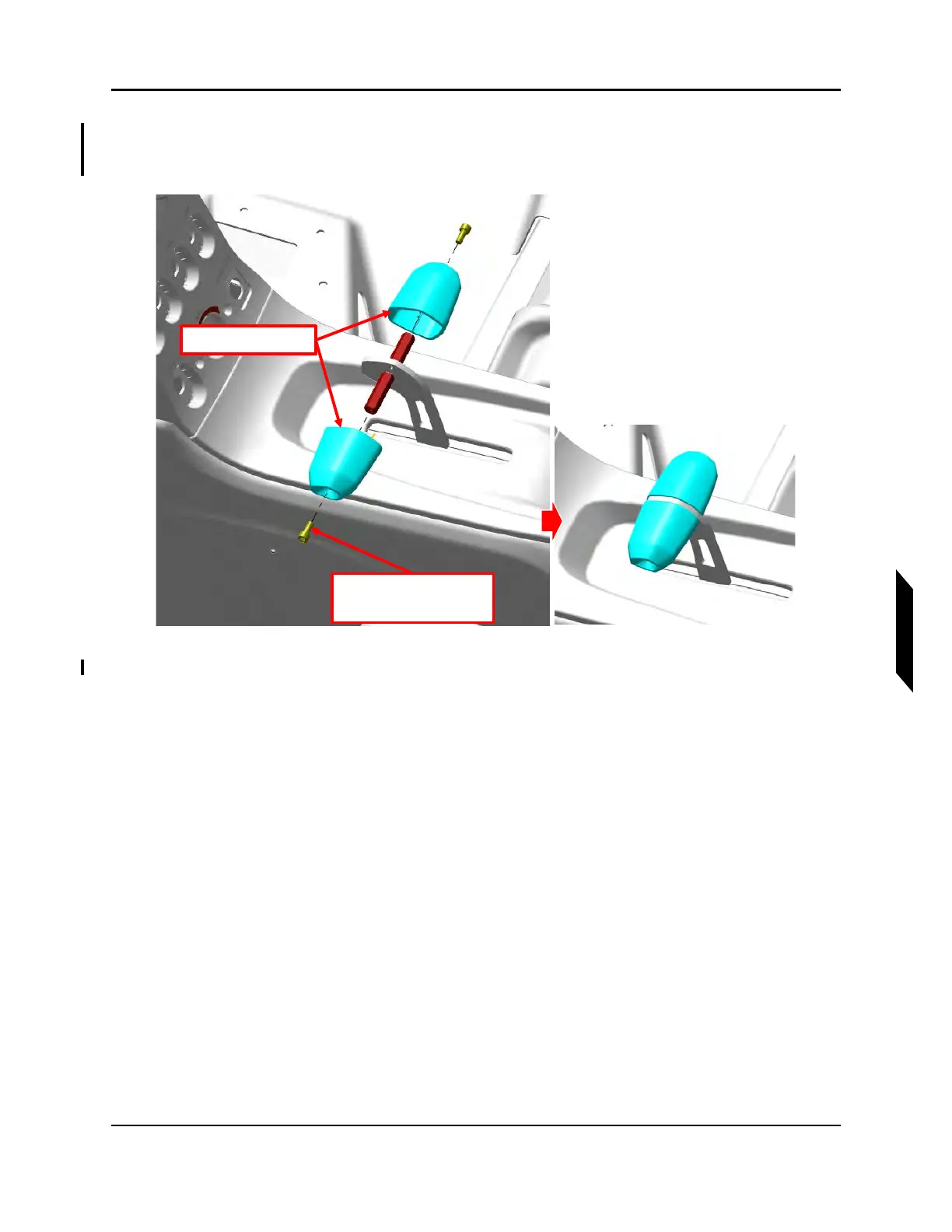
2. Remove 2X Screws which secure the handle grips using a 9/64 hex wrench. Separate the two
halves of the handle to remove it from the throttle lever. Retain all fastening hardware and handle
components. See Figure 8-7.
FIGURE 8-7
THROTTLE HANDLE SCREWS
3. Remove the standoff that is inserted into the throttle lever. Retain hardware. See Figure 8-8.
2x Screw
Apply Thread Locker
Throttle Handles



 To Next Page