LANDING GEAR / MAIN LANDING GEAR 14-47
CHANGE C2 ICON A5 / MAINTENANCE MANUAL
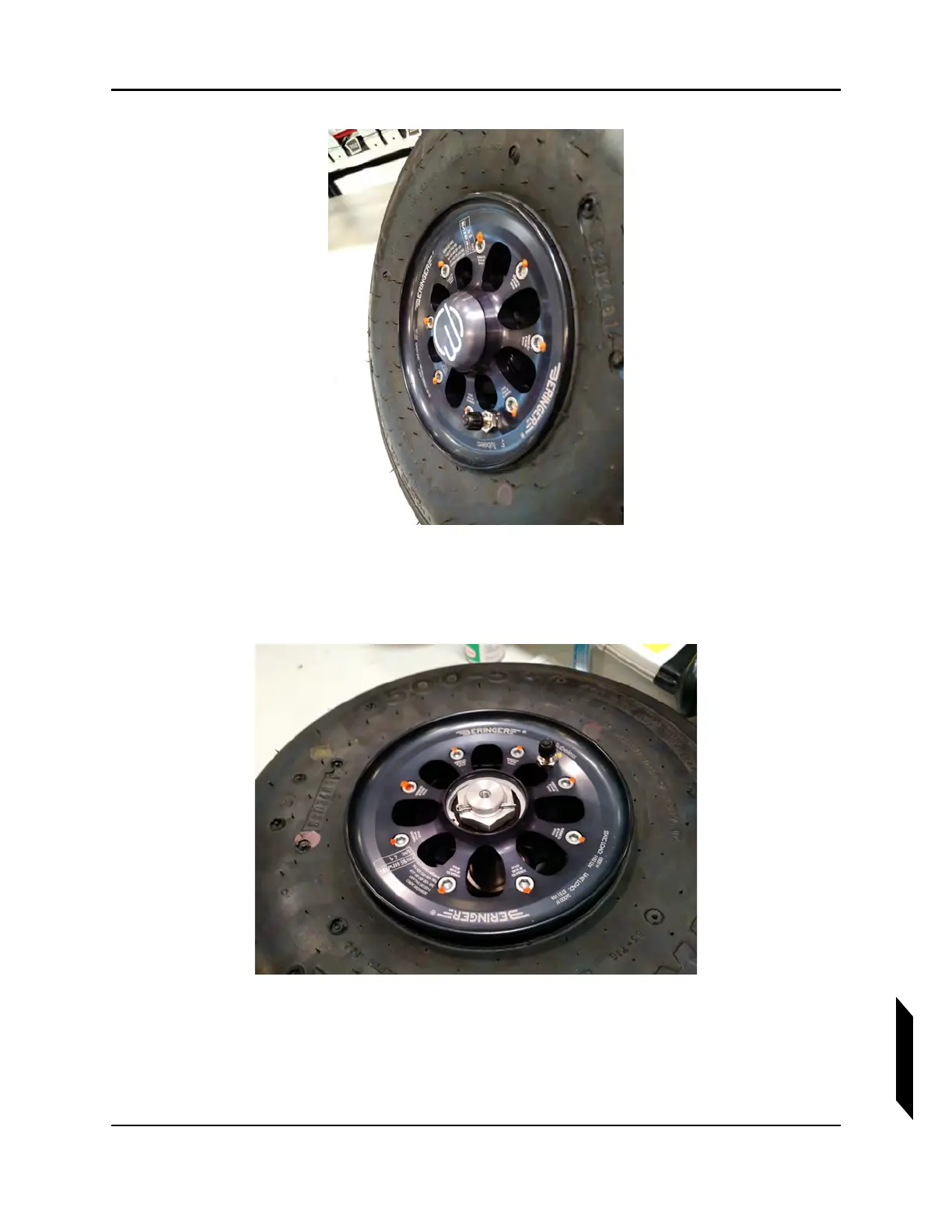
FIGURE 14-22
WHEEL/BRAKE ROTOR DETAIL.
3. Remove MLG wheel seal cap.
4. Remove cotter pin, MLG wheel nut, wheel, and spacer.
FIGURE 14-23
WHEEL NUT DETAIL.
5. Remove brake rotor from caliper and store in a clean location.



 To Next Page