LANDING GEAR / NOSE LANDING GEAR 14-63
CHANGE C2 ICON A5 / MAINTENANCE MANUAL
Special Tools Required
None
Parts Required
None
Aircraft System and Number
11—Landing Gear
Consumables
Tef-Gel
®
LOCTITE
®
222™
Ensure that the NLG leg assembly is complete with leg, trunnion, wrap around bracket, drag link
bracket, and wheel centering assembly installed. If the NLG fork steering bearing is not in place, install
it before proceeding with the steps below.
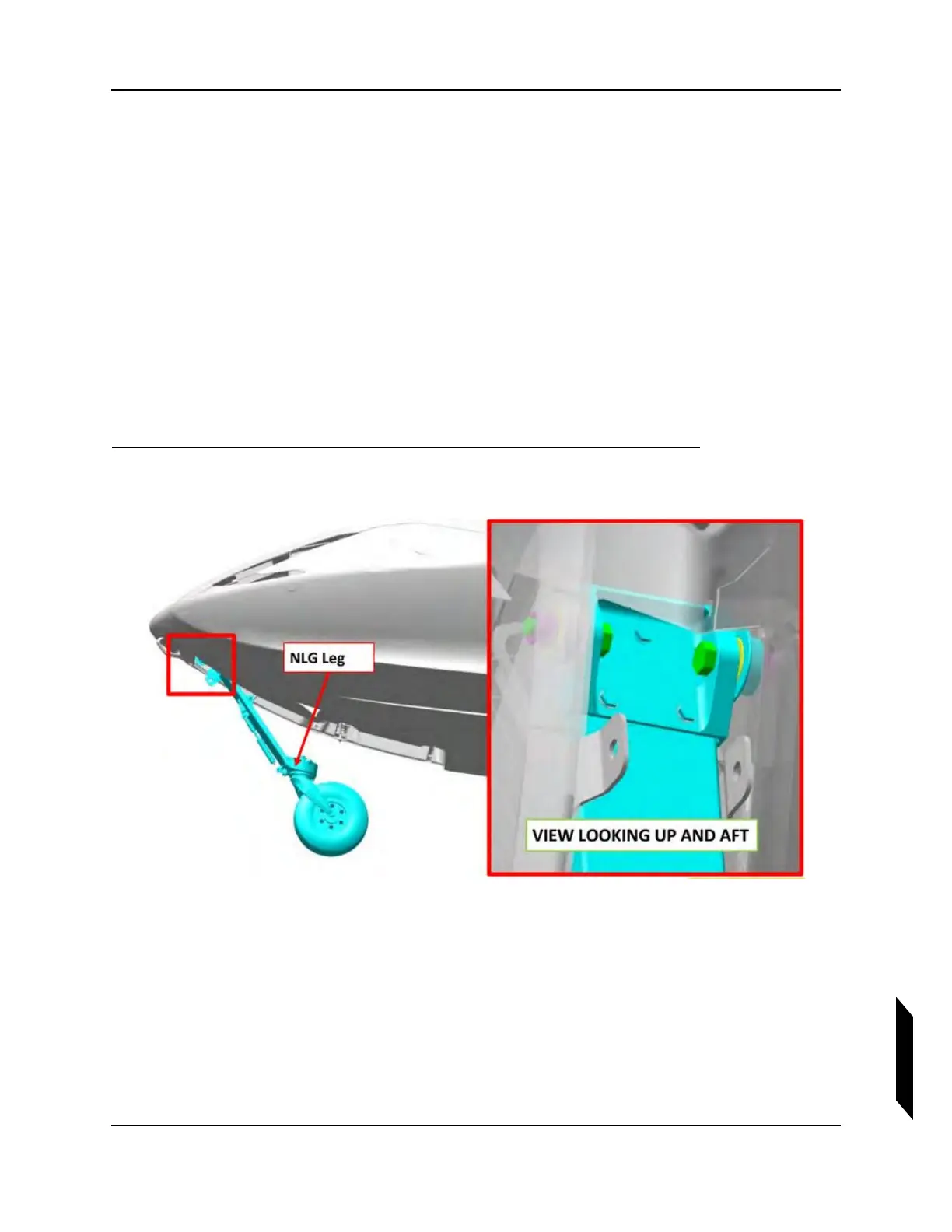
1. Locate the NLG leg into position in the NLG box in the aircraft.
2. Install the AN7C14A bolts through each ear of the NLG trunnion and into the pivot bearings in the
NLG box. Use a helper to hold the leg assembly in place.
3. From the inside of the fuselage, install the ICA007417 bushings and MS21044C7 nuts onto the
AN7 bolts, the bushings being positioned inside the flanged bearings in the NLG box. Apply
Tef-Gel
®
to the bolt threads.



 To Next Page