ICON PARACHUTE SYSTEM (IPS) / HARNESS 19-17
CHANGE C1 ICON A5 / MAINTENANCE MANUAL
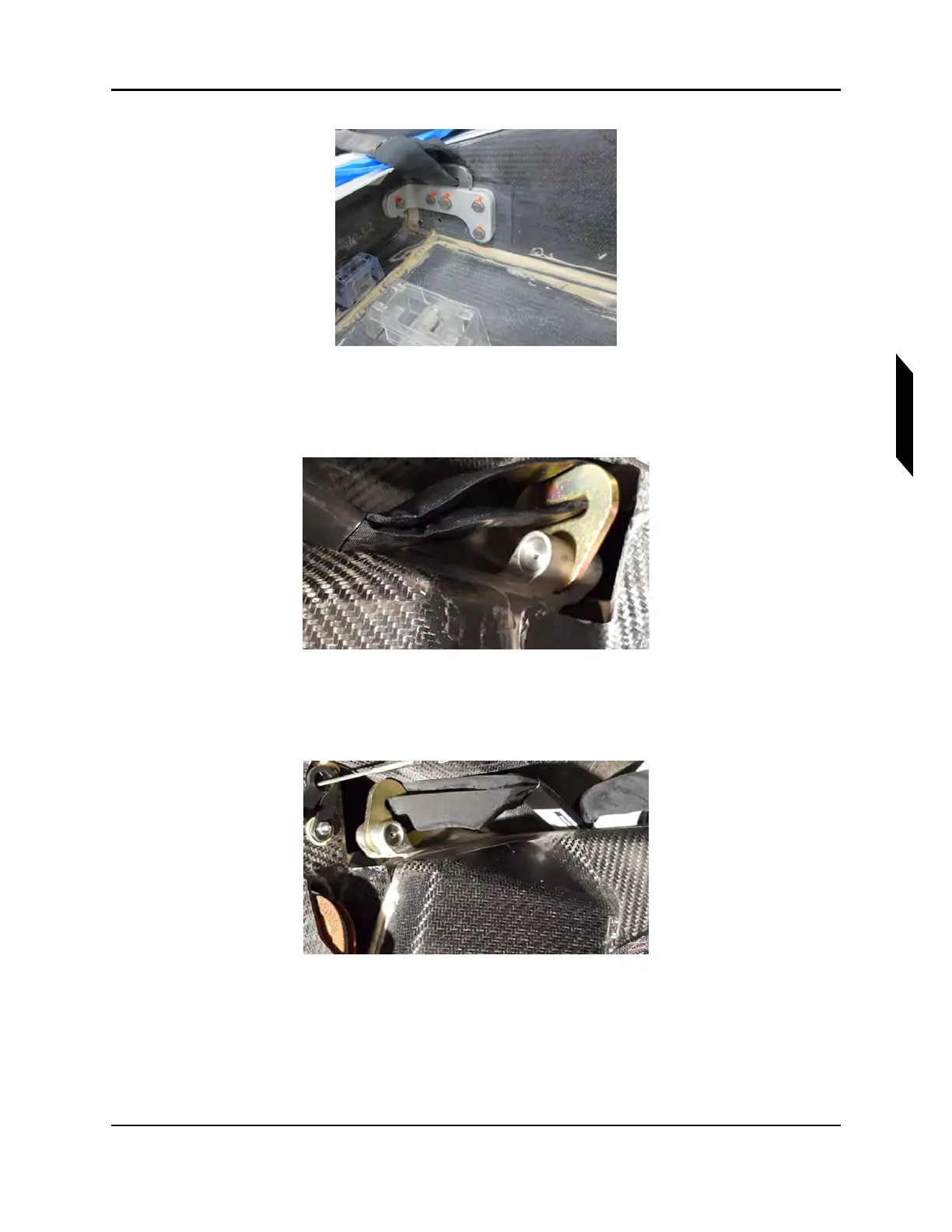
FIGURE 19-7
“A” END OF HARNESS ATTACHMENT POINT (STARBOARD REAR)
2. Attach the “A” end of the forward harness to the forward attachment bracket on the STAR-
BOARD side of the aircraft with the tie off pin and retaining ring.
FIGURE 19-8
“A” END OF HARNESS ATTACHMENT POINT (STARBOARD FORWARD)
3. Attach the “A” end of the forward harness to the mounting bracket PORT side of the aircraft with
the pin and the retaining ring.
FIGURE 19-9
“A” END OF HARNESS ATTACHMENT POINT (PORT FORWARD)
4. Route the AFT harness into the parachute bay to be “S”-folded and routed to the 1/2” quick link
and attached to the riser later in the parachute installation bay. (The STARBOARD AFT harness
mount point is located in the parachute bay.)



 To Next Page