MD-11 Flight Crew Operations Manual
k
FMS -
Controls and Displays
FMS.30.11
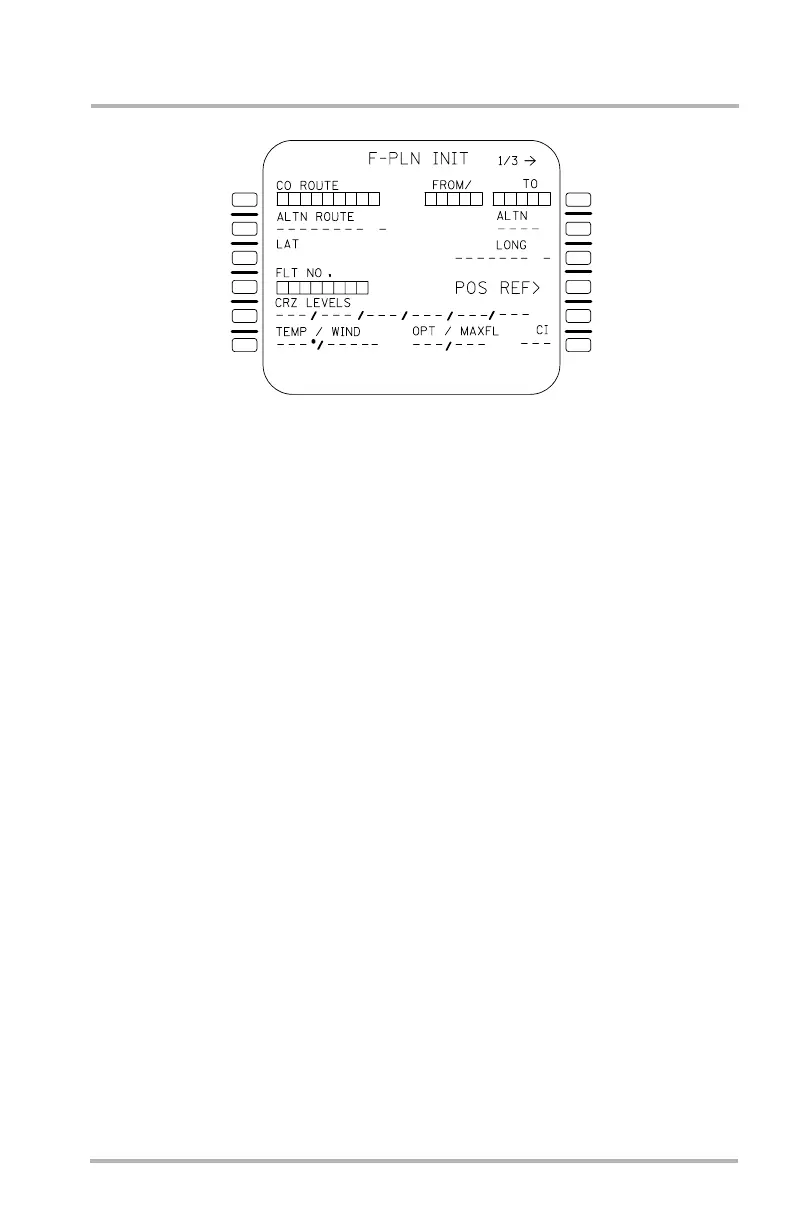
F-PLN INIT Page
This page may be accessed with the INIT key, or in preflight from the A/C
STATUS page with the prompt in 6R. It allows the flight crew to initialize the
primary origin/destination (or company route), alternate destination (or company
route), cruise altitudes, wind and temperature, align the IRUs, and provides access
to the WEIGHT INIT page with the PAGE key.
Boxes are initially displayed in 1L and 1R. A company route may be entered in
1L causing the FROM/TO field to be filled in automatically. Alternatively, a
FROM/TO may be entered causing the route selection page to be displayed for
optional selection of a company route.
1L
2L
3L
4L
5L
6L
1R
2R
3R
4R
5R
6R
-
----- -
---
/
LB1-3-0062
-
October 02, 2006



 To Next Page