112
Settin
Checkers
Cha
ter 6
Checking the Results
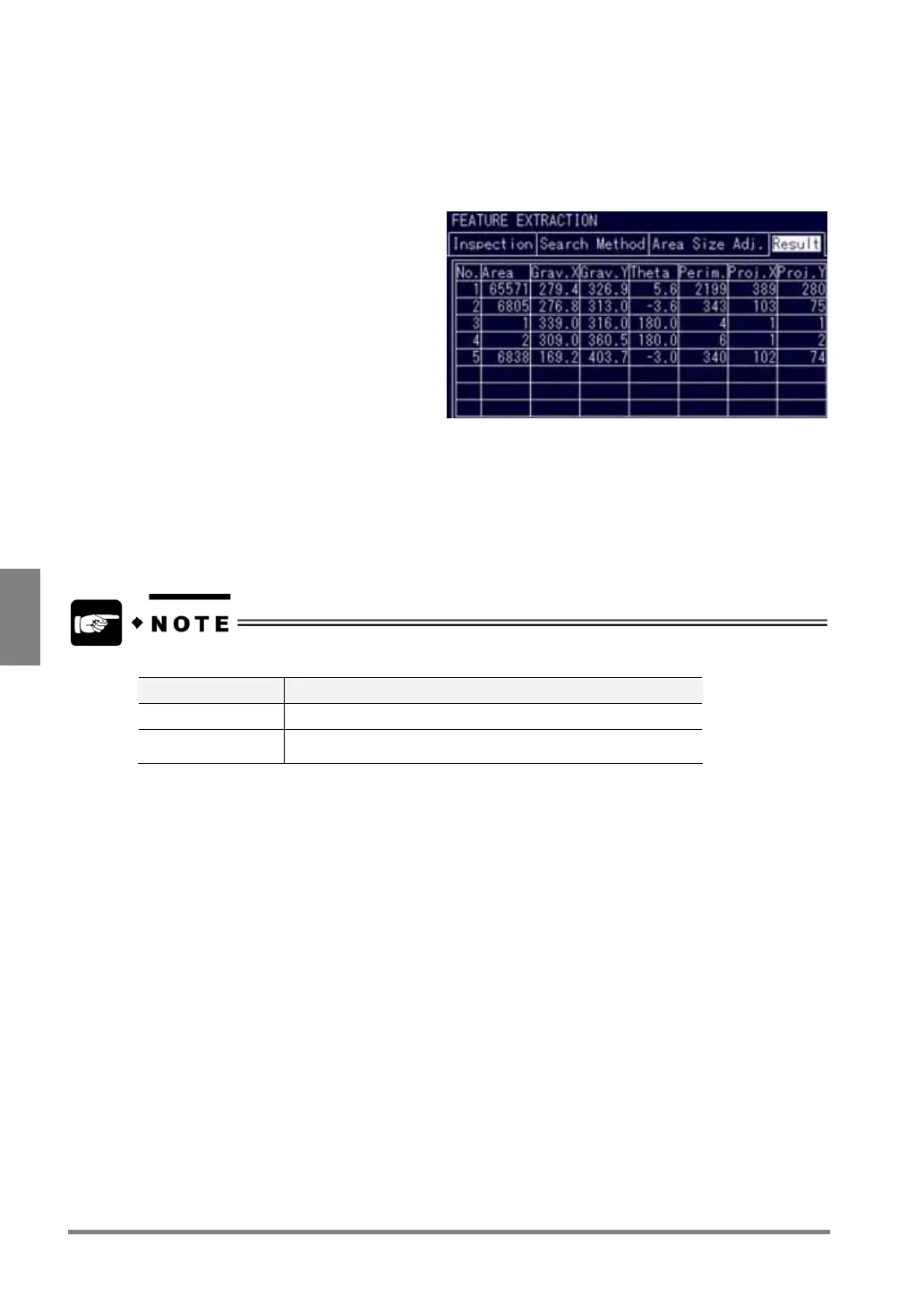
To monitor the results of feature extraction test by opening the Result tab.
1. Open the Result tab.
2. Press the A key to begin a test.
Up to eight of x/y coordinates and differential values of the detected edges (from the 1st to 99th) can be
viewed per screen. The mark in red indicating the edge position of the highlighted number is placed on the
object, so that you can check the data on the screen.
When you check the data after (or before) the 9th, choose the 8th number and tilt the ENTER key
downward (or choose the 1st number and tilt the ENTER key upward).
If you perform a test on the checker menu, follow the proper procedure for the current display image.
Display Image Procedure
Live Tests after capturing a new image
Memory
Tests using a memory image that is currently displayed without
capturing a new image



 To Next Page