111
Settin
Checkers
Cha
ter 6
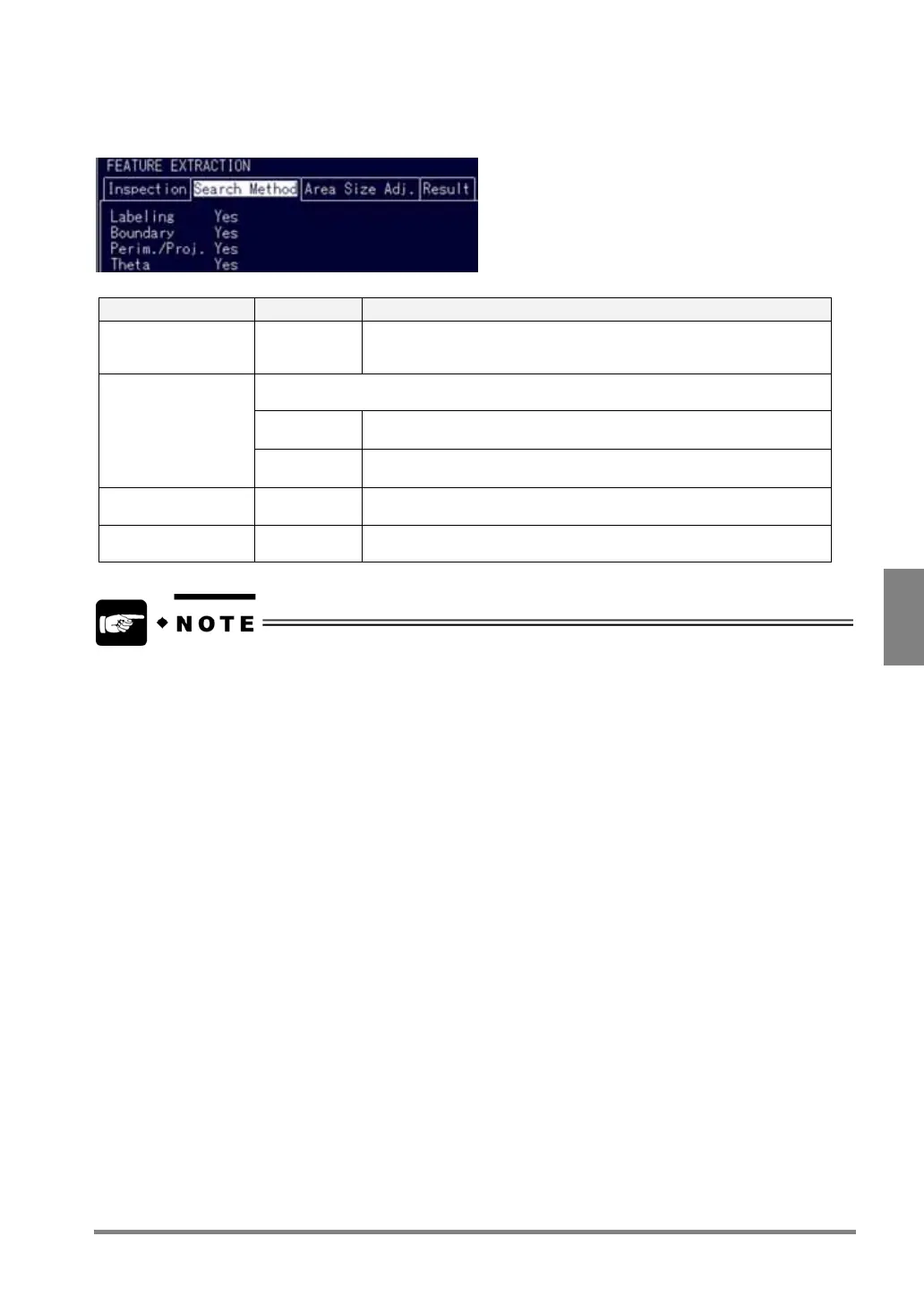
Settings of Search Method:
You can set the following three processing conditions.
Item Selections Descriptions
Labeling Yes/ No
*1
This is a function to detect each Feature data when multiple objects
exist within the area. Set the Labeling function to "No" only when you
want to let the PV310 detect total area and gravity of whole objects.
This feature allows you to select whether or not you want to let the PV310 detect a part of
the object that is located on the frame of an inspection area.
On Detects a portion of the object that is within or on the frame of the
inspection area.
Boundary
*2
Off Not detect the objects that are located within or on the frame of the
inspection area
Perimeter/Projection
Width
Yes/ No Set whether or not to detect perimeter or projection width.
Theta Yes/ No Set whether or not to detect theta.
• *1
When setting "Labeling" to "No"
- Perimeter/Projection Width cannot be detected.
- The Boundary function is activated and the setting cannot be changed.
• *2
In the following cases, the Boundary function is automatically set to “ON” and the setting cannot be
changed.
- Inspection area is circle and polygonal.
- Mask Area has been set.
- Labeling is set to “No”.



 To Next Page