118
Settin
Checkers
Cha
ter 6
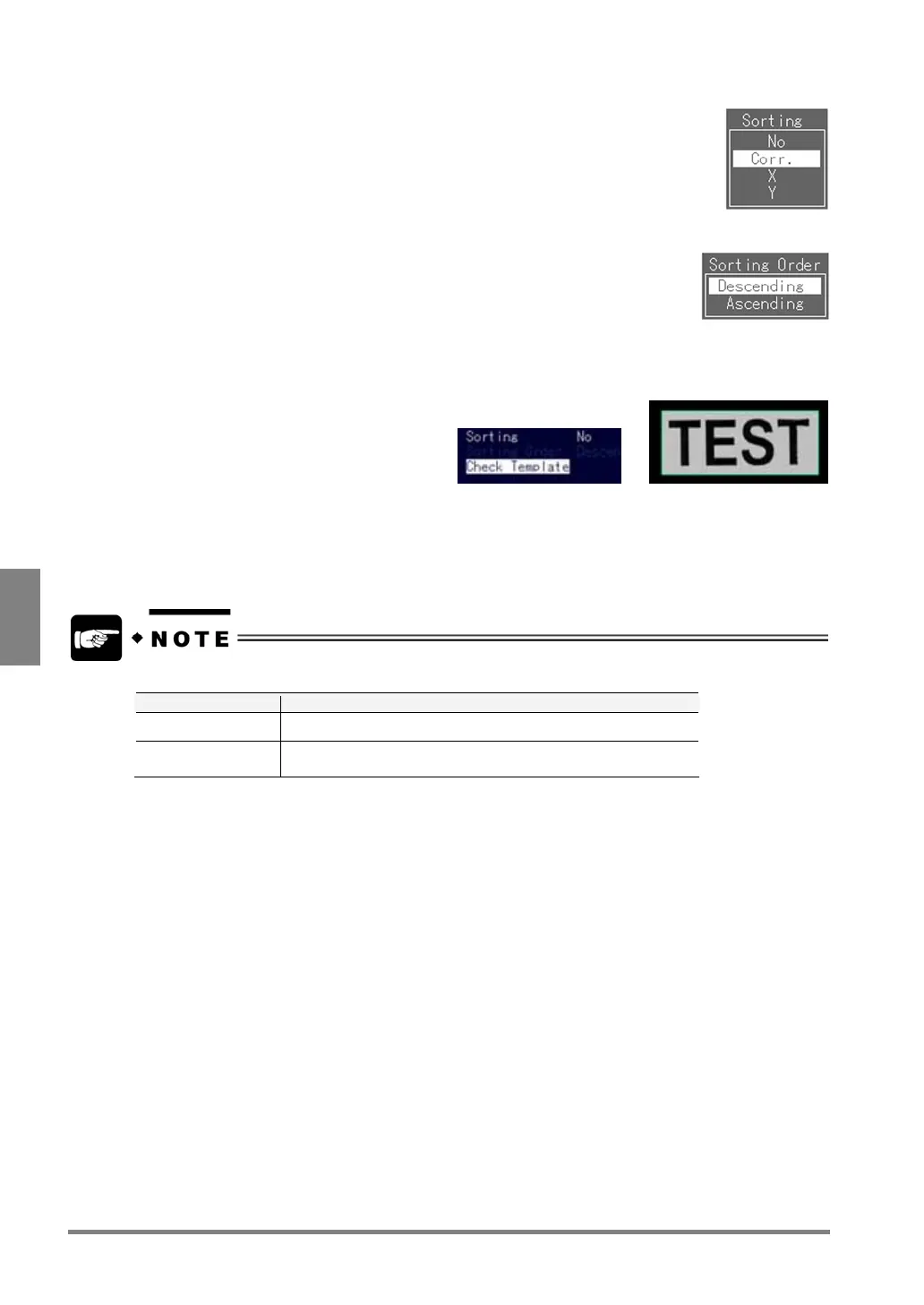
13. Select "Corr.", "X" or "Y".
14. Select "Sorting Order".
Select either "ascending" or "descending" based on the information that you have
specified at step 13.
15. Select "Check Template" and press the ENTER key.
You can check the preset template image.
->
16. Press the A key to begin a test.
If an image being similar to the template is detected, the PV310 will judge it as “OK”. Check the Judgment
Result and Detection Count that appear in the message area of the monitor screen.
If you perform a test on the checker menu, follow the proper procedure for the current display image.
Display Image Operation of PV310
Live Tests after capturing a new image
Memory
Tests using a memory image that is currently displayed without
capturing a new image



 To Next Page