122
Settin
Checkers
Cha
ter 6
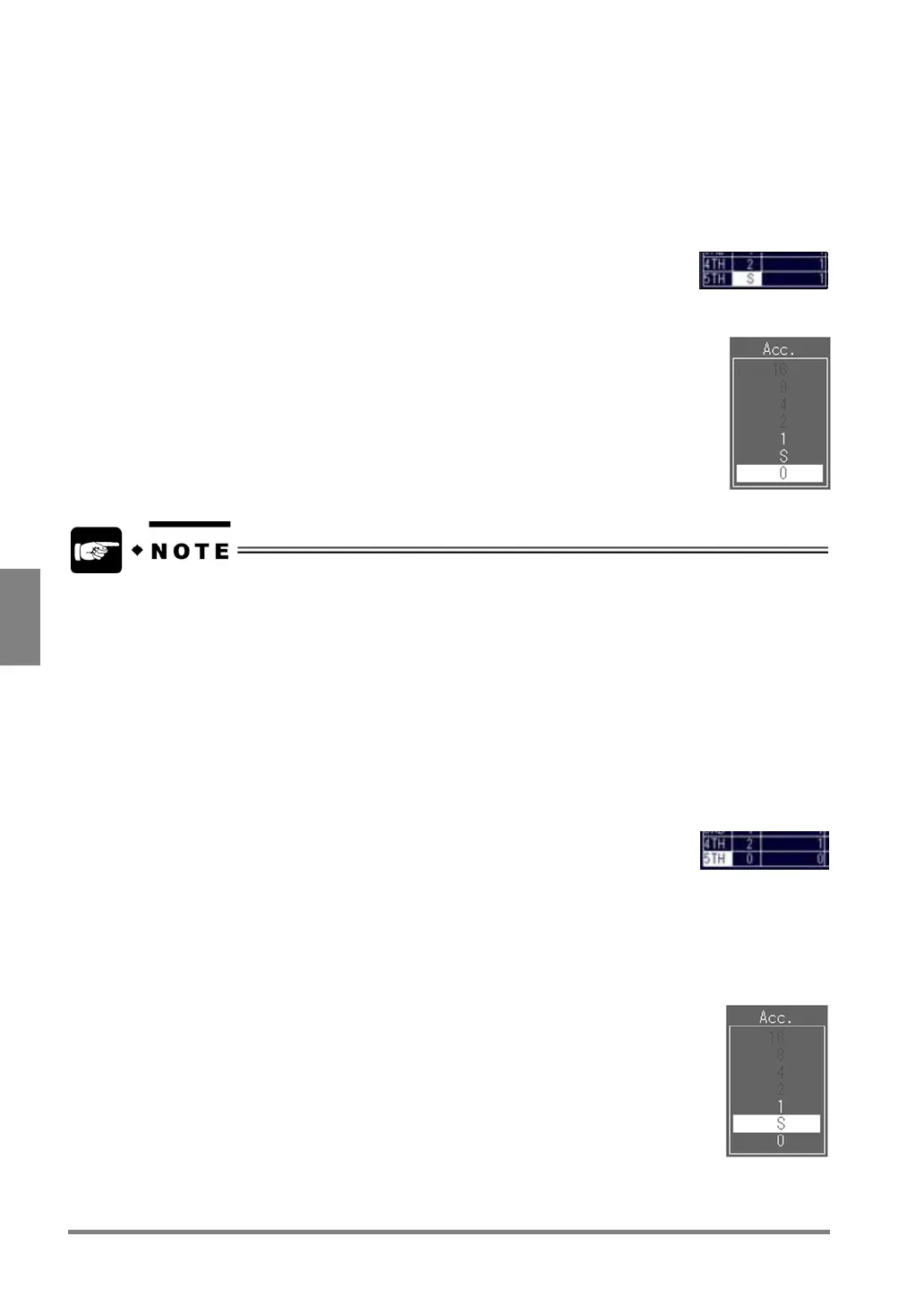
Setting procedure - deleting a phase:
1. Highlight "Sequence".
The cursor moves to the "1ST" cell in the “Step” column.
2. Select the phase you want to delete and press the ENTER key.
A cell in the “Acc.” column is highlighted.
3. Press the ENTER key.
4. Choose "0" and press the ENTER key.
Now you finished deleting the phase.
Note that you cannot delete only the middle phases. For example, if you wish to delete the 4th phase when
the phases from 1st to 5th are already set, the 5th phase will be also automatically deleted.
Setting Procedure - Adding a Phase
1. Highlight "Sequence".
The “1ST” cell in the Step column is highlighted.
2. Select the phase you want to add and press the ENTER key.
A cell in the “Acc.” row is highlighted.
3. Press the ENTER key.
4. Choose any number other than "0" and press the ENTER key.
Now the phase was added.



 To Next Page