9
Names and Functions of Parts
Cha
ter 1
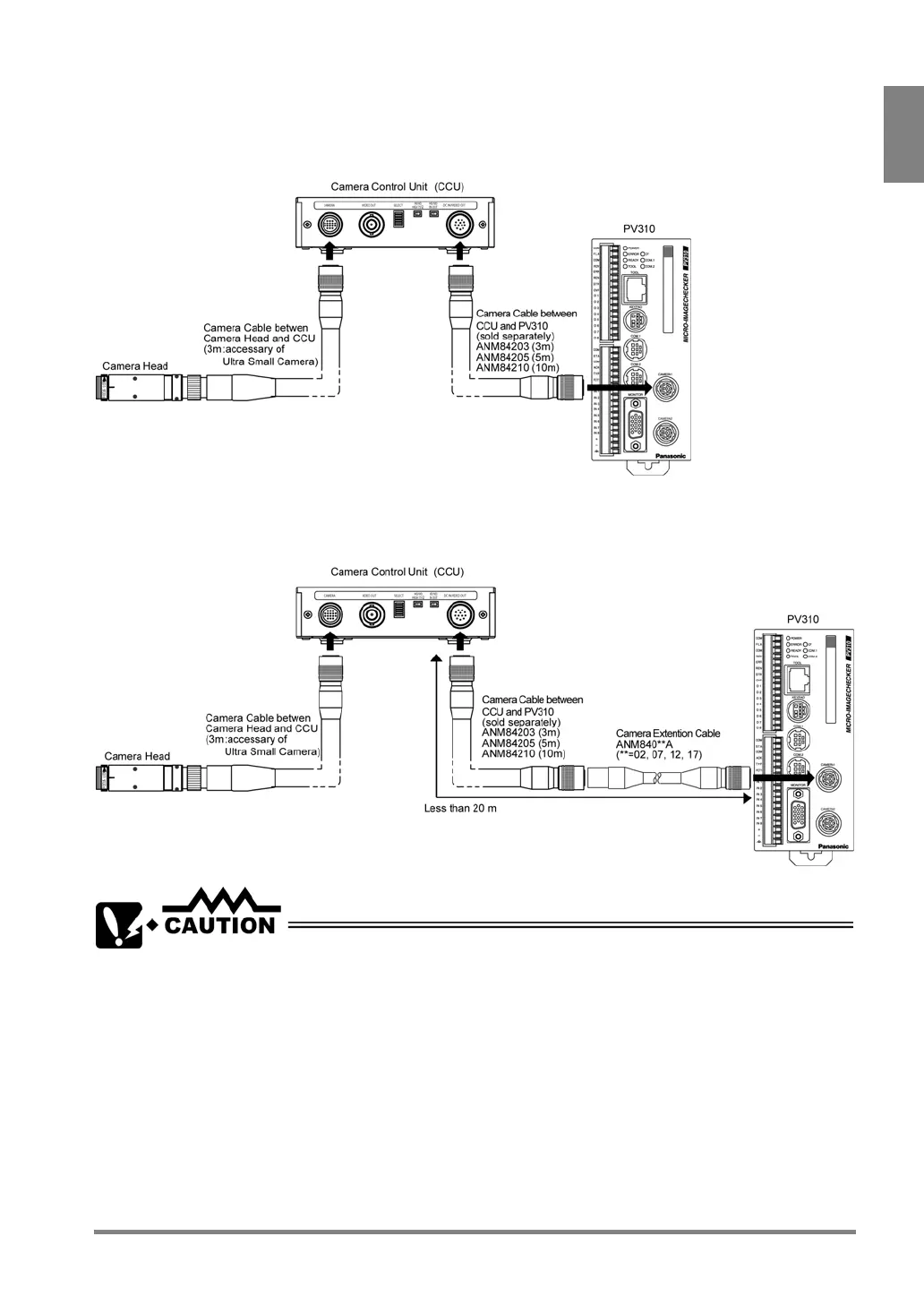
About the Connection
Be sure to turn off the power source for PV310 before connecting as below.
After connecting, turn on the Power switch of the camera control unit (CCU) before supplying power to PV310.
Using an extension cable
Be sure to connect an extension cable to keep the extended length to be shorter than 20 m.
Do not bend the camera cables forcibly or apply load to the connector joints.



 To Next Page