171
Cha
ter 7
Calculation
Anal
sis
and Out
ut of Ins
ection Results
Reference Data Symbol Checker
No.
Object
No.
Refer.
No.
Reference Data Output Multiple
value
(*1
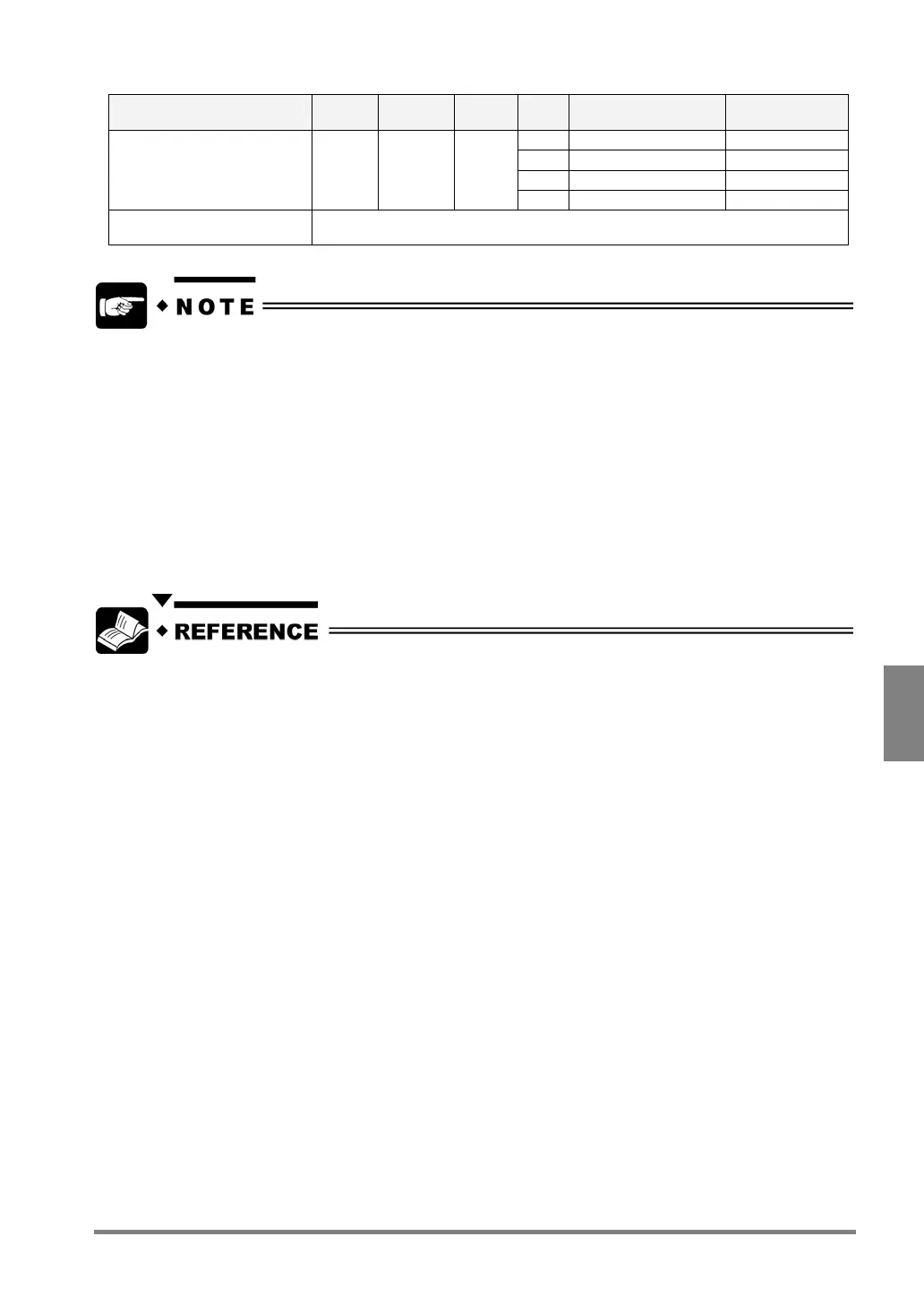
1 Camera 1: X 10-fold
2 Camera 1: Y 10-fold
3 Camera 2: X 10-fold
Reference Coordinate OR --- ---
4 Camera 2: Y 10-fold
Numeral -65535 to 65535
• *1 Unless otherwise specified, 1-fold values are output.
The PV310 cannot compute the numbers after the decimal point, so it outputs the numeric data including
decimal point, such as coordinates in sub pixel unit, by converting them into 10- or 100-fold values.
Binary Edge checker outputs 10-fold value to align with other coordinates data although the data does
not have decimal figure, because the checker detects in pixel unit.
•
*2 All the data from the first statistics to the previous statistics. The PV310 carries out numeric calculation
first and statistics. When the device performs numeric calculation, it has not processed the statistics data
yet.
- "OQS”: All the statistics data prior to the previous statistics
Example:
If OK counts for statistics No.1 are always output at the fifth scan, then the calculation results as follows:
- The number of scans (QS000): 5
- OK counts (OQS011): 4 (=Not the result of the fifth OK Count)
• Projection distance: Refer to page 177.
• *3 Note on incorporation of efficient of conversion data into the calculation: Page 179.



 To Next Page