280
RS-232C Communication
Cha
ter 11
Data Save (%M)
Stores the currently setting data in the PV310.
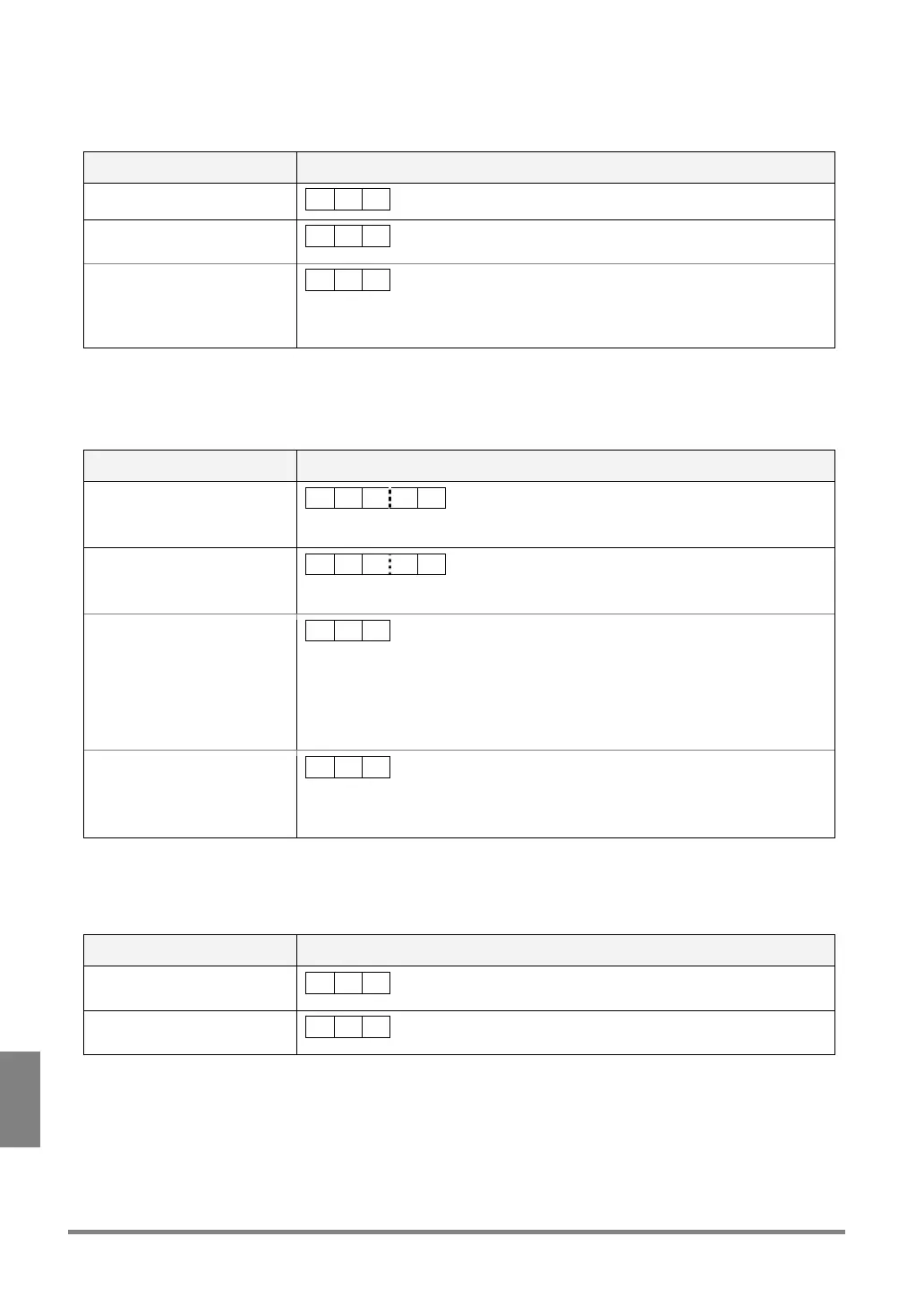
Communication direction Command / Description
From external device to PV310
% M CR
Response: Normal (at the end
of saving the data)
% M CR
Response: Error
• ERROR signal = “ON”
• Error Code: E0170 is
displayed on the screen
% Z CR
Cause:
The PV310 failed to save the data.
Product Type Switch (%X)
Calls the product type for inspection execution.
Communication direction Command / Description
From external device to PV310
% X ? ? CR
?? : 01 to 64 (Specify the product type No. in 2-digit form)
Response: Normal (at the end
of switching product types)
% Y ? ? CR
?? : 01 to 64 (Specify the product type No. in 2-digit form)
Response: Error 1
% U CR
Cause:
Command in the unspecified form or not provided was received.
Examples:
%X1
C
R
(any other checker number than 01 to 64 was specified)
%J02
C
R
(not provided command)
Response: Error 2
• ERROR signal = “ON”
• Error Code: E0171 is
displayed on the screen
% Z CR
Cause:
The specified product type has not been created.
Statistics Data Reset (%Q)
Resets all statistics data (to “0”).
Communication direction Command / Description
From external device to PV310
% Q CR
Response: Normal (at the end
of data save)
% Q CR



 To Next Page