281
Cha
ter 11
RS-232C Communication
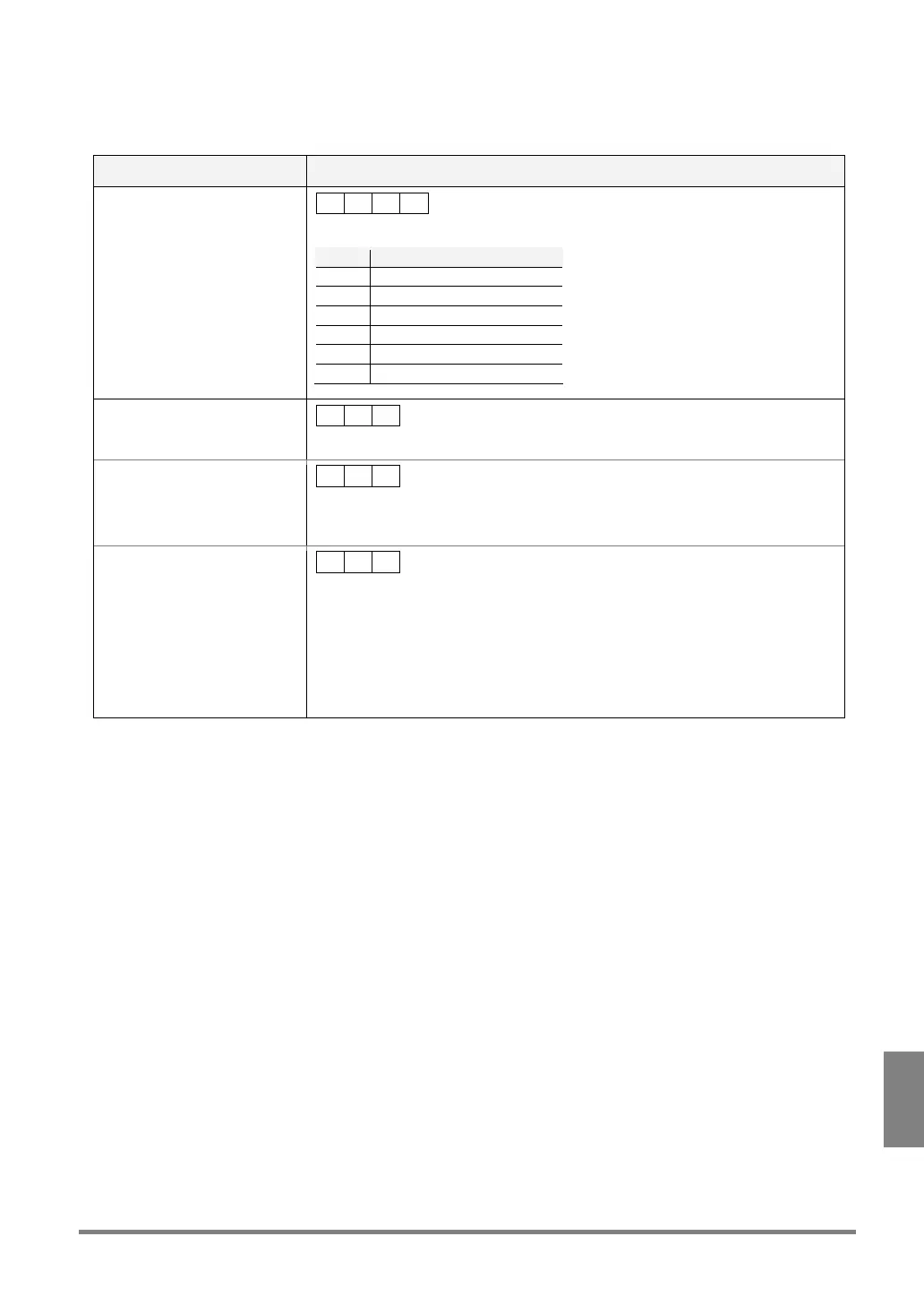
Display Camera Image Change (%I)
Changes the images to be displayed on the monitor screen using the signals from an external device such as PLC.
Communication direction Command / Description
From external device to PV310
% I ? CR
?: 0 to 5 (Specify the image type to be displayed in 1-digit form.)
No. Display Image
0 Live-C1 (Memory 1)
1 Live-C2 (Memory 2)
2 Live C1+C2
3 Memory- C1 (Memory 1)
4 Memory- C2 (Memory 2)
5 Memory-C1+C2
Response: Normal (at the end
of changing display camera
images)
% I CR
Response: Error 1
• ERROR signal = “ON”
• Error Code: E0172 is
displayed on the screen
% Z CR
Cause
Any other 1-digit number than 0 to 5 is specified.
Response: Error 2
% U CR
Causes
• The specified image cannot be selected using the current settings of PV310.
Error signal is also output.
• A command in the unspecified form or not provided was received.
Examples:
%I01
C
R
(2-digit values are specified.)
%J2
C
R
(not provided command)



 To Next Page